

If you have a MacBook Air, how do you connect multiple monitors? The MacBook Air has 2 USB-C (Thunderbolt ports) which you can use to connect to external monitors. If you’re looking for a MacBook check these out.
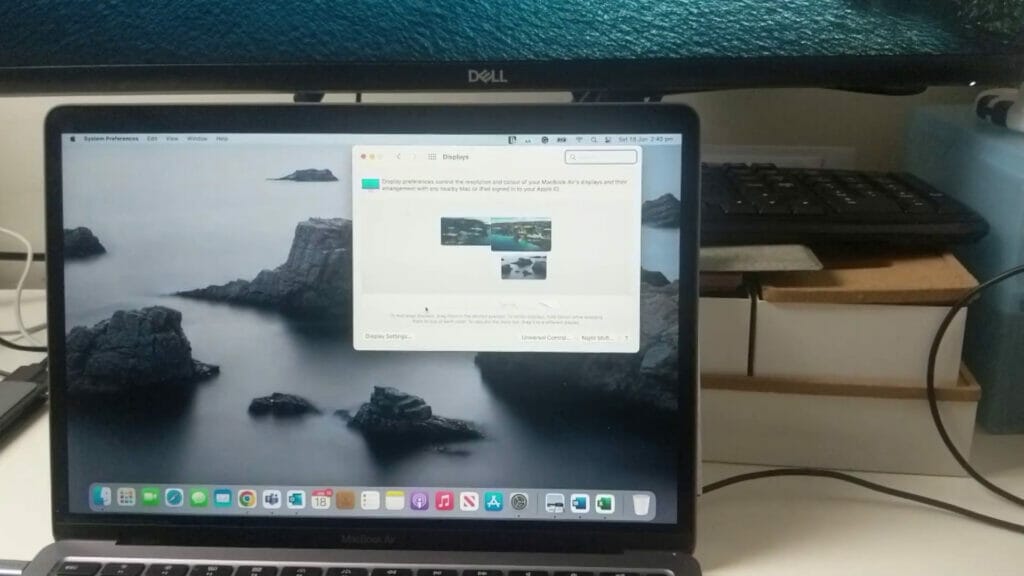
If the external monitor supports USB-C then you can just directly connect it to one of the USB-C and it will work. However, if the external monitor supports HDMI, DVI or VGA then you may need to get an adaptor. There are many USB-C adaptors compatible with the MacBook and here’s a video showing you how to use them.
Here’s a list of compatible adaptors that work with the MacBook:
- Cygnett Unite TravelMate https://ebay.us/kkg2t0
- Haribol 5 ports https://amzn.to/3yolUEw
- Boreguse 4 ports – https://amzn.to/3HXCTAO
- Boreguse 7 ports – https://amzn.to/3ypySBZ
- j5create display adapter – https://ebay.us/6MWrOZ
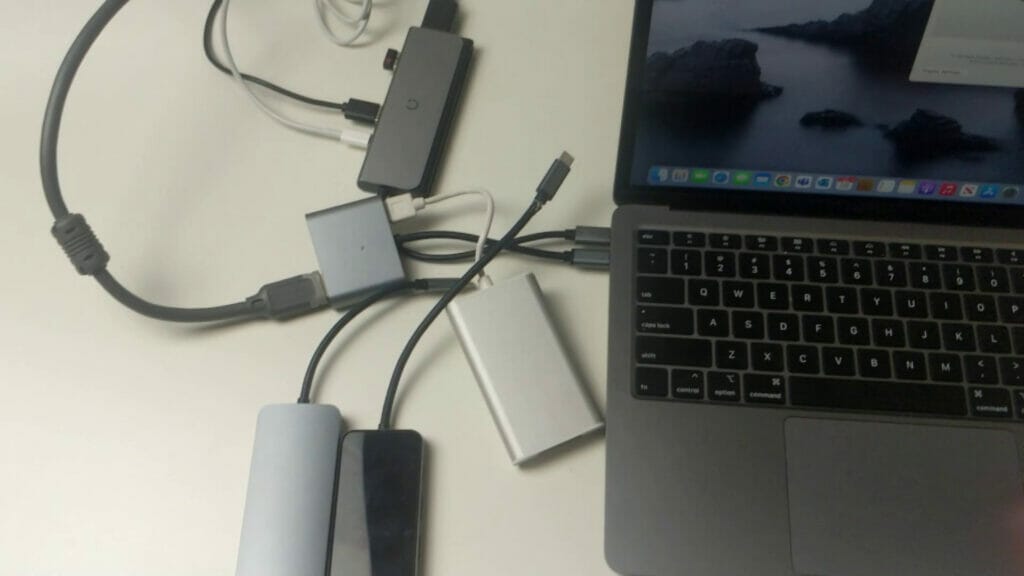
Are there any other adaptors you use to connect an external monitor to the MacBook Air?




