

If you’re an Android user and are storing all your photos on the Google Photos platform, did know there is a fast way to download all your photos from Google Photos? Especially if you have hundreds or even thousands of photos, it will be very tedious to manually select each photo in Google Photos.
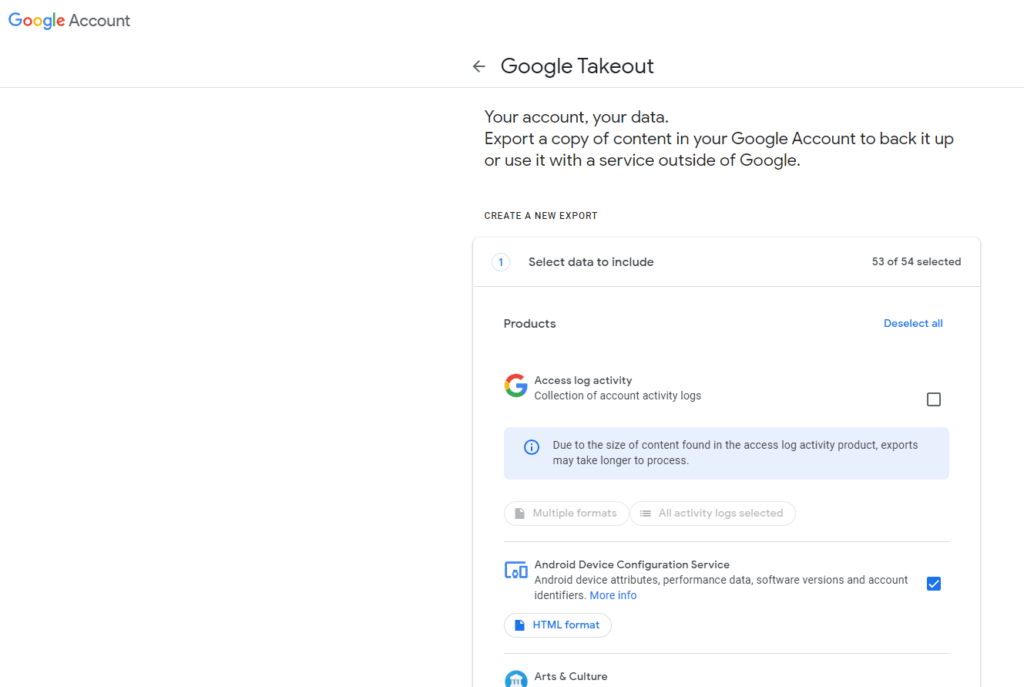
The fastest way is to use a Google tool called Takeout. This Google tool basically allows you to take out or export any data or files you have on the Google services and platform. Here are the instructions on how to export and download all your Google Photos:
- Make sure you’ve signed in to Google Gmail and then go to https://takeout.google.com
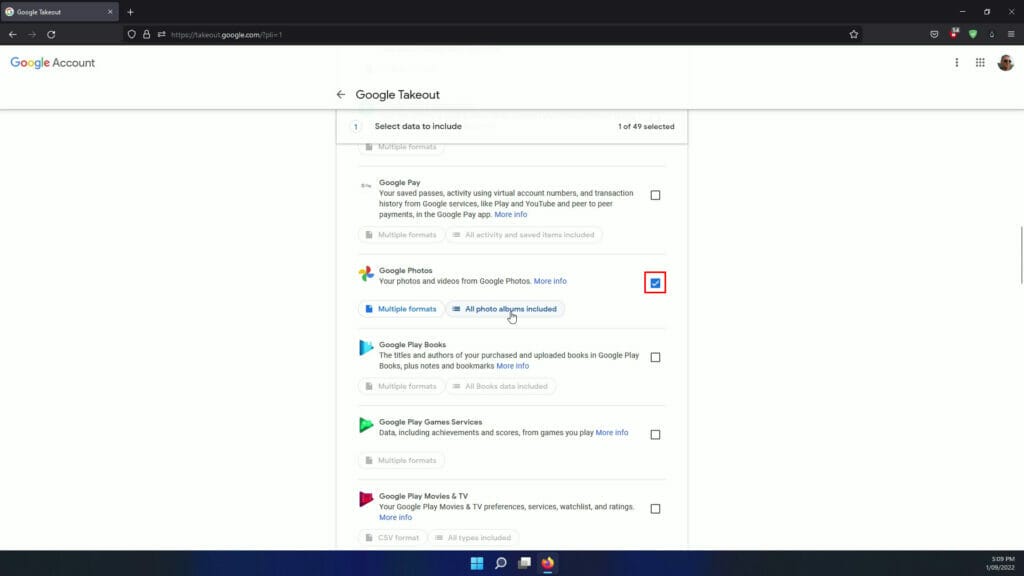
- Scroll down to the Google Photos section and select the checkbox
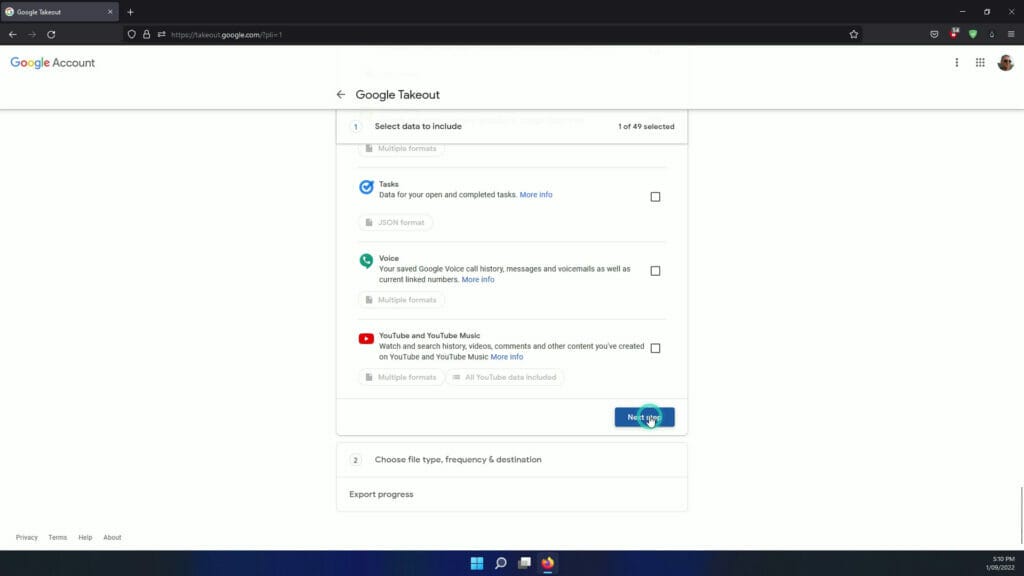
- Scroll to the bottom and select Next Step
- Select the delivery methods and click Create Export
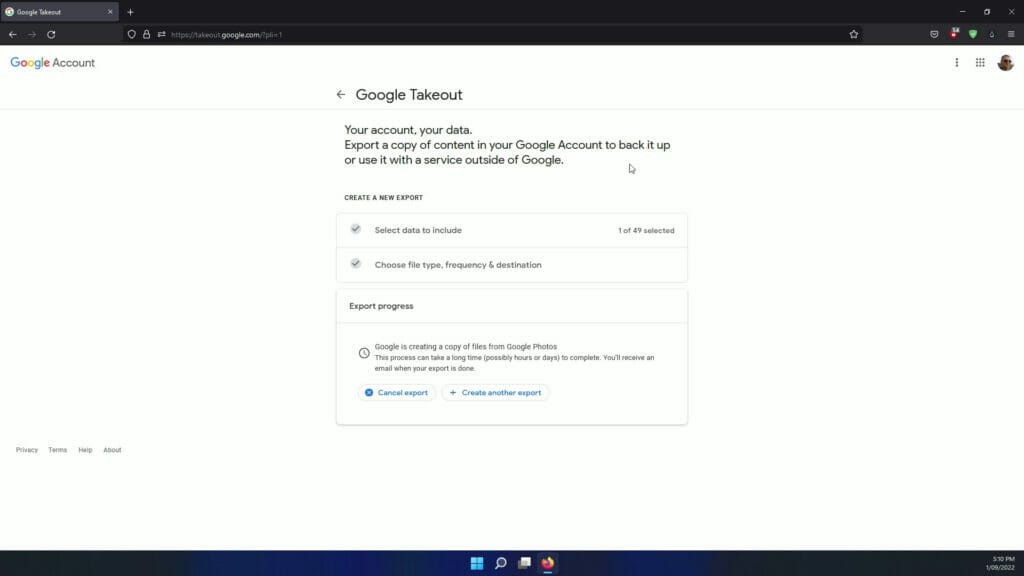
- You will then have to wait until you receive an email message so make sure you have your email notifications turned on
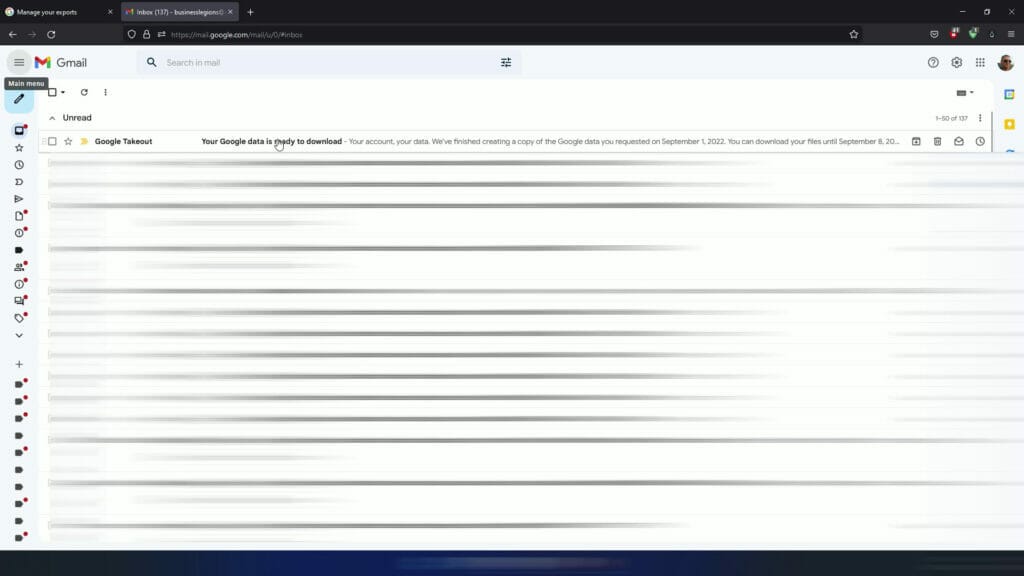
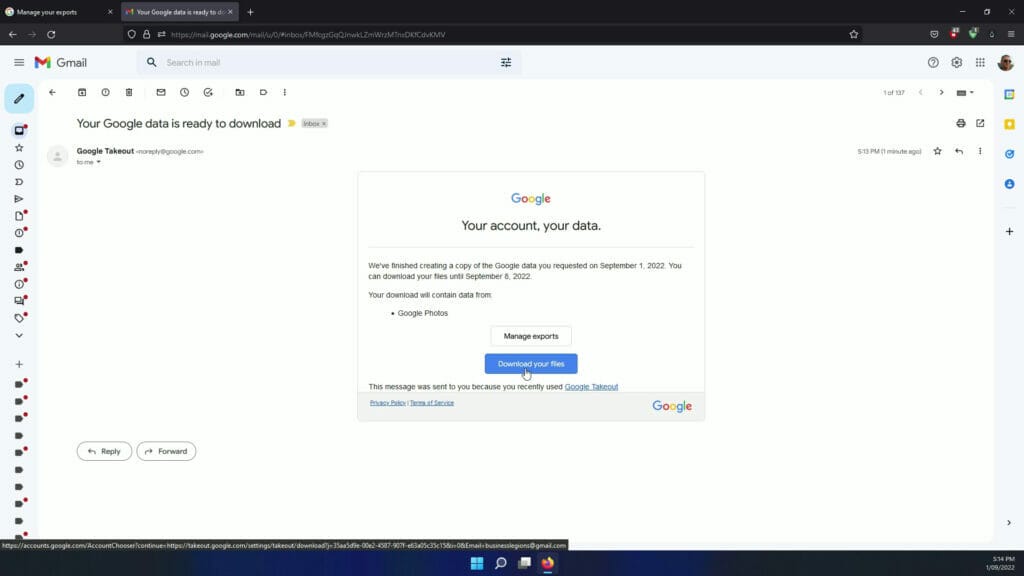
- Open the email the message and click on “Download your files” button
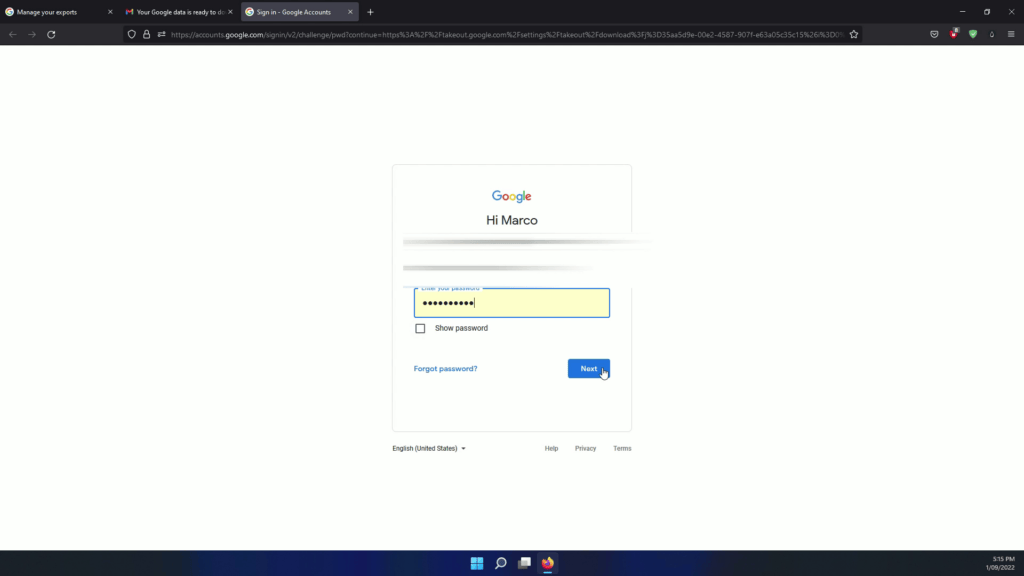
- You will be prompted to enter your Gmail email and password
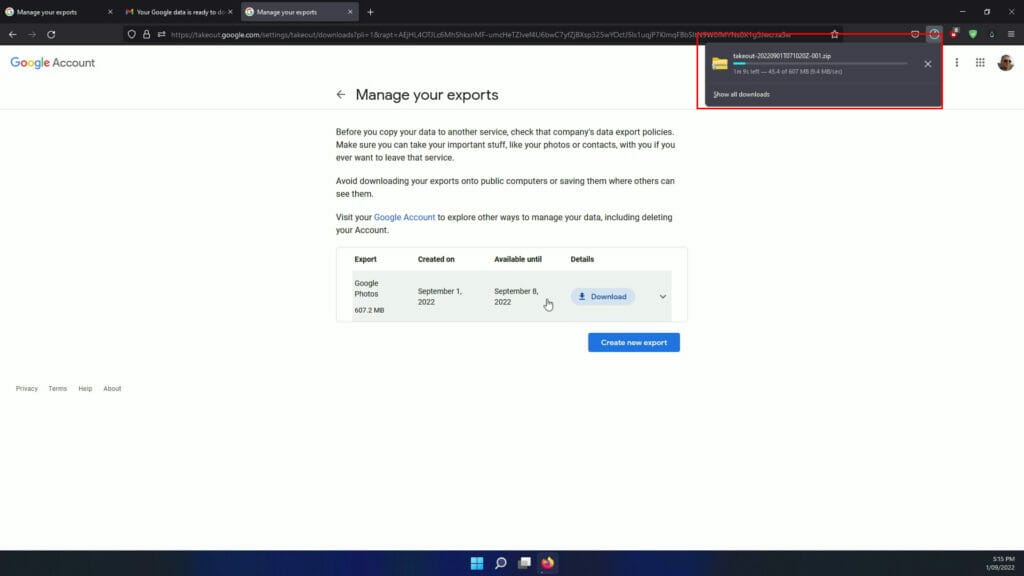
- Click the blue Download Button. This will show you the total size of the export and it is only available for a week.
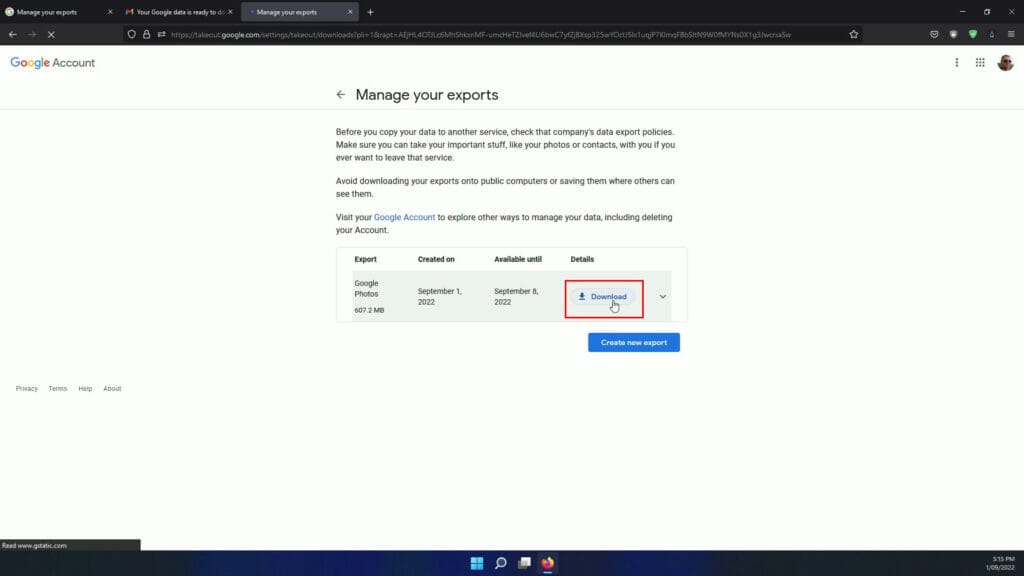
- The file will download and you will just need to wait until the file will finish downloading – this all depends on how big the file is
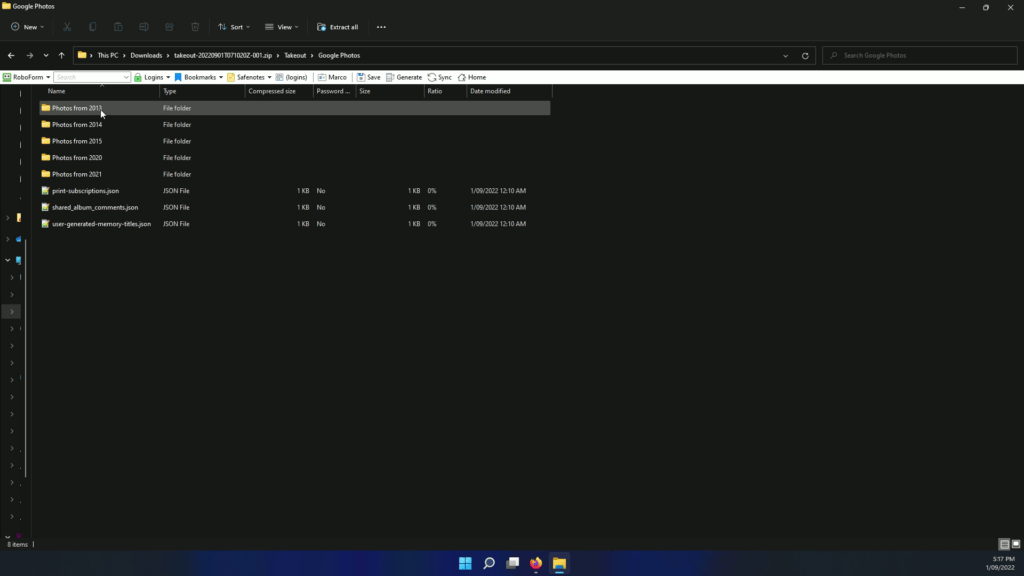
- Once you download the zip file, you extract the folder and files
Here’s a video FAST WAY TO DOWNLOAD ALL YOUR GOOGLE PHOTOS




