

I stumbled across this feature just by accident and thought I’d share it with my readers. On a paid Google Workshop account, you can create checklist items in Google Docs and assign them a Google Task. The process is easy and very quick and you can assign the task to only people within your organisation – adding an external email address to the task will not work!
Here are the steps on HOW TO CREATE A GOOGLE TASK FROM A GOOGLE DOC CHECKLIST:
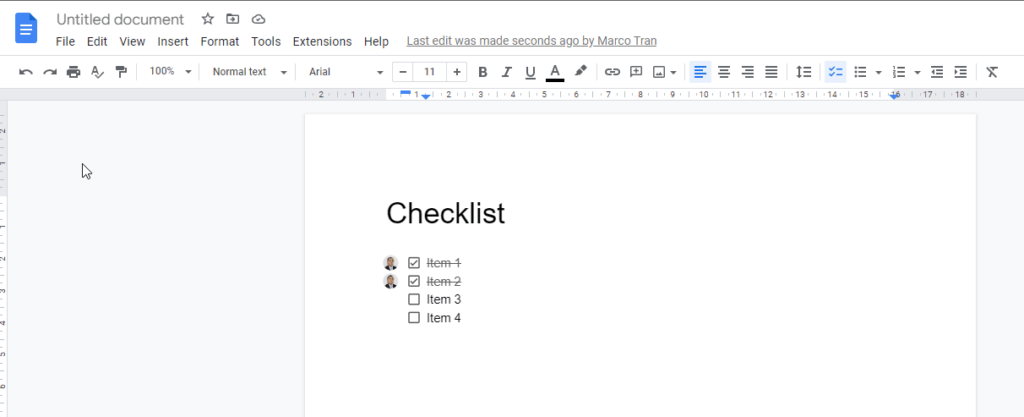
- Open a Google Doc and create a list of tasks
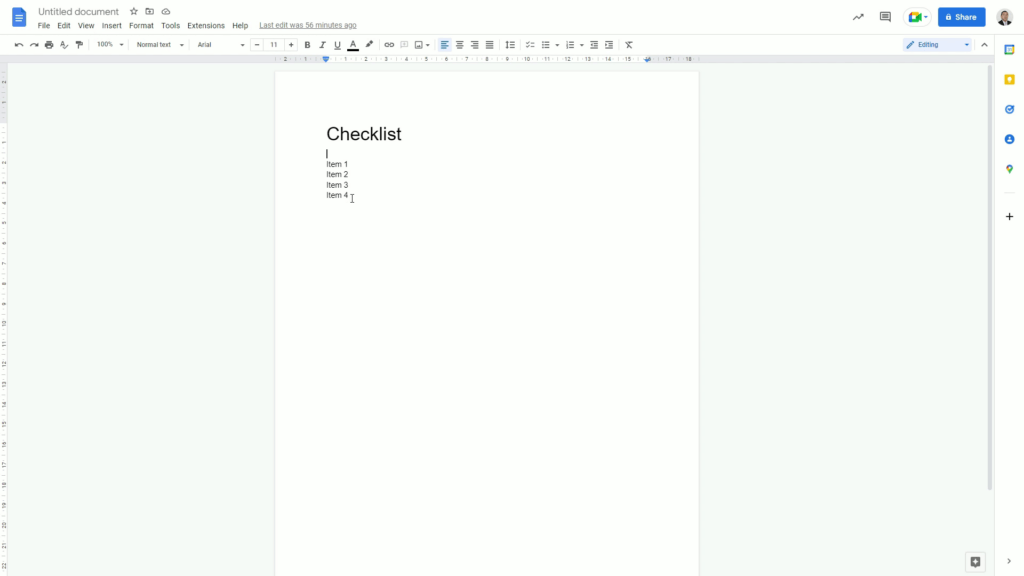
- Select the tasks and then click on the checklist button
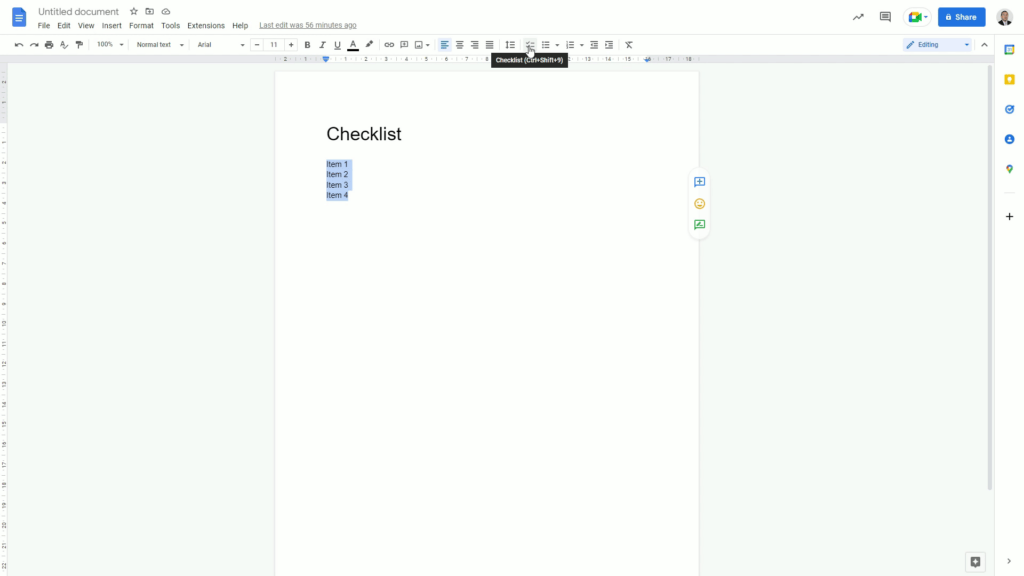
- Click on the assign a task button
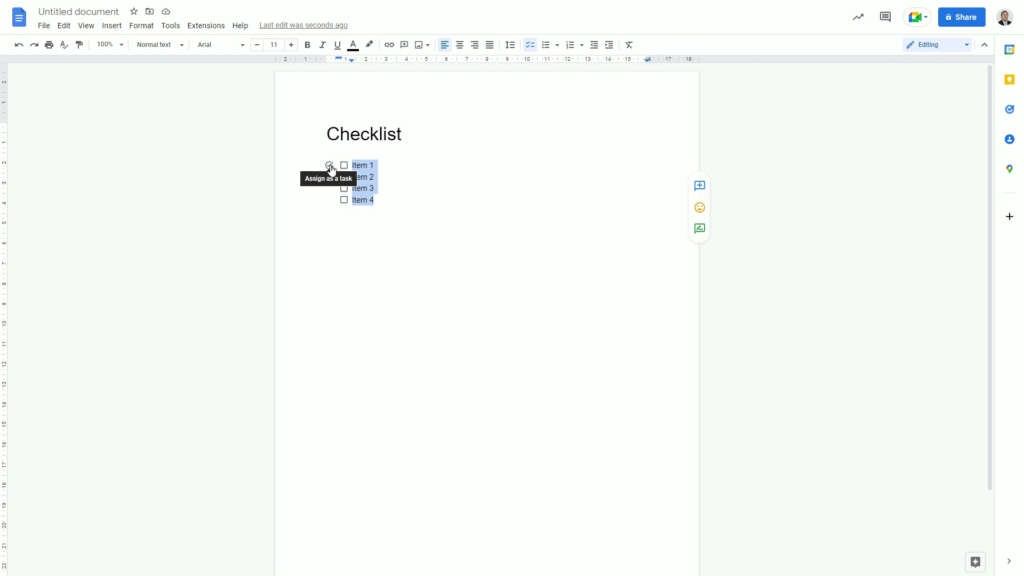
- Add assignee and due date
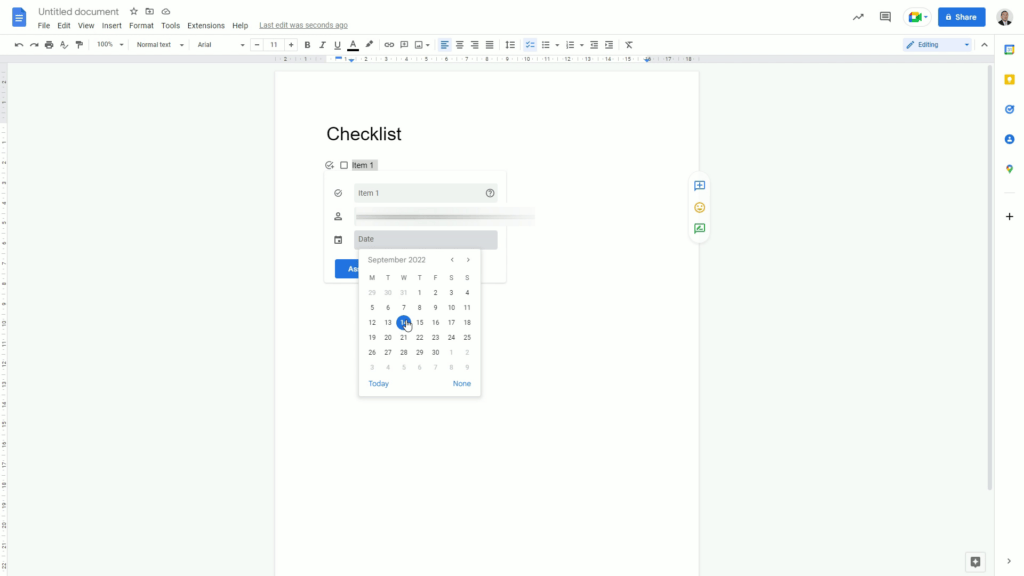
- This will pop up in your Google Task list

- When marking the Google Task as complete, this will also mark the item in the checklist. The editor will also receive an email notification when the task is completed.
Here’s a video on how to do this:
Start being more productive by following some of my tips but more importantly follow my journey by subscribing to my newsletter.




