

I’ve posted quite a few articles about the LG tools I use for digital signage and he’s another one we use for Advertise Me to manage digital signage screens.
The LG SuperSign Control software is a free tool that allows you to monitor and manage LG digital screens and it only works on Windows OS. With the LG SuperSign control software, you can check the status of the screens and make several changes to the settings on each screen. You will need to add the LG SuperSign Control server IP address to the screen for it to appear on the list but a list of all the steps required:
Download and the software from here: https://bit.ly/3D88TBS
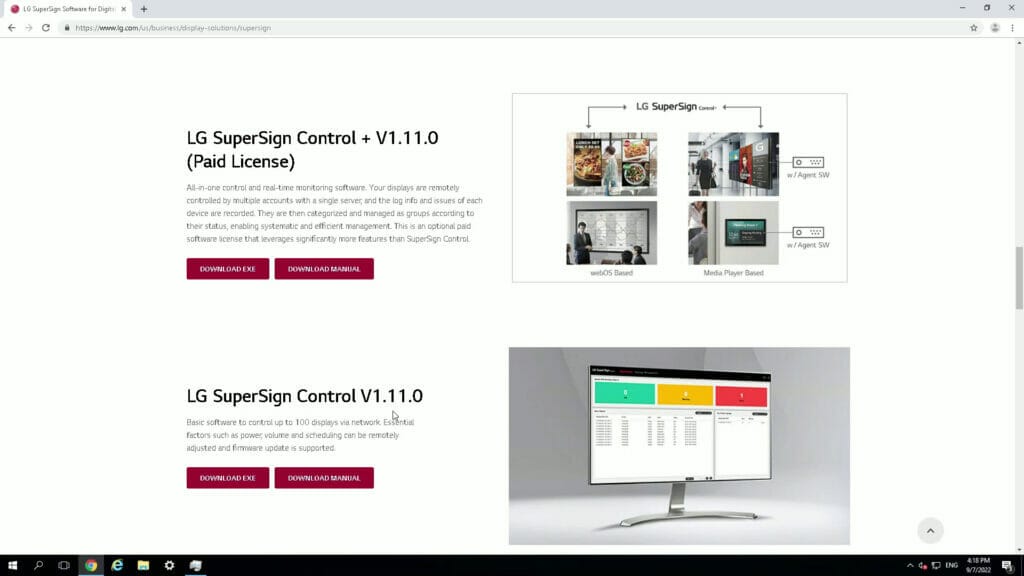
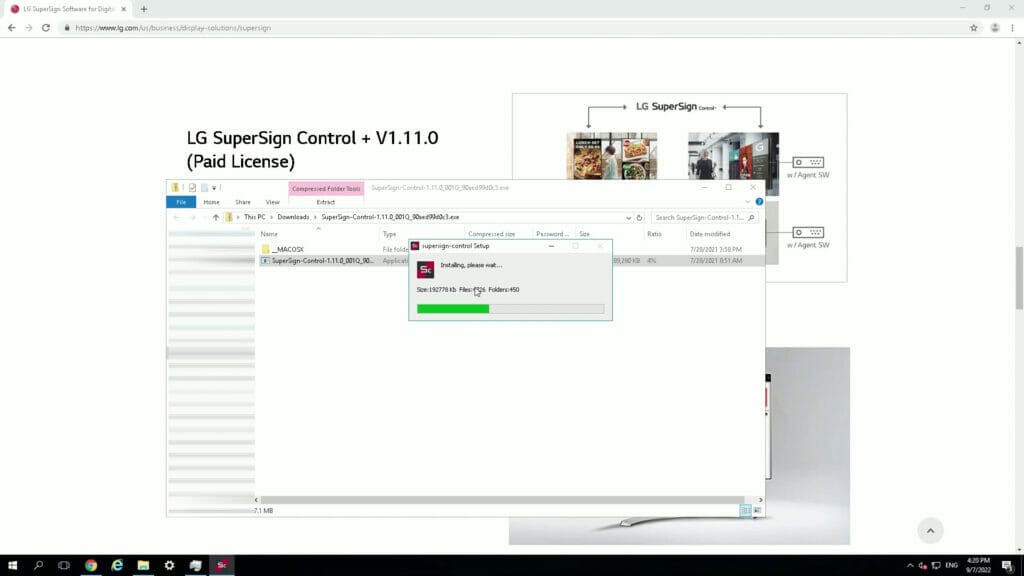
Install the LG SuperSign Control software and select all defaults
Change the firewall settings in Windows to allow port the device control ports 3333, 3334 and port 3000 file transfer ports for the firmware updates
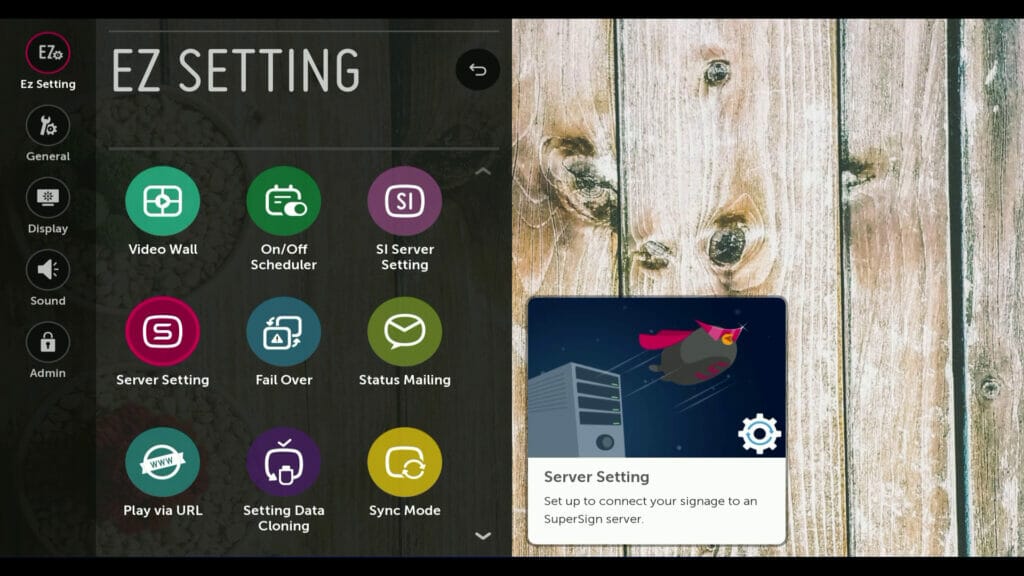
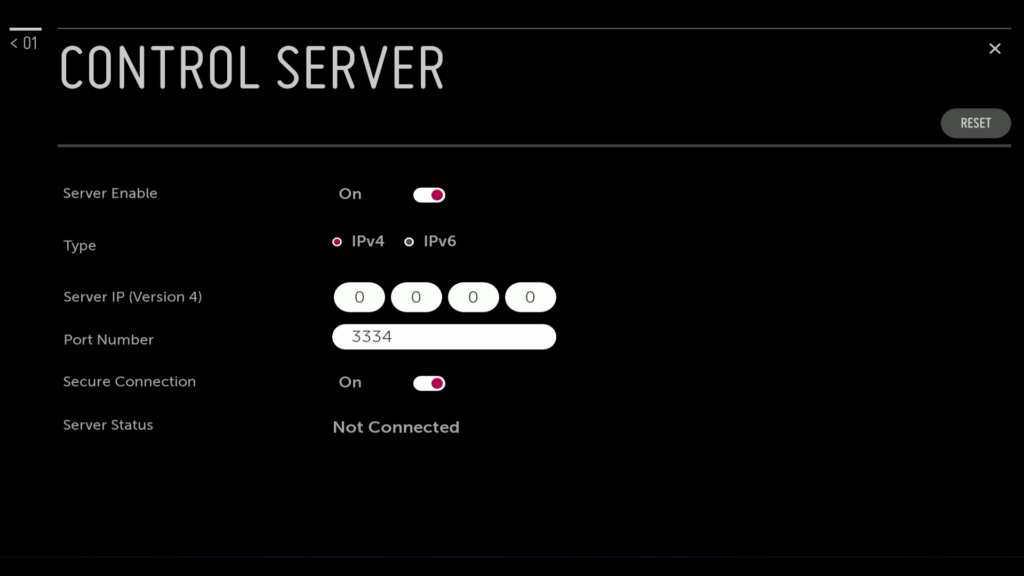
Configure the LG Digital Signage screen by going to Ez Setting – Server Setting and then Control Server
Enter the IP address
Now you can manage each screen individually
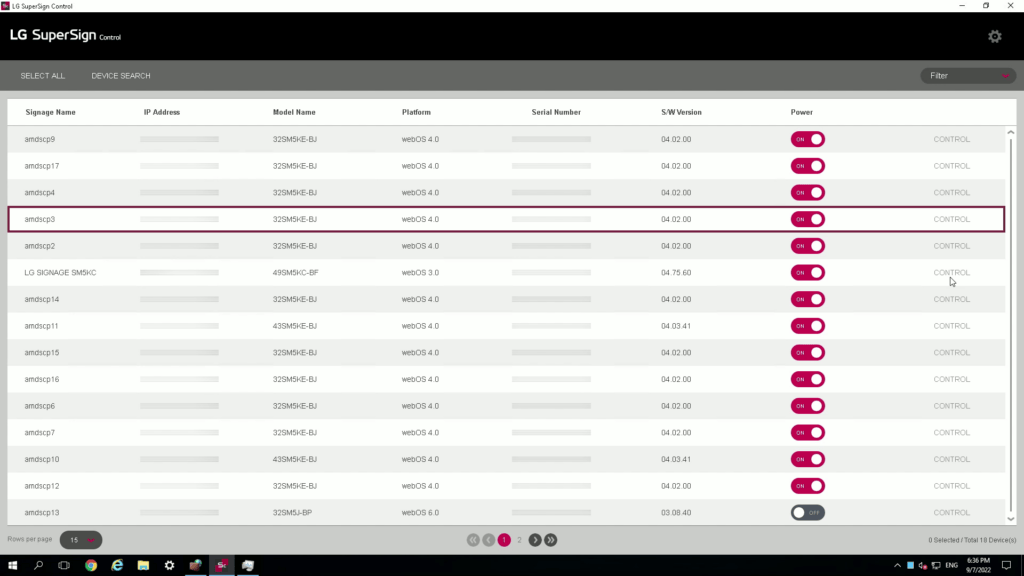
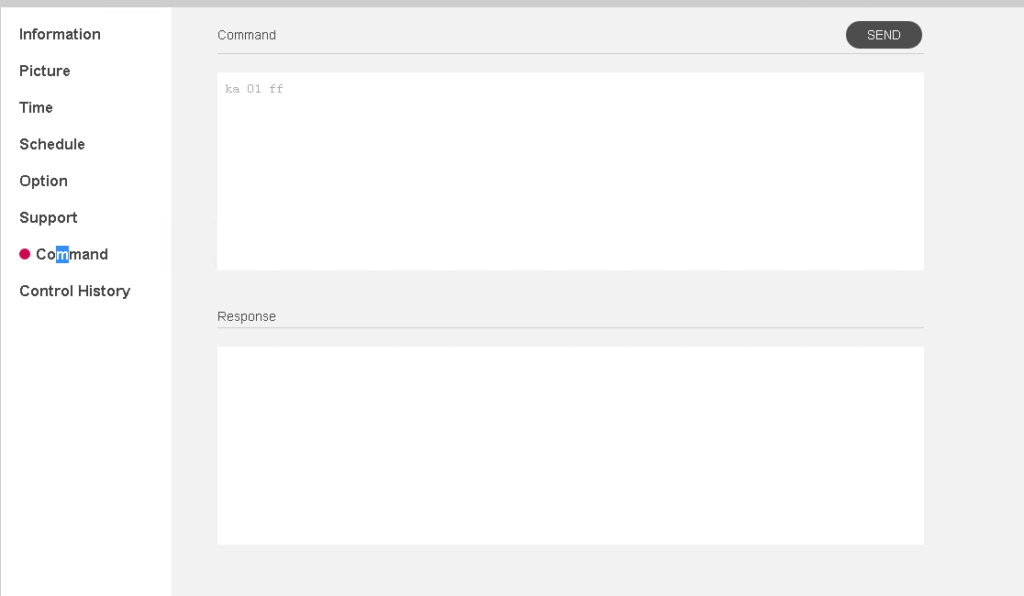
You can even send the reboot command which is ka 01 02.
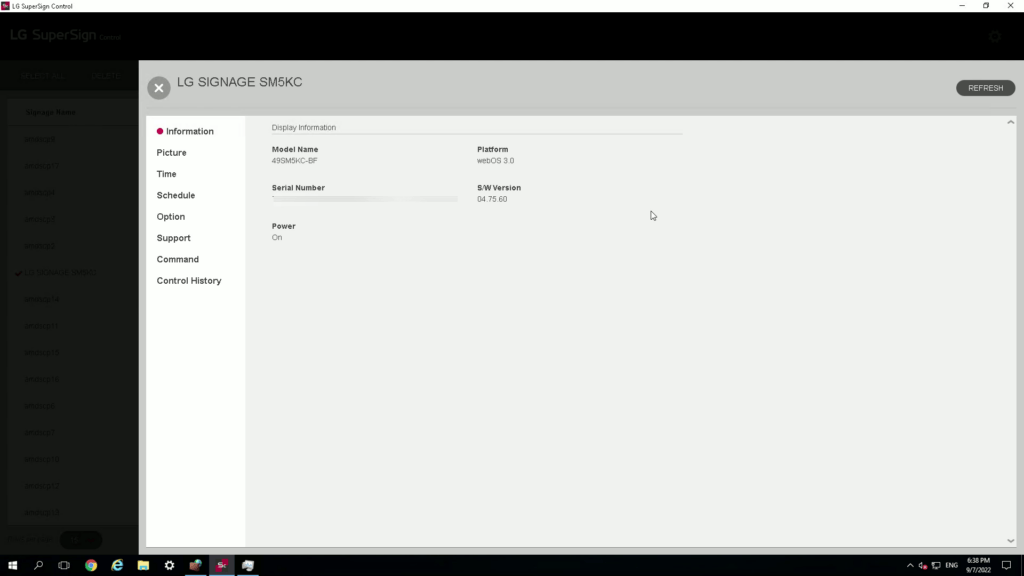
Here’s a video on HOW TO USE THE LG SUPERSIGN CONTROL SOFTWARE
Here’s a summary list of the changes you can make to the LG SuperSign control software:
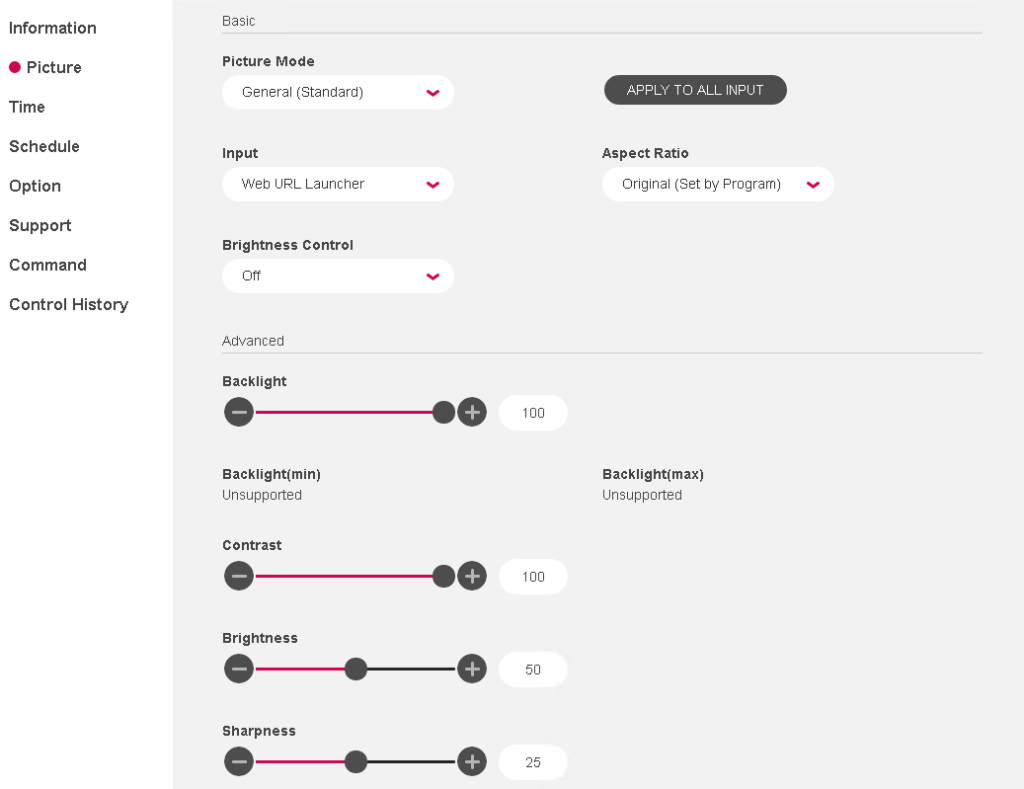
- Basic Picture settings – picture mode, input, aspect ratio, brightness control
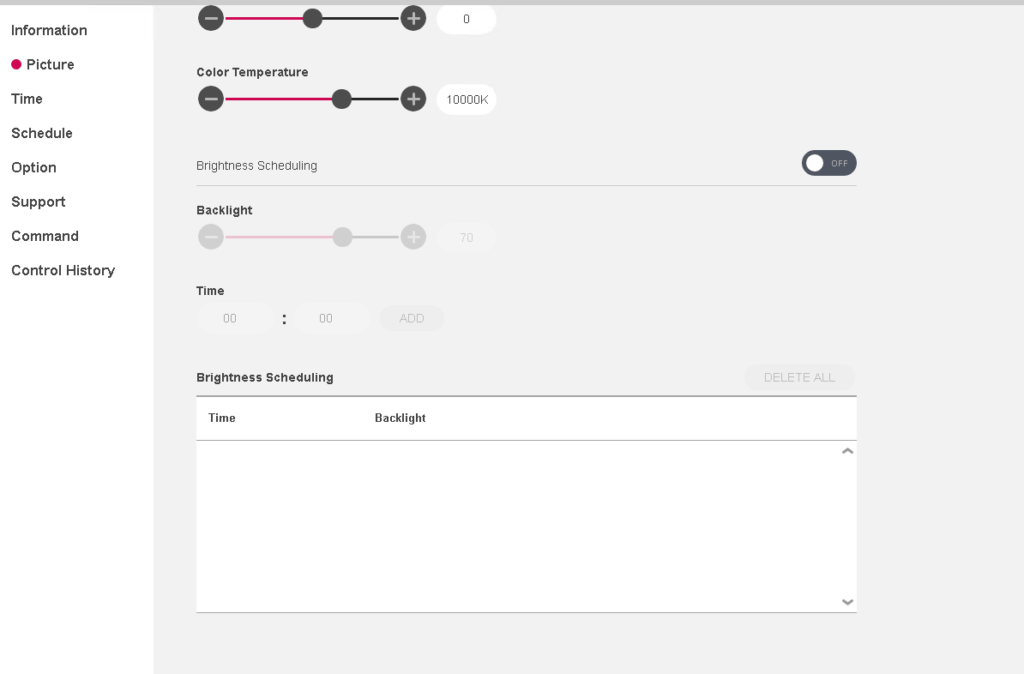
- Advanced – backlight, contrast, brightness, sharpness, color temperature and brightness scheduling
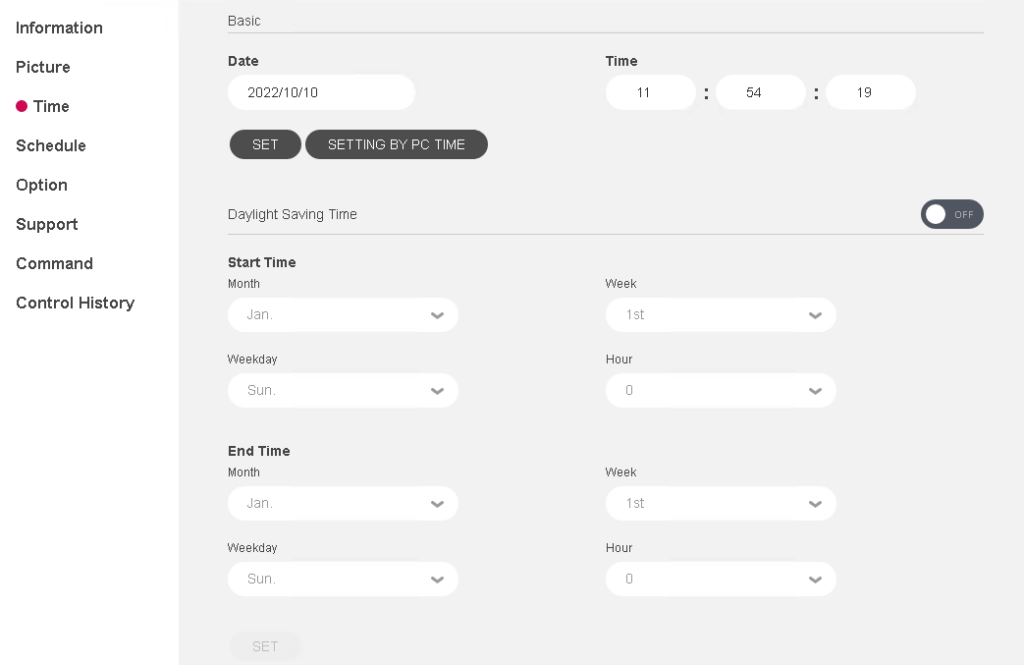
- Time setting – date, time and daylight savings time setting
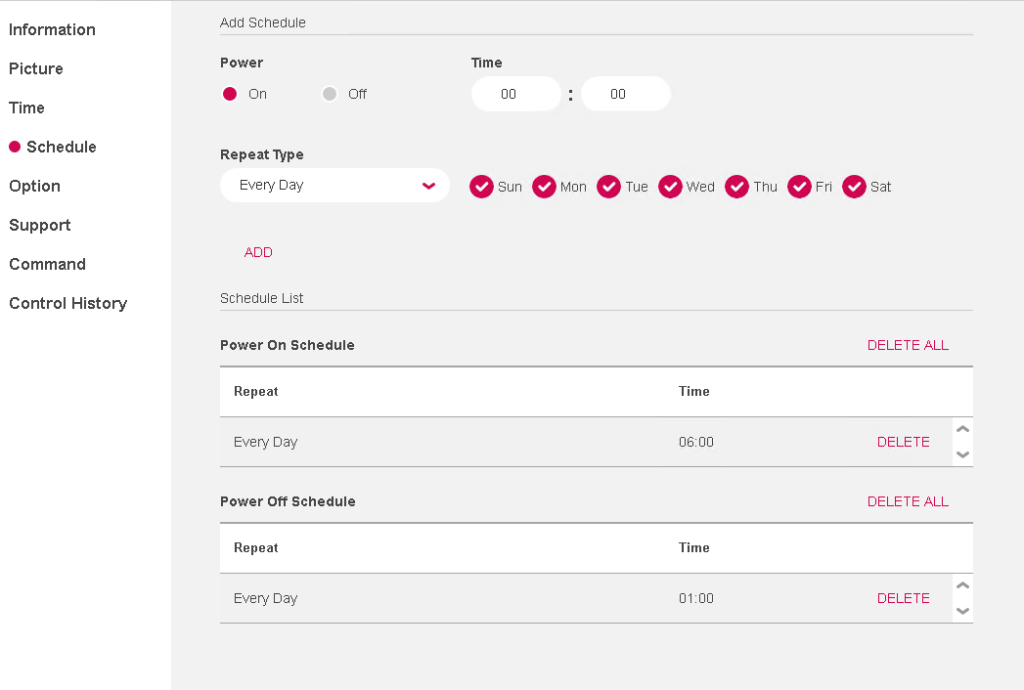
- Power Schedule – power, time, repeat type
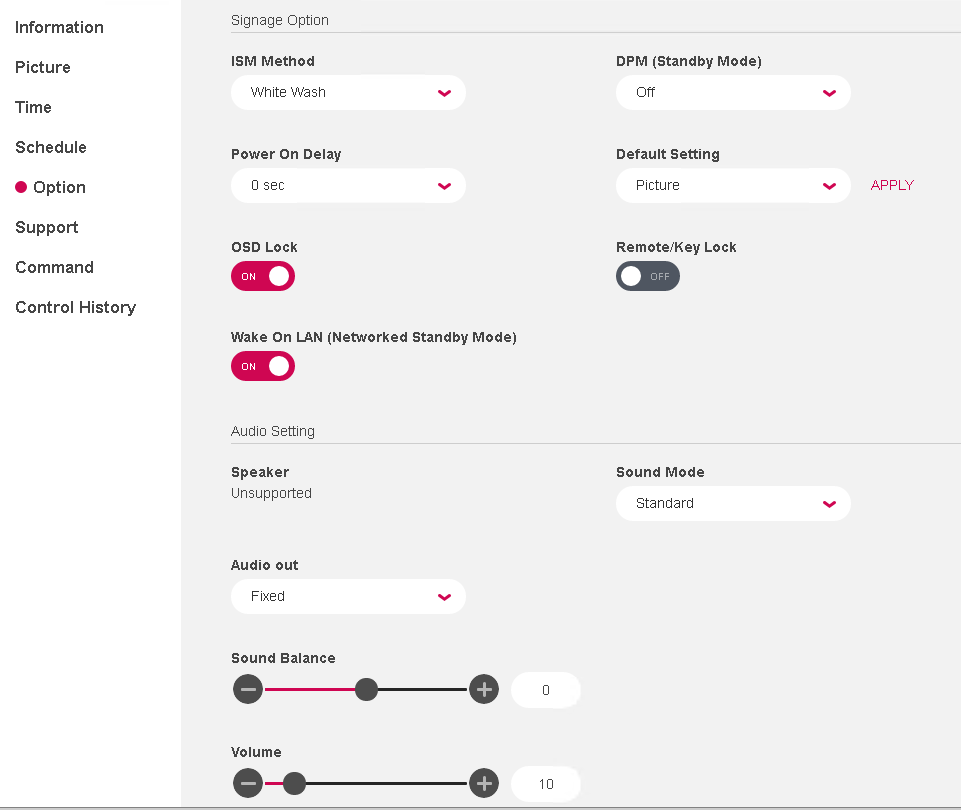
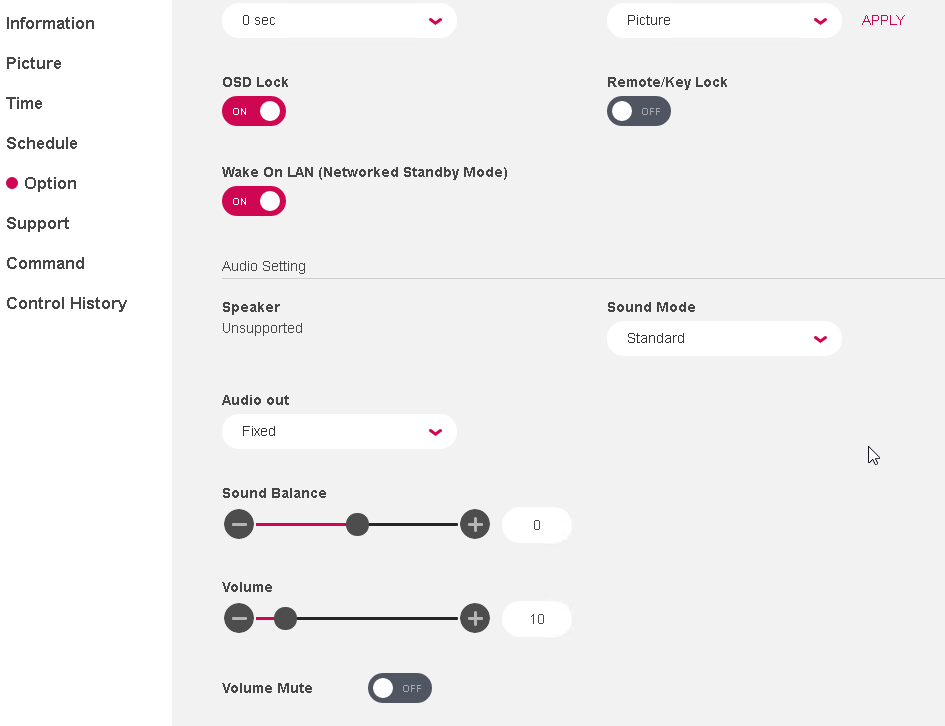
- Option settings – ISM method, DPM, Power on delay, default setting, OSD lock, remote key lock, wake on LAN, Audio settings sound mode, audio out, sound balance, volume mute
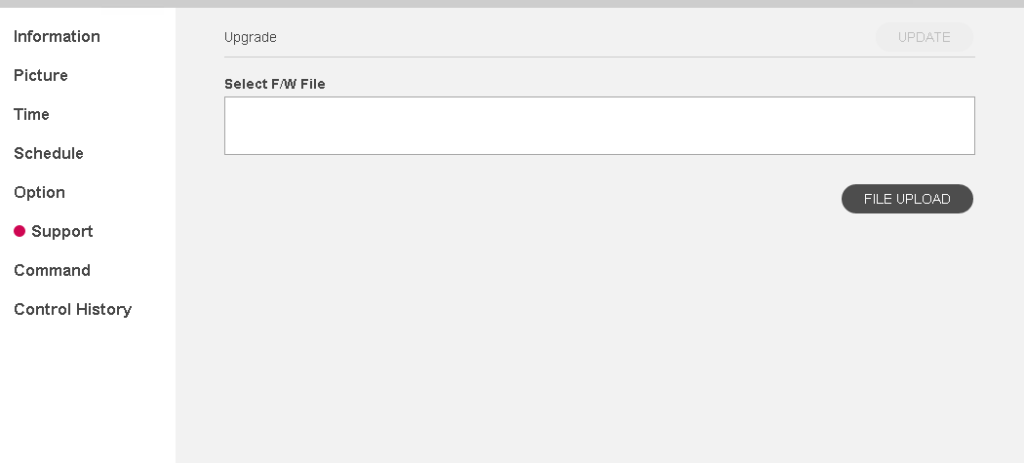
- Support settings – Firmware update
- Command Settings page
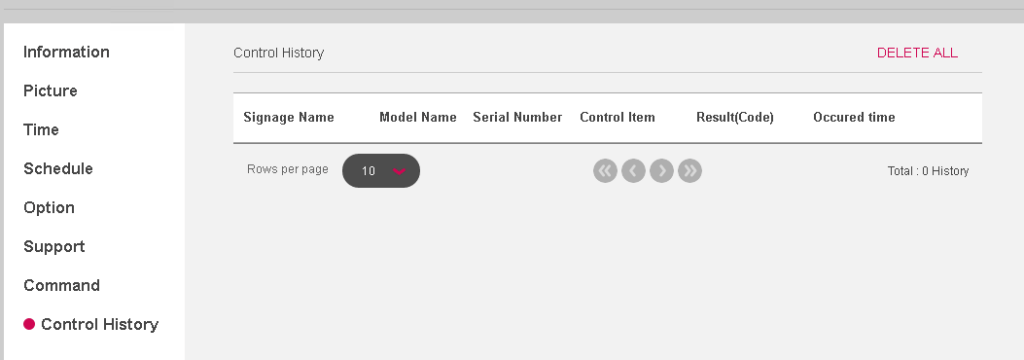
- Control History Page
Hope this helps and if you have any questions let me know in the comments.




