Here’s a fast way to check your YouTube User and Channel ID, all you need to do is go to the Advanced Settings Account page: https://youtube.com/account_advanced (make sure you are logged in)
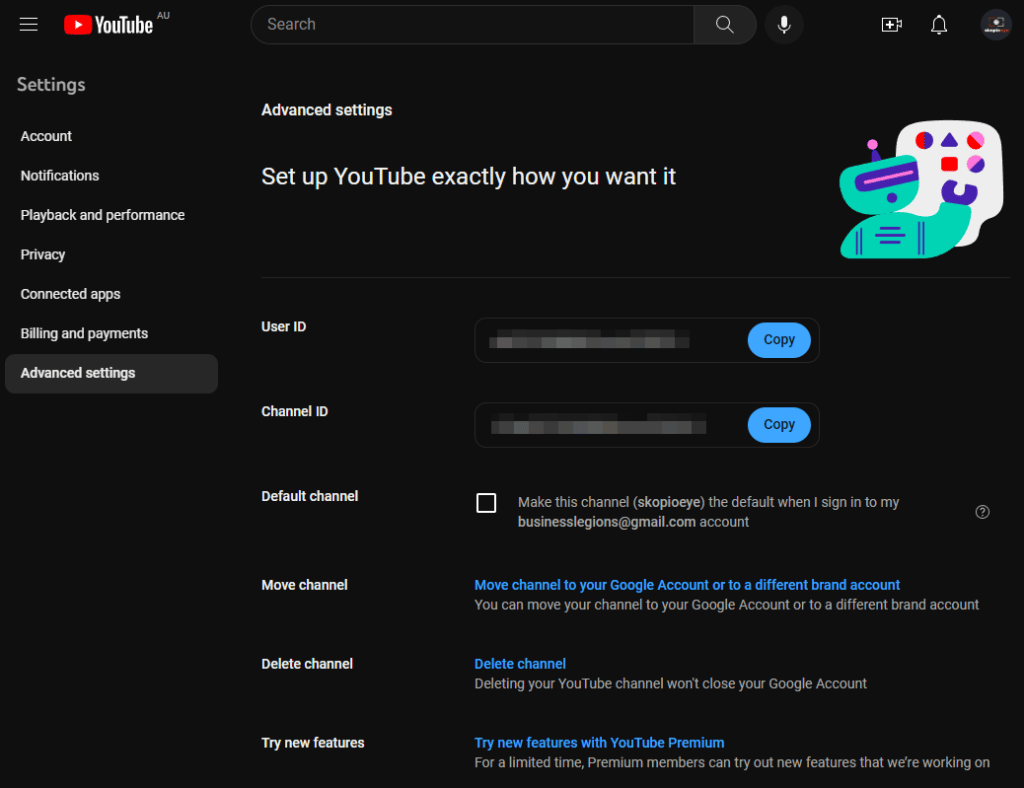
You will then see your User ID and Channel ID. There are some social media scheduling platforms that require this information for posting or managing your videos but make sure you use the correct ID.
Here’s a video showing you how to do it.