

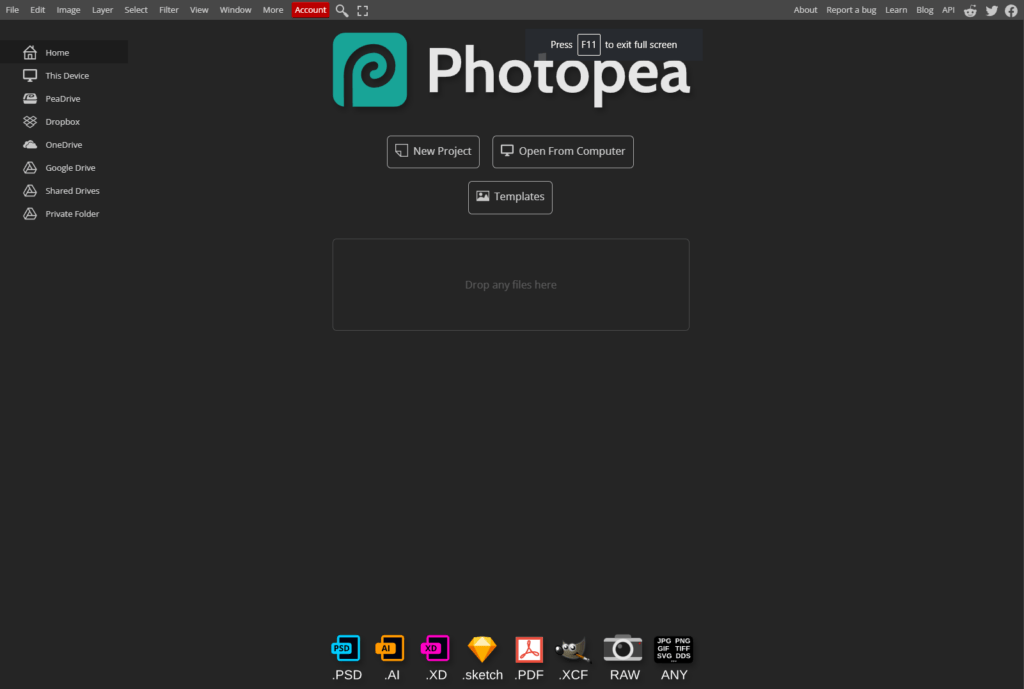
Photopea is a free open-source photo editing online tool which is very similar to Adobe Photoshop but without a massive price tag.
There are many features similar to Adobe Photoshop and one of the new features Photopea introduced is Magic Eraser. This new feature is a game changer for those of you who want to use AI to replace an object or area with something else.
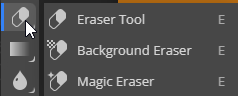
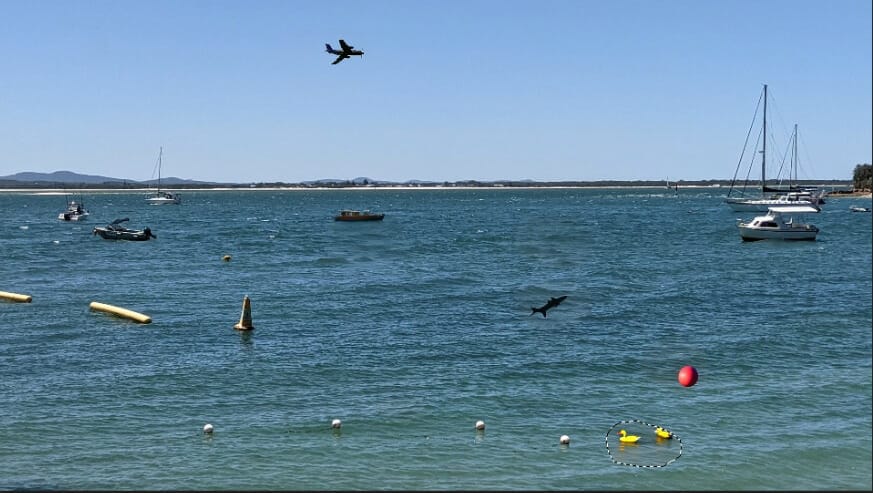
For example, if you have a photo of the ocean and needed to add a boat or an aeroplane you can select the area where you want to add the items and then select the magic eraser button which you can find when you click on the Erase Tool button.
Then in the prompt box type a description of what type want to add.
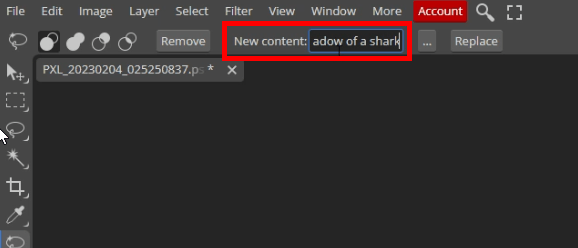
The trick is the more descriptive the better. Here’s a video showcasing this example:
In some cases, you will need to refine the prompt so that you can achieve your desired result. Adobe Photoshop does have a feature called Generative Fill which uses AI to fill the empty space with content similar to its surroundings. Hopefully, Photopea can introduce this feature as I tried using the Magic Replace but the result was awful.
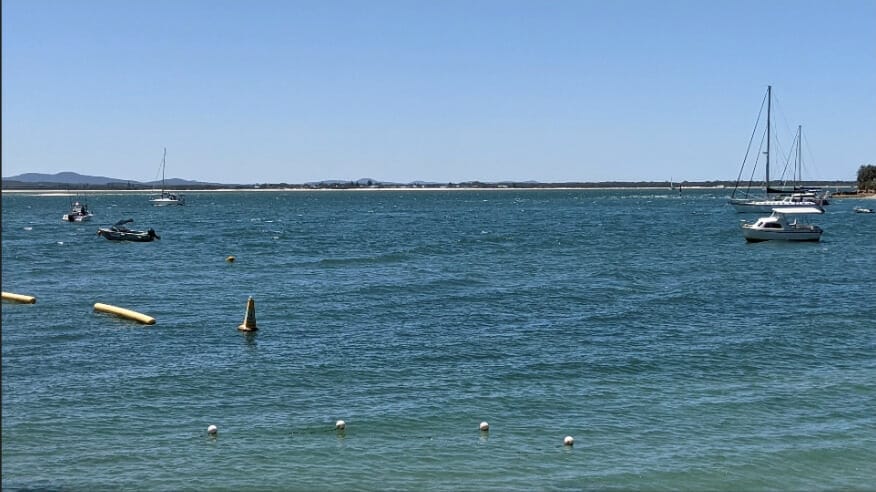
Here’s a photo of the before and after. Can you spot the differences:
I have used Photopea for quick photo edits and with the introduction of the Magic Replace I will use it more often. I hope this information helped and if you need any help please let me know.




