

I recently had to transfer files from a SATA SSD Drive to my computer and I didn’t want to install it on a computer or laptop to do the transfer. I found the easiest way is to use a USB cable that connect from SATA to USB-A. The process worked really well and I was able to transfer the files. The cable was really cheap (less than $10) and it looks like this:

You can buy one from a few online stores:
Amazon – https://amzn.to/3WmAU24
eBay
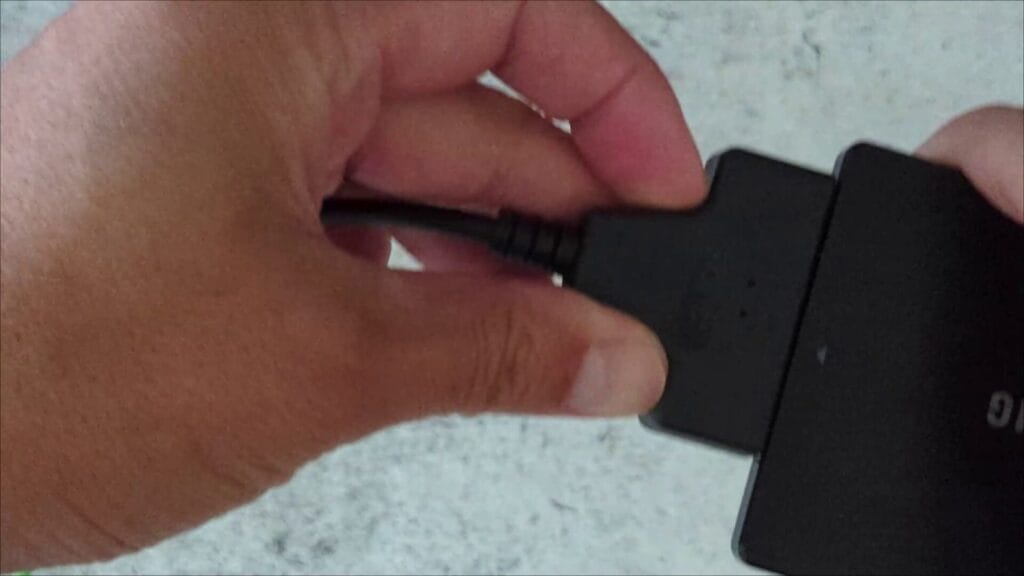
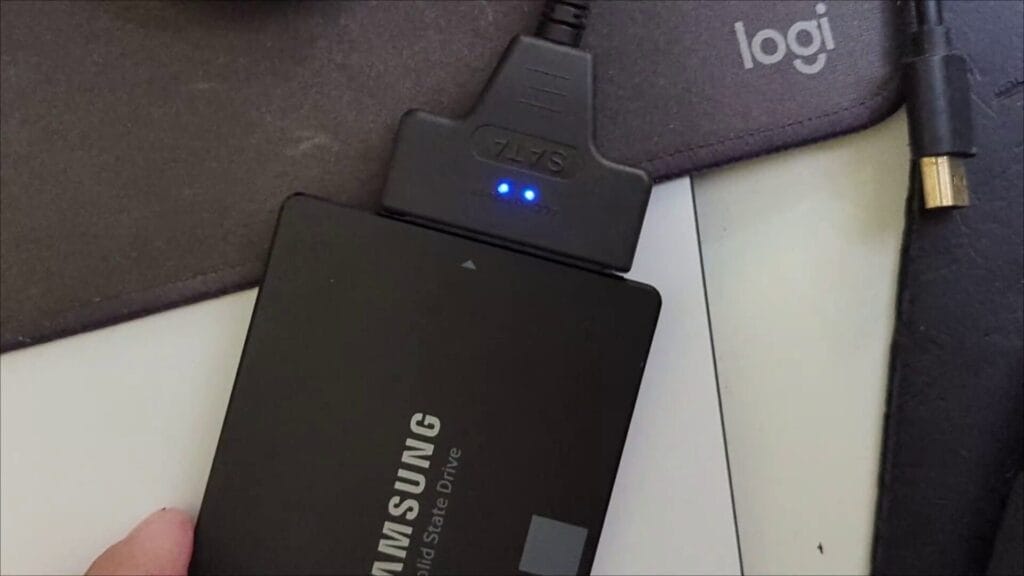
The SATA connector will have the status light and all you have to do is connect to the SSD on one end and the USB on the other:
There are two blue LED lights on the USB cable which shows POWER and DATA connectivity. The Data LED light will flash when data is communicating between the SSD and your device.
Here’s a video on how to use this cable How to quickly and easily connect to SATA SSD using a USB cable:
A few things to note is that the SSD can get hot if you leave it running for a long period of time and if you don’t have an enclosure make sure that you don’t have the SSD resting on plastic which can melt.




