

My Gmail looked different from what I was normally used to. The left-hand side menu bar was only displaying icons rather than the folder structures and menu names. It was unusual because I don’t believe I changed any settings or intentionally changed something to make it appear like that. This is how it looked like:
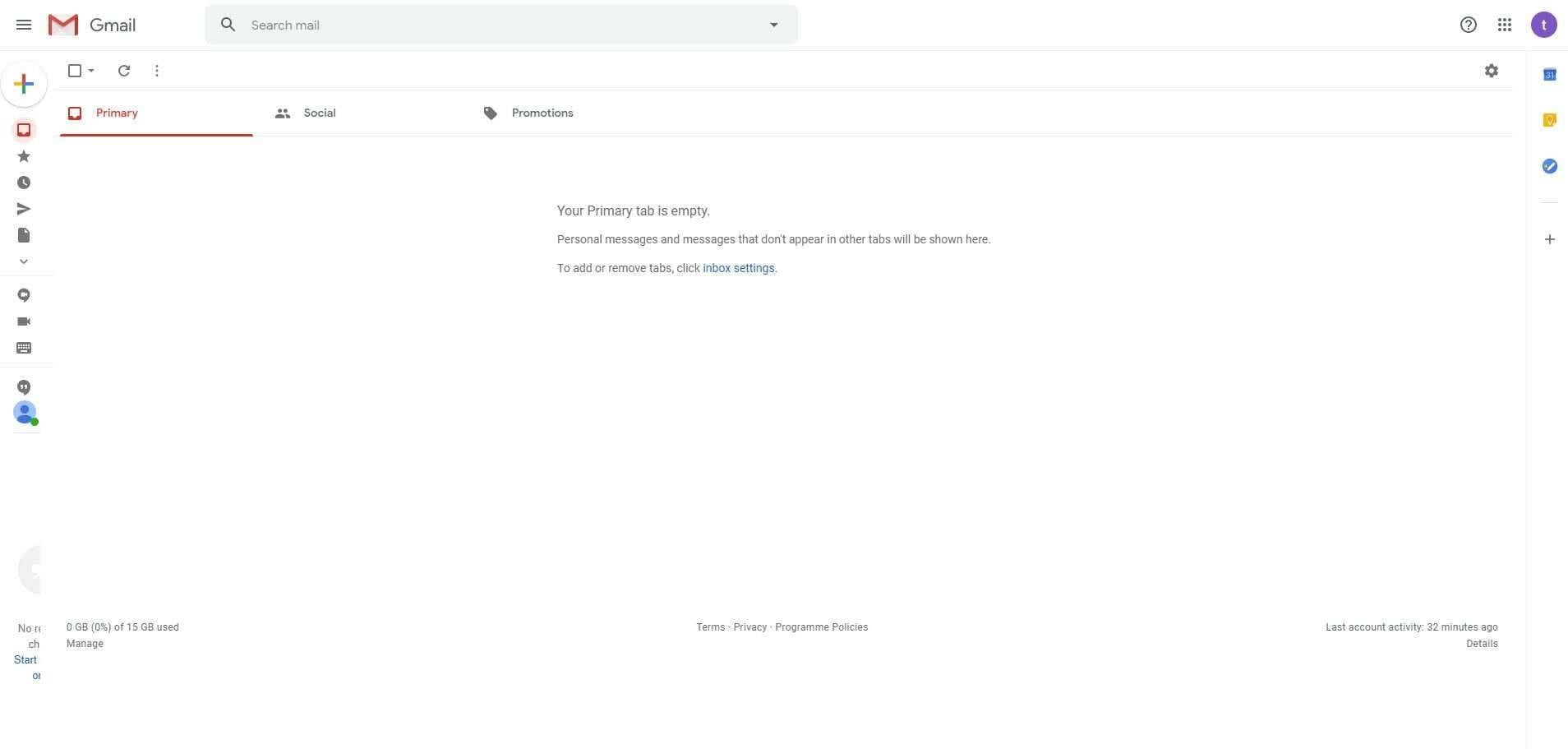
After some digging around I found out there was a button you can use to expand and collapse the left-hand side main menu. I thought I’d share with you where this setting is and how to expand and collapse the main menu.
Here’s the video on how to expand and collapse the main menu in Gmail:
Login to your Gmail account
Click on the icon with the three lines (main menu) at the top left hand corner
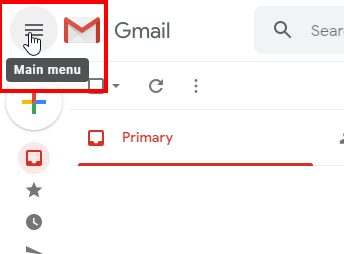
The left hand side menu will expand if it’s displaying the icons
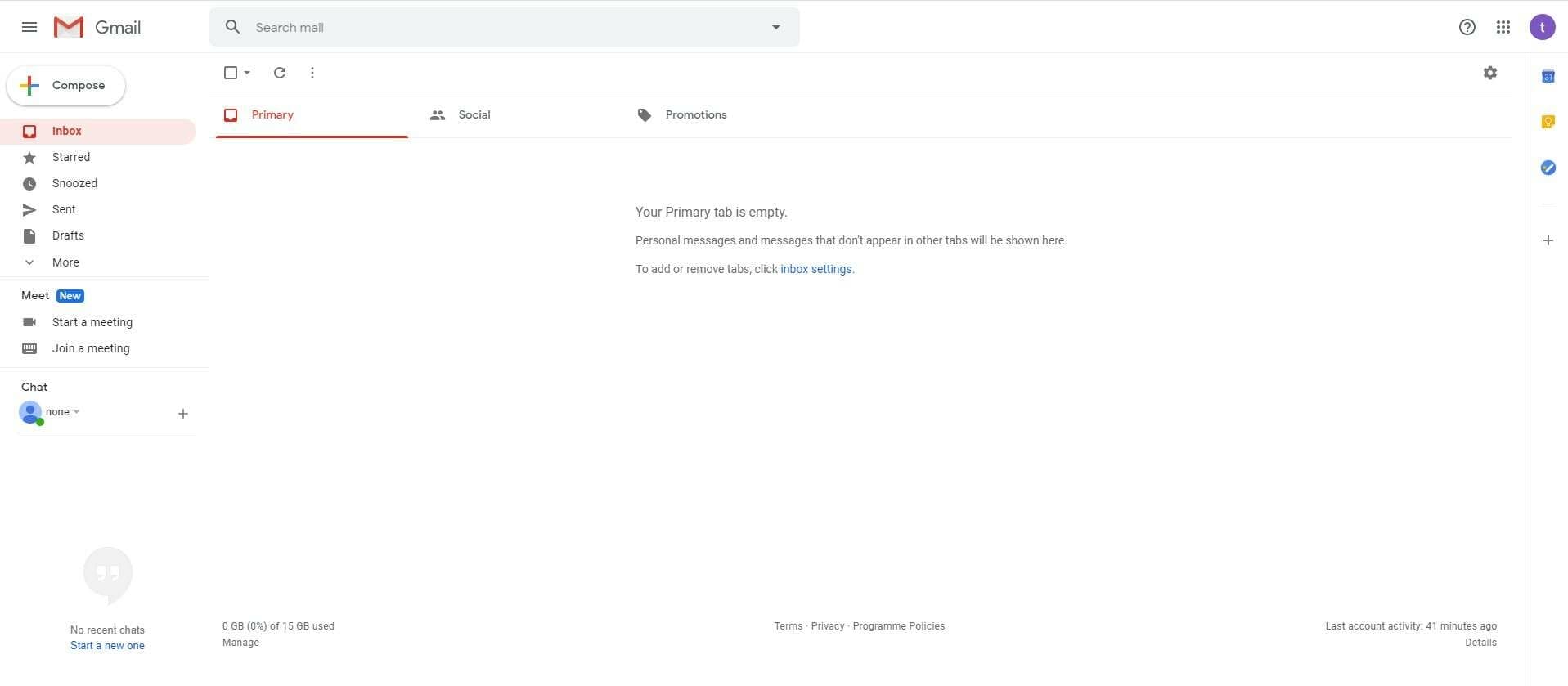
It will now show the main menu expanded and the folders names
Hopefully, this has helped some of you.




