

I accidentally came across the feature of displaying the spirit leveller on the Google Pixel camera app and was quite surprised this is something that is not commonly known. I believe this feature is only available on the default camera app on the Google Pixel phones, if you do have a Pixel then try it out!
The benefit of using the digital spirit leveller is to ensure the photos you take are straight and not at an angle. The digital leveller shows you the angle you’re holding the phone and in order to take an image straight, you need to make sure the degrees is set to 0 on the leveller.
Here are the steps in order to turn the digital spirit leveller feature on the Google Pixel camera app:
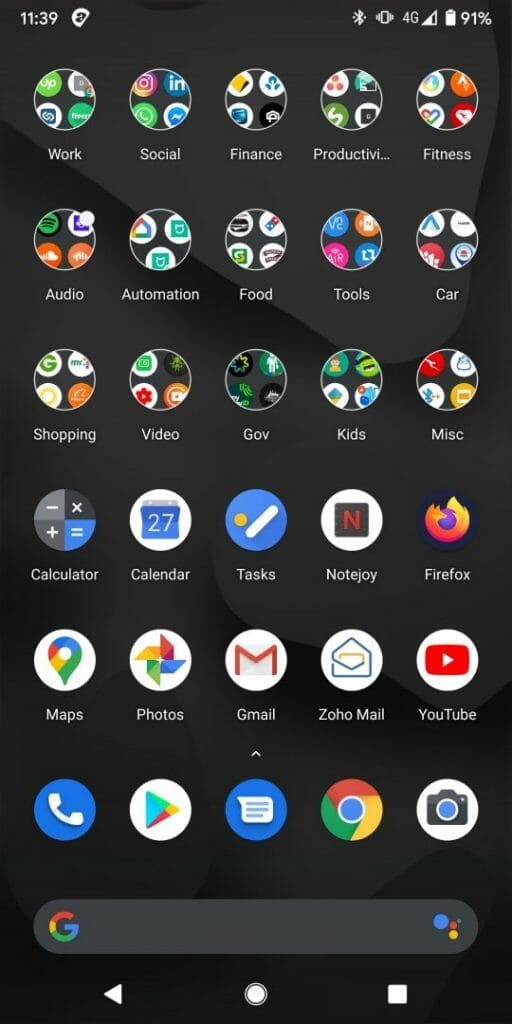
- Open the default camera app
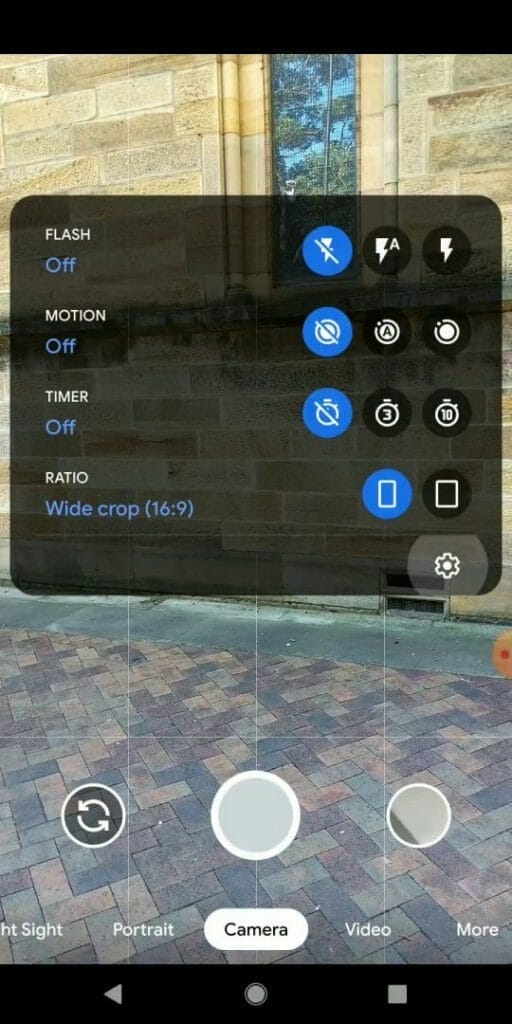
- Swipe down to bring up the quick menu
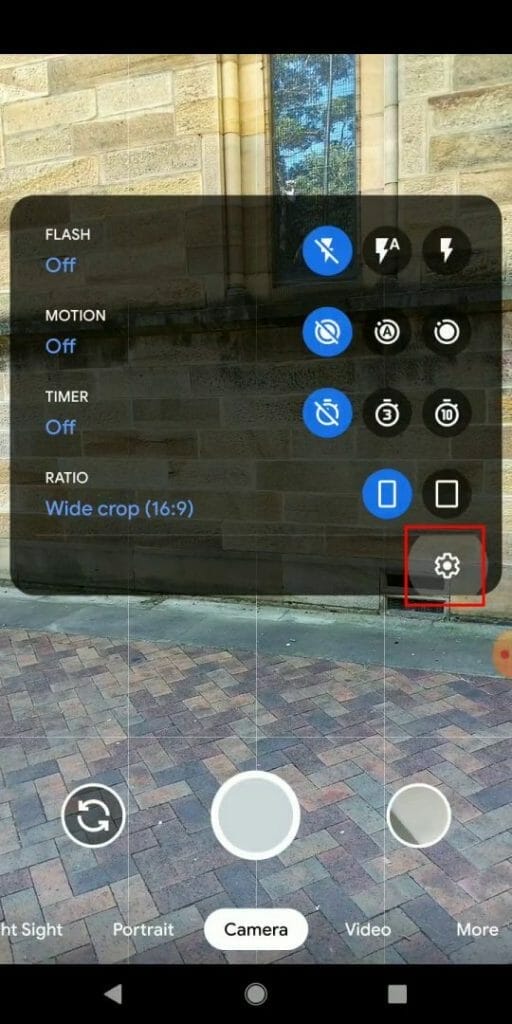
- Select settings
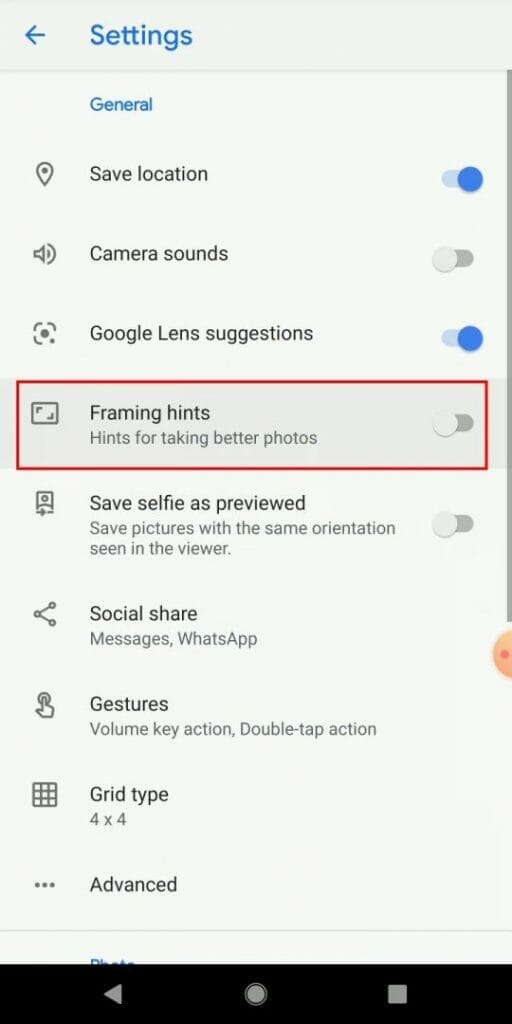
- Turn on framing hints
- Hold the camera steady and then slightly turn the phone side to side. The digital leveller will then display
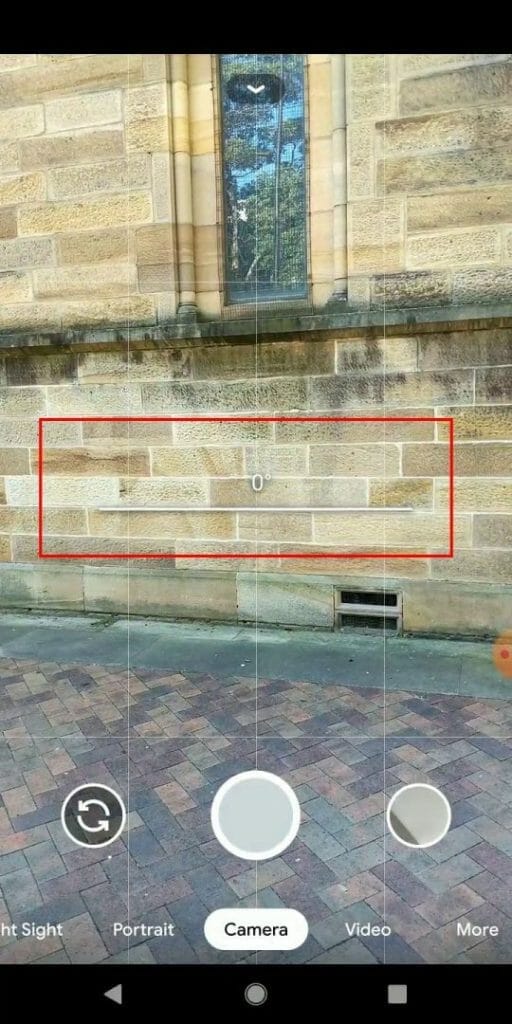
Here’s a video explaining how to turn on this feature and use it to take photos:




