

Last week I published a video called HOW TO FIX YOUTUBE NOT LOADING VIDEO SPINNING CIRCLE [SOLVED] on YouTube and it was related to an issue my dad experienced on his computer. He has an old HP desktop with the Windows Vista operating system. He didn’t want to upgrade the computer or the operating system as he only uses it to watch YouTube videos.
So what happened was that we ended up painting some of the rooms in his house because he was replacing the carpet and wanted the rooms to look fresh. A week before painting the rooms he packed up all the furniture which included the PC.
When we finished painting and reconnected the computer, he wasn’t able to watch YouTube. He was able to search for videos but every time he tried to play the video the spinning circle would just load. This is a screenshot of the spinning circle on YouTube.
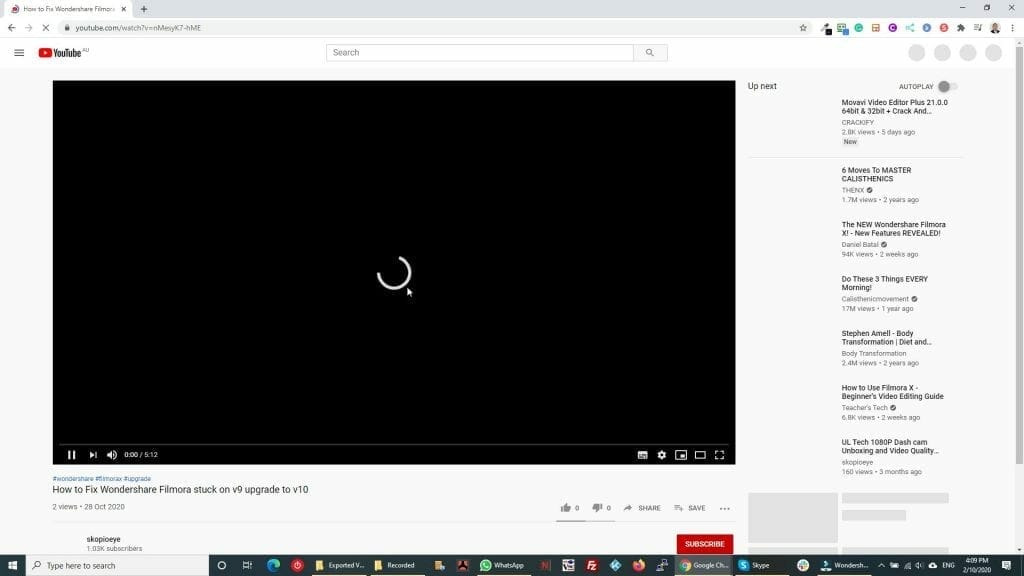
I published the solution so that I could help others who experience the same problem and the issue was related to the date/time. It was set incorrectly and because of this, the videos would not load at all. Here’s the video:
Out of coincidence, YouTube had an outage in the same week that I published the video. I started receiving multiple comments asking for the solution, as it was ironic the video could not be played because YouTube was not working.
Here’s a few of the comments:

In response to the issue, I ended up changing the description and pinned a comment saying that the issue was related to YouTube and that the solution in the video was not related. Based on this scenario, I learnt that there are several causes to this issue such as Internet connectivity issues, browser issues and in this particular case YouTube video server issues.




