

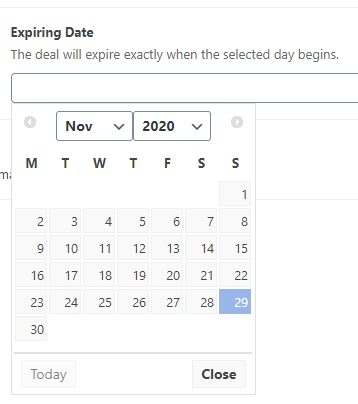
One of the WordPress themes I’ve been using comes with the ACF (Advanced Custom Fields) WordPress plugin and recently I discovered it the date picker was not working. After some investigation, I discovered the version of the ACF I was using v 5.5 was not the latest and decided to upgrade it to see if it would fix the issue. NOTE: The current version is v5.9.

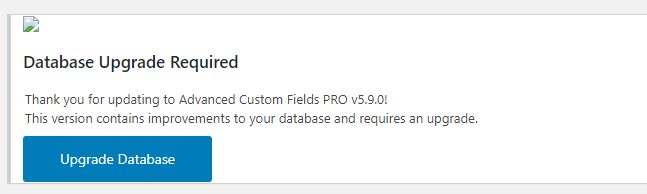
After the upgrade this message was displayed on the dashboard:
Database Upgrade Required
Thank you for updating to Advanced Custom Fields Pro v5.9.0!
This version contains improvements to your database and requires an upgrade.
Upgrade database
When I clicked on Upgrade Database, it would just get stuck on the page that it’s trying to upgrade. Refreshing or changing to different pages on the dashboard also displayed the same message. This was a bit annoying so I wanted to solve the issue. I tried changing themes and then tried the upgrade but it also failed. The fix was to disable all the plugins except for ACF and this fixed the problem. The date picker now works.
If you run into the same problems try to follow the above steps and remember to reactivate the plugins you disabled. Hope this helps.




