

As an Entrepreneur, I always try to find simple hacks to increase my productivity and in this post I wanted to share with you one of my mobile phone productivity hacks. I’ve set up all my app shortcuts in groups/folders on the main mobile home screen. I use an Android mobile phone and it may also work on other operating systems but this is how it looks like:
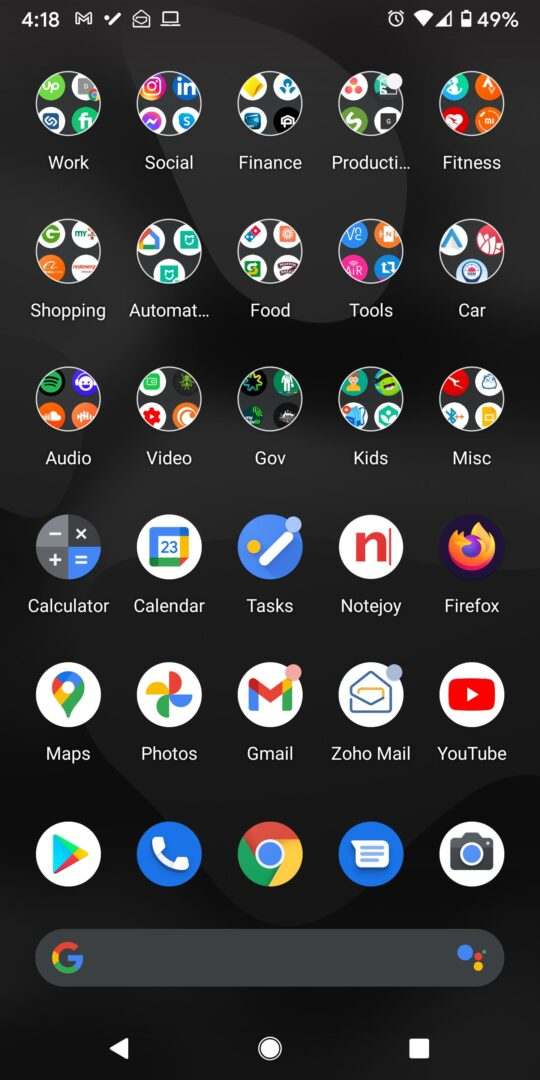
The idea is to be more organised and not have multiple screens with scattered mobile app shortcuts. On the main screen, I placed the app shortcuts in groups/folders so that they can be easily located based on the type of app or category. I also directly added the most important or frequently used app shortcuts such as Calculator, Calendar, Tasks, Notejoy, Firefox, Maps, Photos, Gmail, Zoho Mail, YouTube, Google Play, Phone, Chrome Browser, Messages and Camera on the last 3 rows of the screen.
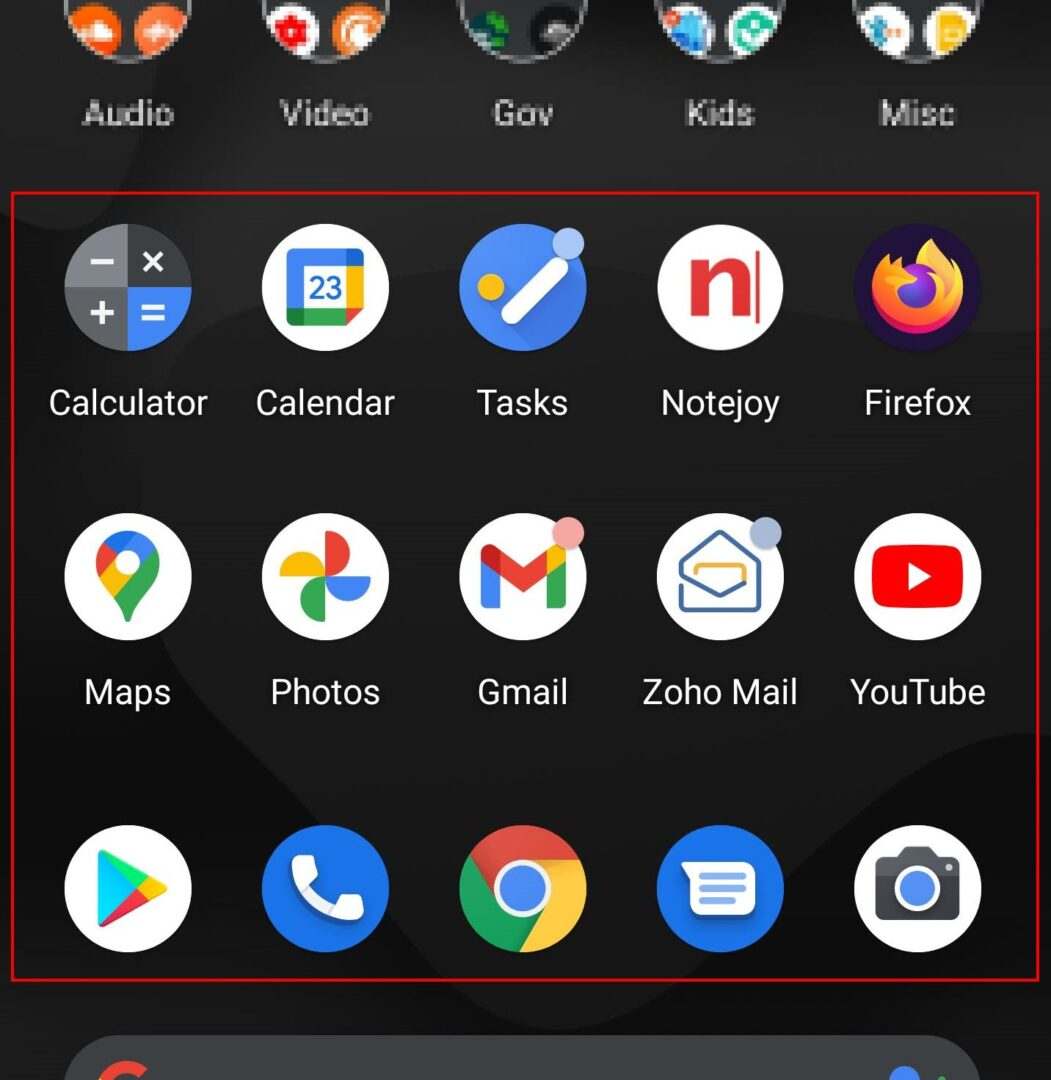
Basically, by being more organised, you are saving time searching for the apps and having the shortcuts in folders make it less distracting which in turn can potentially avoid you from randomly using the app and wasting time.
The categories and groups that I created are:
- Work
- Social
- Finance
- Productivity
- Fitness
- Shopping
- Automation
- Food
- Tools
- Car
- Audio
- Video
- Gov
- Kids
- Misc
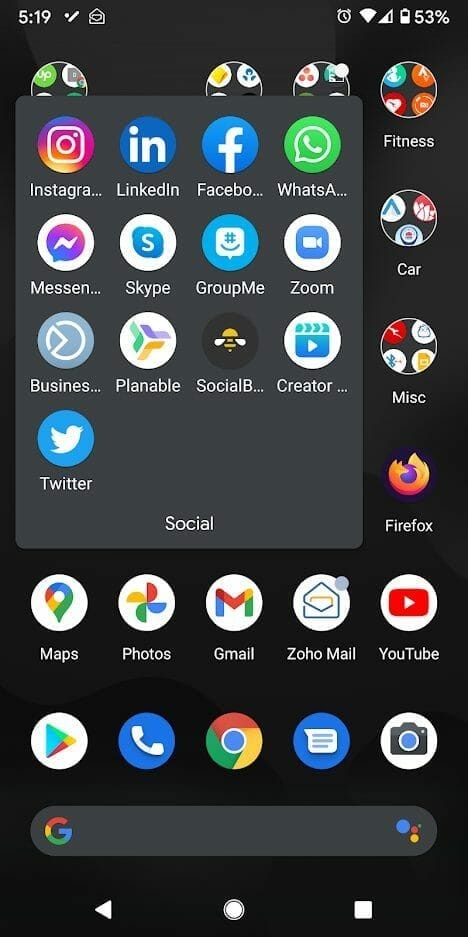
I hope this helps some of you to be a bit more organised and potentially save time. If you have any questions or have any other productivity hacks please let me know.




