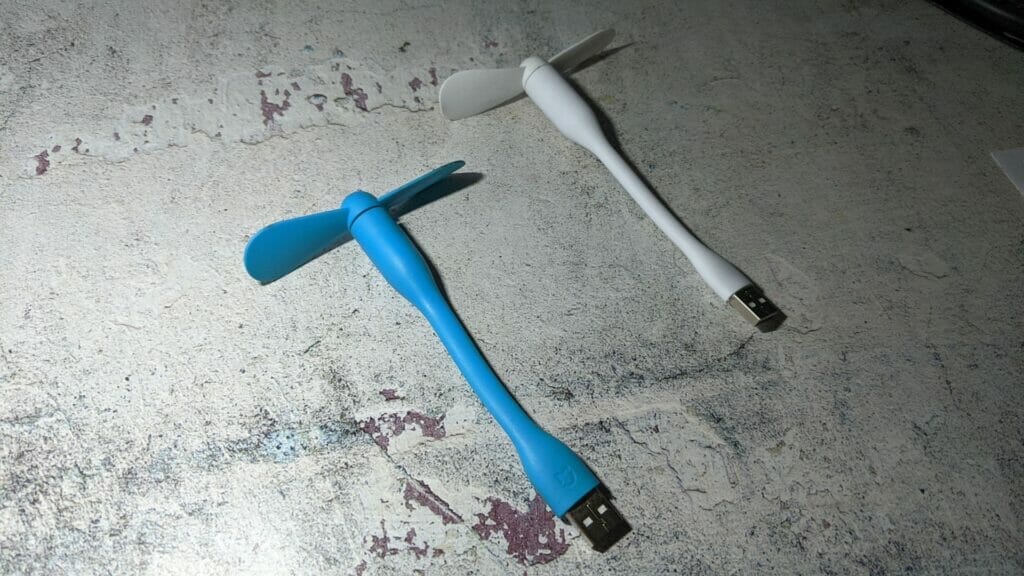
I’ve been using a Xiaomi USB fan to help cool down my Metabox laptop and has been working well until recently. I purchased the fan several years ago and the blade spinning is starting to slow down. It sometimes comes to a complete stop and I needed to flick the blade to start it spinning again. I decided it was time to purchase another one and ordered one from AliExpress.
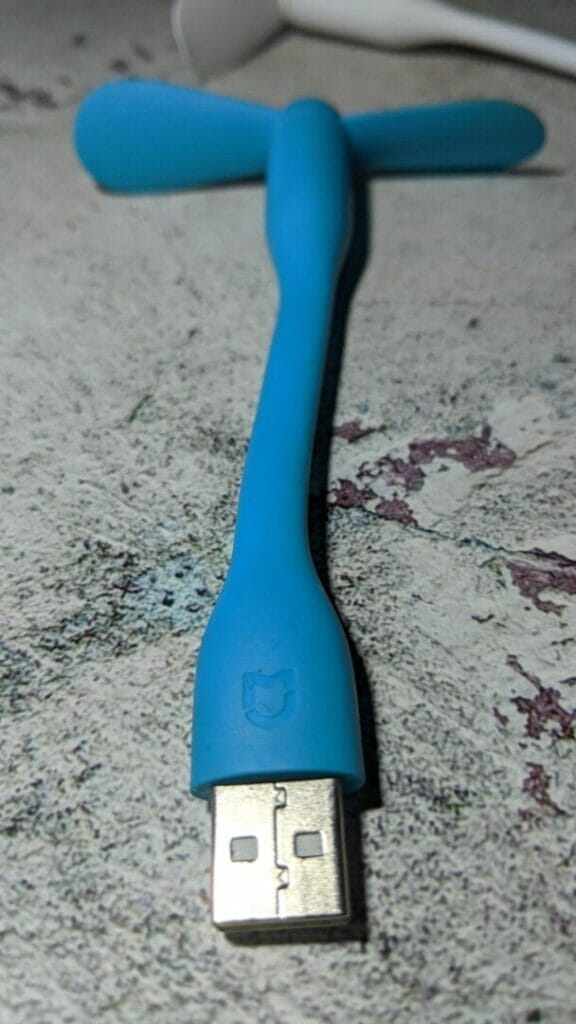
When the unit arrived I connected it to the USB port on the laptop and placed my hand at the front of the blade to see how much air it was blowing. To my surprise, I couldn’t feel anything which I found very strange. I then decided to do the paper test to see how much the USB fan would cause the paper to flap. To my surprise, the paper was sucked into the USB fan instead of blowing. Here’s a YouTube short video (it’s also my first #SHORT video on YouTube):
I normally don’t leave product reviews on the seller’s website, but I felt I needed to leave feedback on this particular product in this particular case. It was quite strange that the product behaved that way and although the product was quite cheap it was not worth returning.