

Did you know Zoho mail has a security feature called App Passwords? App passwords allow you to create a specific password just for that particular application to log in and connect to Zoho mail. I use Zoho app passwords when setting up SMTP authentication to grab and send emails from Gmail, WordPress or the VPS system emails. It is particularly useful when one of those systems has been compromised and you only need to change the App password on that one system. Without using App passwords, it meant you would need to change all the systems that used the same password.
Here are the instructions on how to create an App Password in Zoho mail:
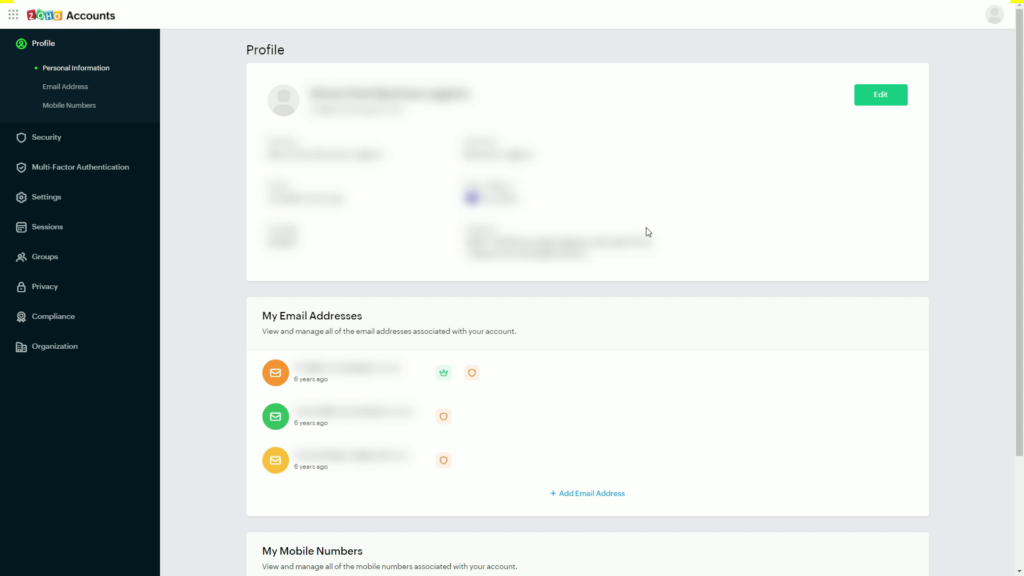
- Login to Zoho Accounts
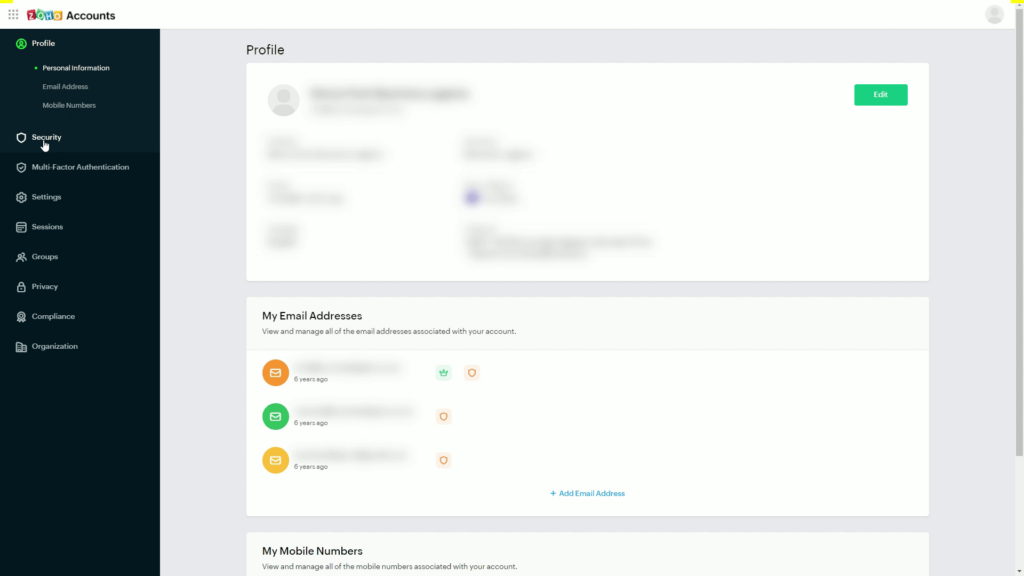
- Click Security
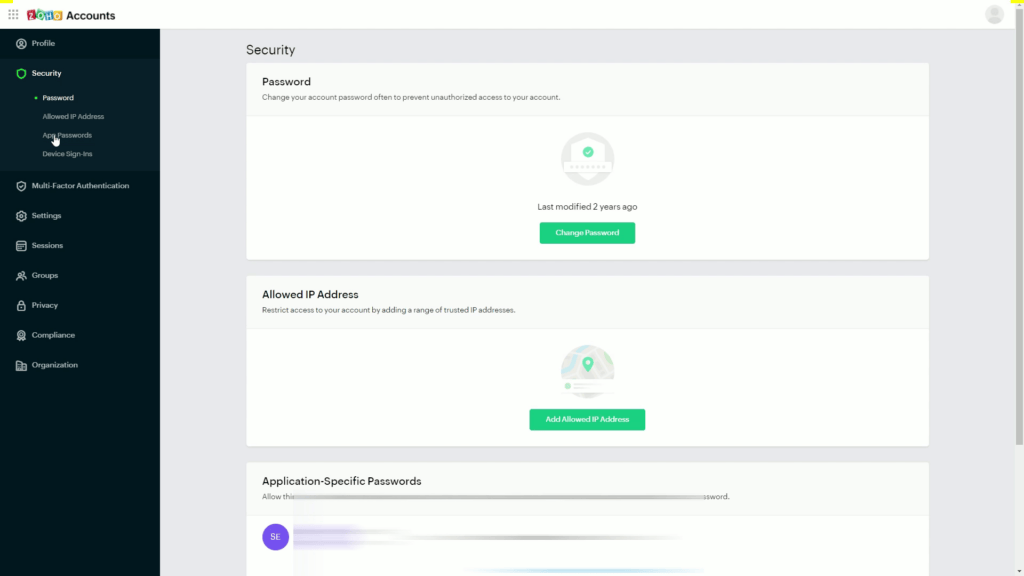
- Click on App Password
- Click Generate Password
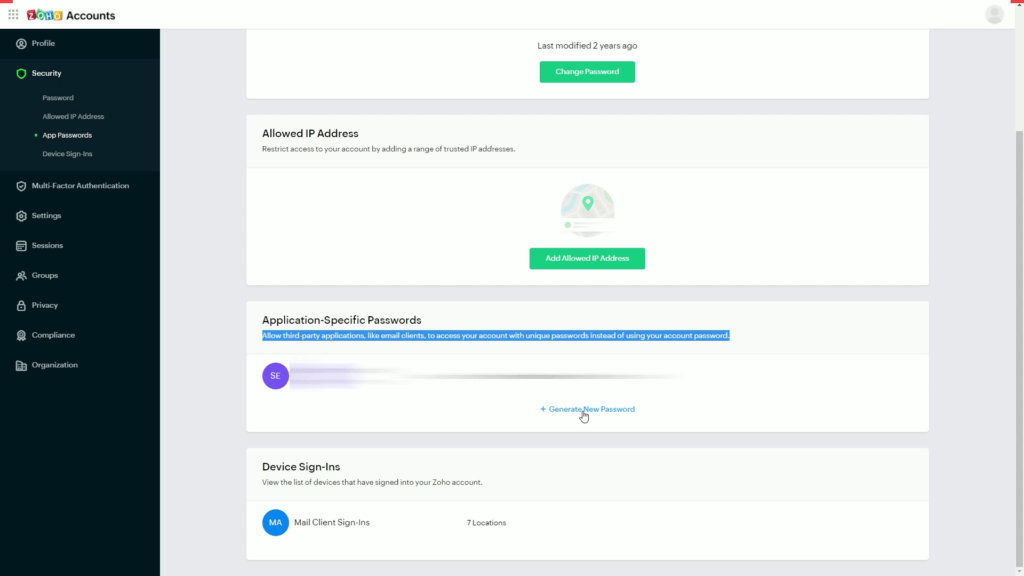
- Enter app name
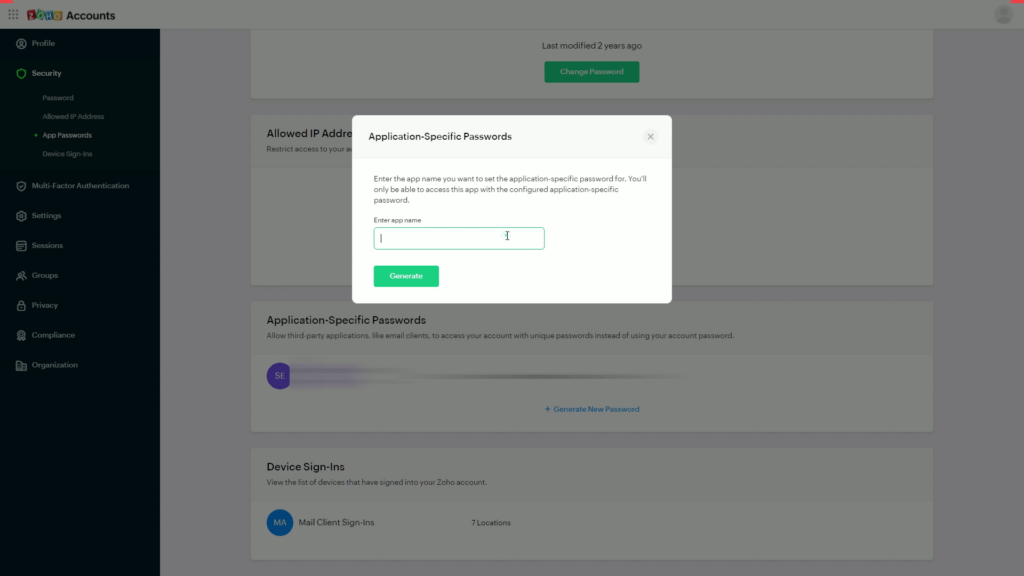
- Click verify
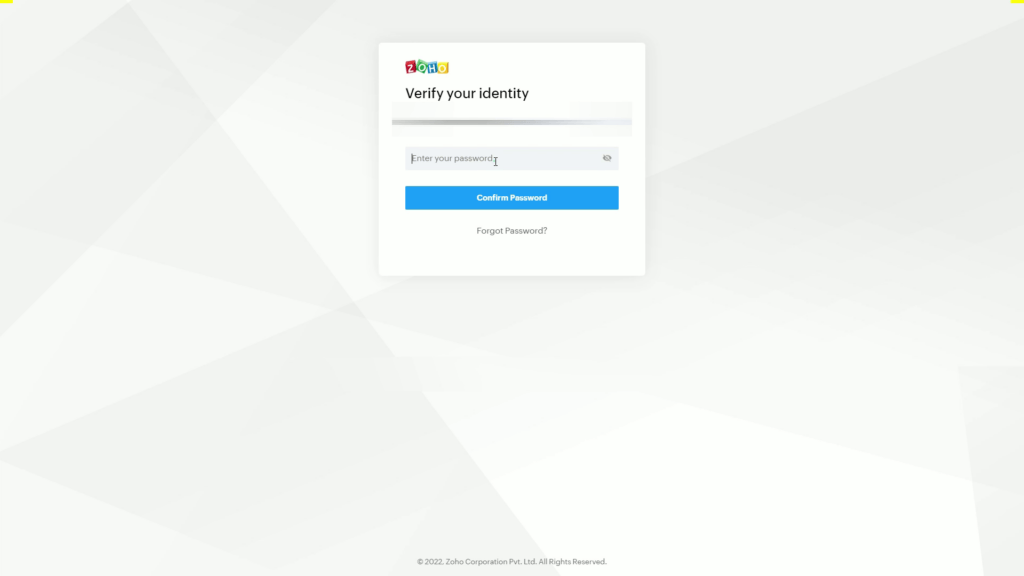
- Enter password
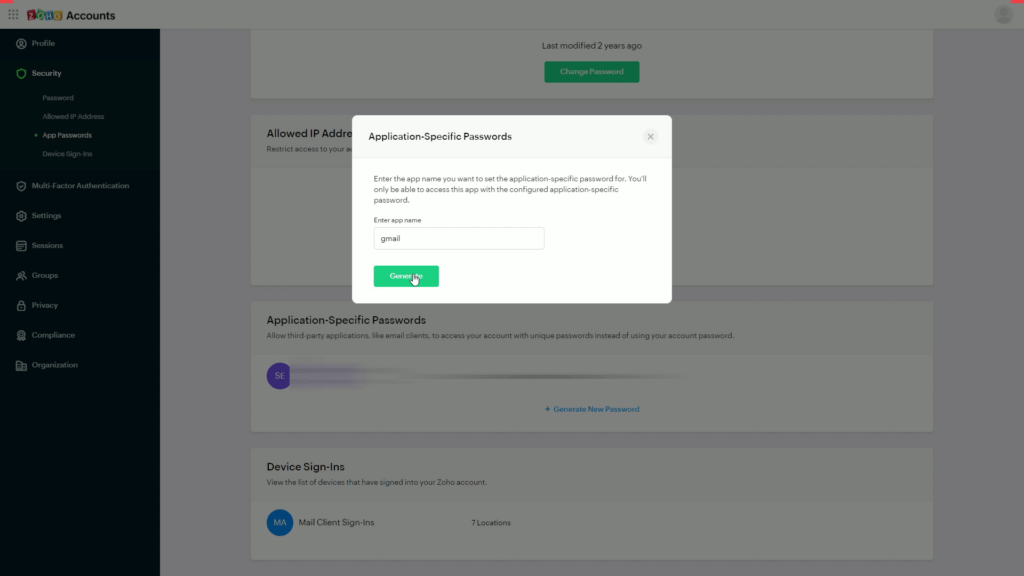
- Click generate
- Copy password
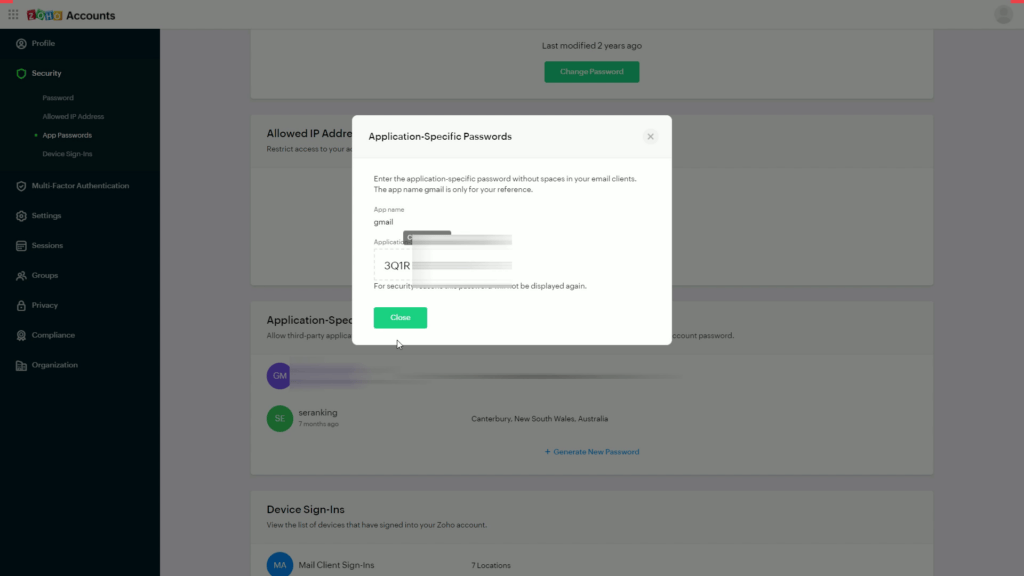
You then use the username and app password on the other systems.
Here is a video on how to create the App Password in Zoho mail:




