

I just started using a software tool called Luminar to edit and make photos look “AWESOME”. It can be used for both Windows and macOS and I just wanted to share with you what it can do, especially the AI image enhancer. With this filter it just simply makes the images look so much better and all I needed to do was open the image, press AI Image Enhancer and that it.
So previously on my website, the background image looked like this:

I really liked this image and thought it would look really great on this website. The water and the sky looked amazing… but when I used Luminar my jaws dropped. By simply using the AI Image Enhancer the photo went from amazing to Super Duper amazing (you know what I mean!). Check this out:

Everything looked sharper and brighter – it just looks so professional! Do you agree?
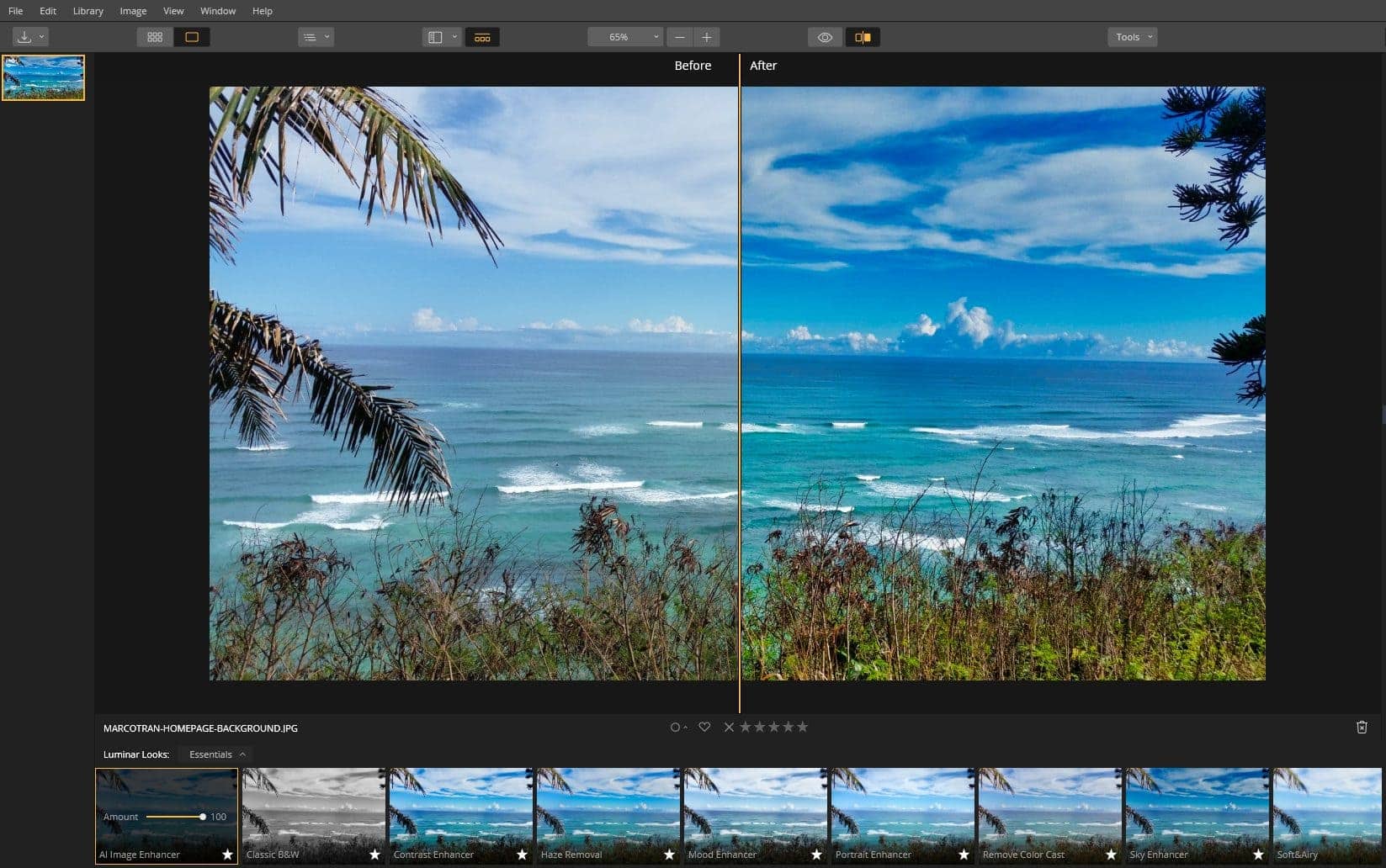
Here’s a screenshot of the actual software package using the Before and After view as you can see there is a big difference:
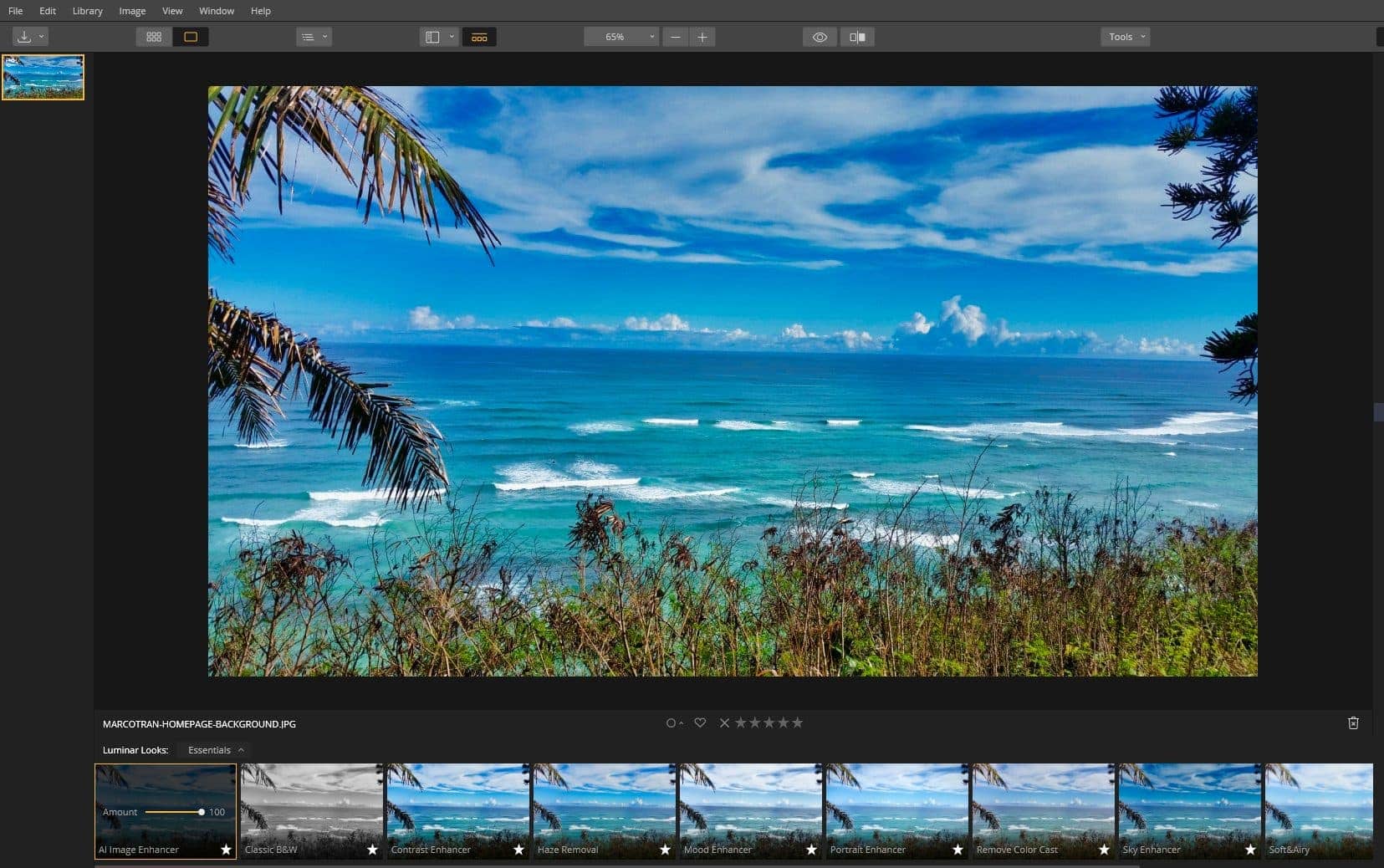
This is how it looked like after using the AI Image Enhancer (there are other filters but I decided to use the AI one)
If you want to try it out, they have a Free trial and at the moment they also have a lifetime license where you can get future updates for free.

NOTE: Affiliate compensated.




