

If you spend a lot of time watching videos on YouTube, you may not know that several video speed hacks can save you a lot of time. By increasing the playback speed of a video, you can quickly get through the content without missing any important information. Similarly, if you want to slow down a video to catch every detail, you can do that too. These hacks are handy and can save you hours of your precious time. I wish I had known about them sooner, but now that I do, I thought I’d share them with you if you want to do the same.
In no particular order here is the list of features you can use to speed up the videos on mobile:
- Double tap the right side to forward 10 seconds

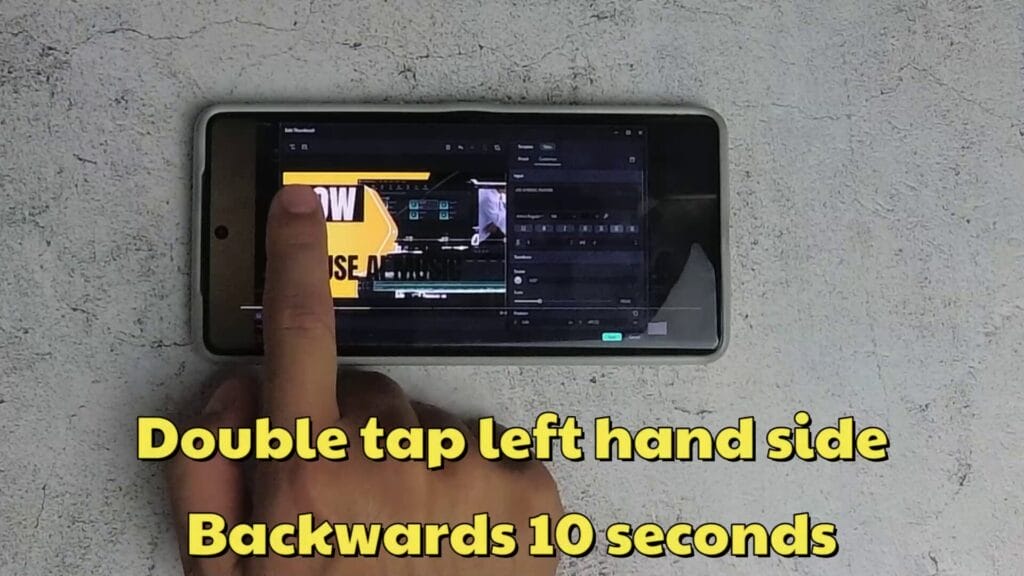
- Double tap the left side of the video to backward 10 seconds
- Tap and hold 2x speed

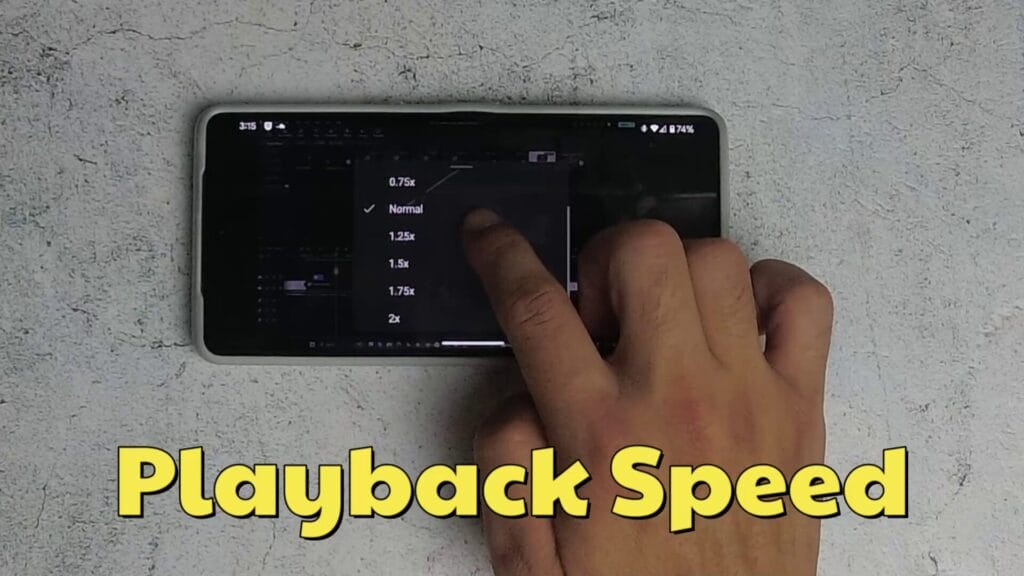
- Settings and video playback. I generally try to use 1.25x as you can still hear what people are saying.
If you want to save mobile data, there is an option to change the quality of the video so that you download less data. The option is called Data saver.

These options are also available when using a desktop or tablet.
Here’s a video showcasing these features:
Do you have any other useful YouTube tips?




