

I recently had to fix an issue on a ProTab model PTBTWXUFK10BLK after a Windows 10 upgrade. It appears the default drivers for the Wireless adaptors do not work and the fix was to install the old Windows 8 drivers. You can download the drivers from the ASUS website (yes they will work for the ProTab)
Here’s the link to download the driver below:
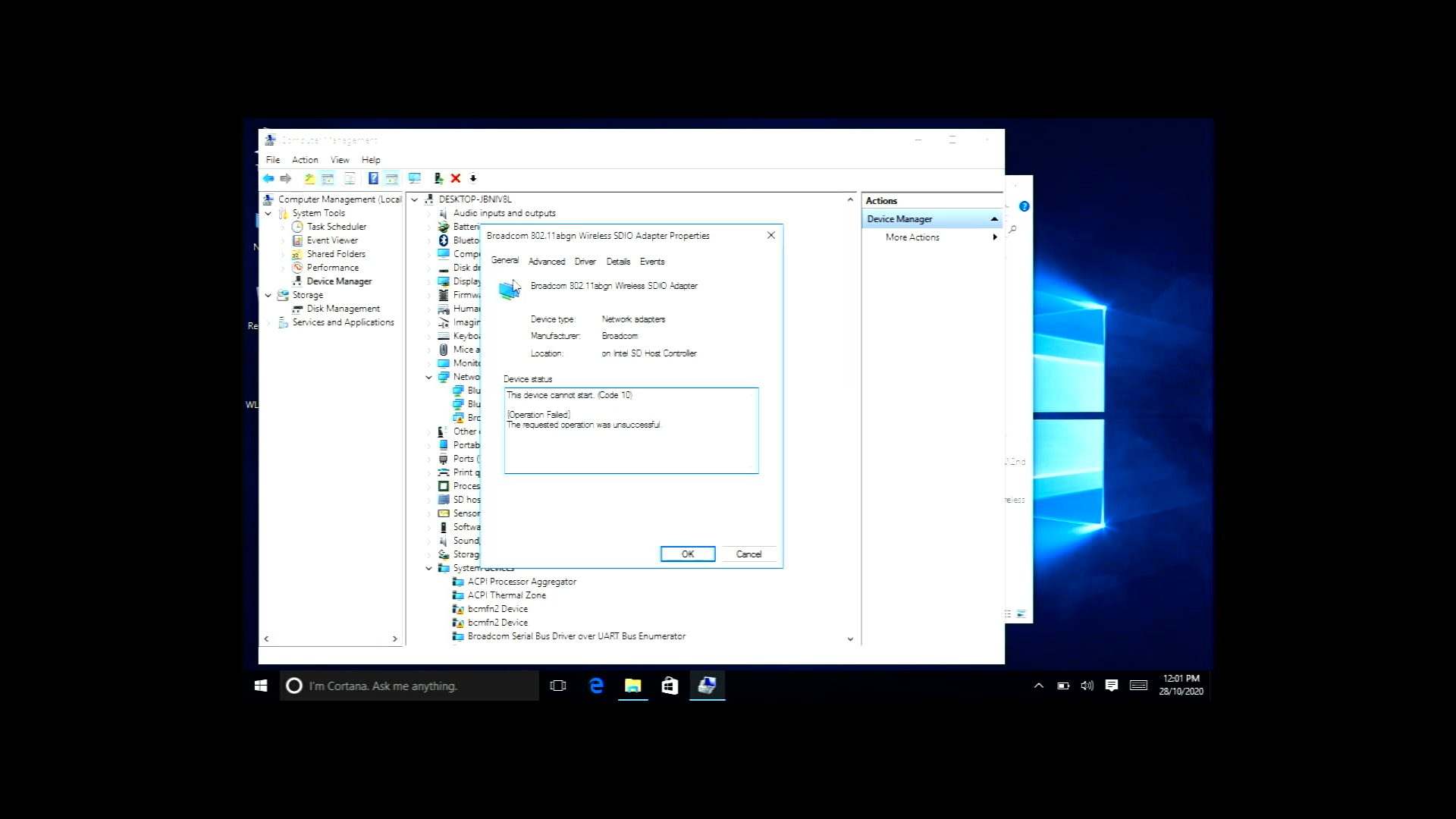
This is the error message you will see in your device manager:
Broadcom 802.11abgn wireless sdio adapter not working
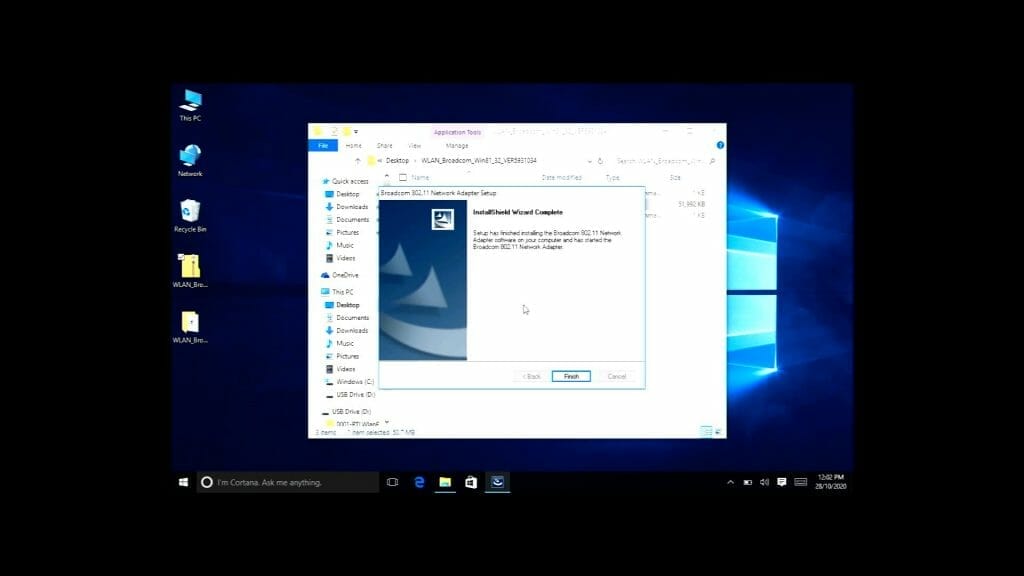
Here’s a video on how to install the driver (note the quality of the video is poor due to the screen resolution of the ProTab):
The steps are really simple. Just extract the contents in the zip file and run the setup. Restart the device after the install is complete and that’s it.
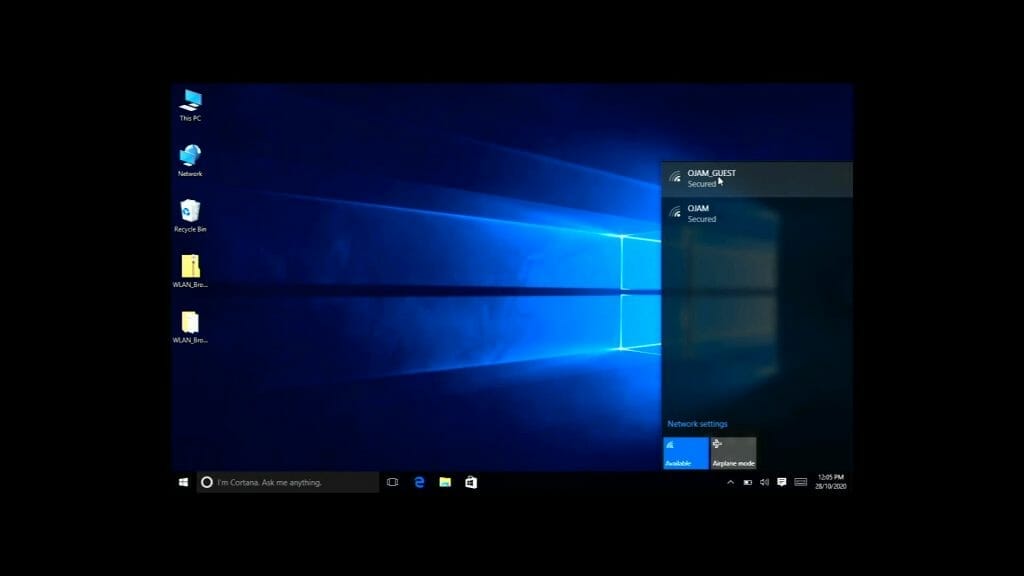
You will see the wireless icon in the taskbar and the wireless network. Just select the Wireless network and enter the password or code.
I also used the HDMI Video Capture card to record the ProTab screen since it had a video output. I shared about the cheap HDMI Video capture card I used in this post: CHEAPEST VIDEO CAPTURE CARD




