

I’ve been using my Xiaomi Yi 4K+ Action camera to record YouTube videos for the Skopioeye channel. I mentioned this in a previous post: SMALLRIG CLAMP FOR VIDEO CAMERAS
I use the SmallRig clamp to hold the camera above the bench and do the video recording. Here’s the camera and the SmallRig if you need it:
When doing this, I have no visibility on what is being recorded on the camera so I thought of a way to solve this issue. The solution was to use a Samsung Galaxy Tab A (can also be another tablet or mobile phone – try to use an Android one) and connect the tablet to the Yi 4K+ action camera via WiFi. The Yi 4K+ has WiFi connectivity and by using the Android app called Yi Action you can view the live recording and also control the camera (start, stop, change video settings and so much more).
The only problem is when I first tried connecting the tablet to the camera it didn’t work and I couldn’t get it to work. I was able to connect the tablet to the camera’s WiFi network but whenever I use the Yi Action app it wasn’t able to detect the camera.
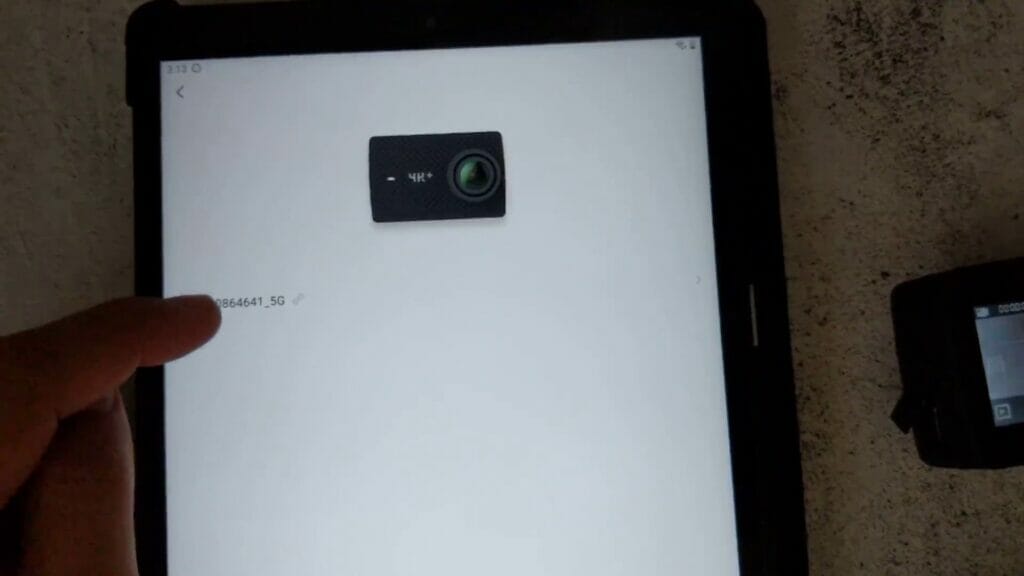
After some troubleshooting, I found out the simple fix – turn on location (GPS) on the tablet. For some reason, the tablet needs the location to be turned on, without it the Yi Action app is not able to detect the camera. You can watch this video to see how I fixed the problem.




