

We’ve been using NEC and Epson projects for all of our clients since we started our digital signage solutions business (Advertise Me)and we’ve set up and tested more of the Epson projectors. With the Epson brand projectors, there are software utilities that help you manage and control the projectors. One of these is called EasyMP (the latest version is v2.89) and this tool allows you to remotely connect to the projector via Wireless or Wired. Once connected, you are able to control what is displayed on the projector including transmitting the output of the laptop or PC screen.

THE PROBLEM
I was able to get EasyMP (wireless) working on my Windows 7 devices however when I tried using Windows 10 or Windows 11 I couldn’t get this to work. It worked via the Wired LAN but not Wireless. I use the EPSON Wireless LAN 802.11b/n/g adapter (ELPAP07).

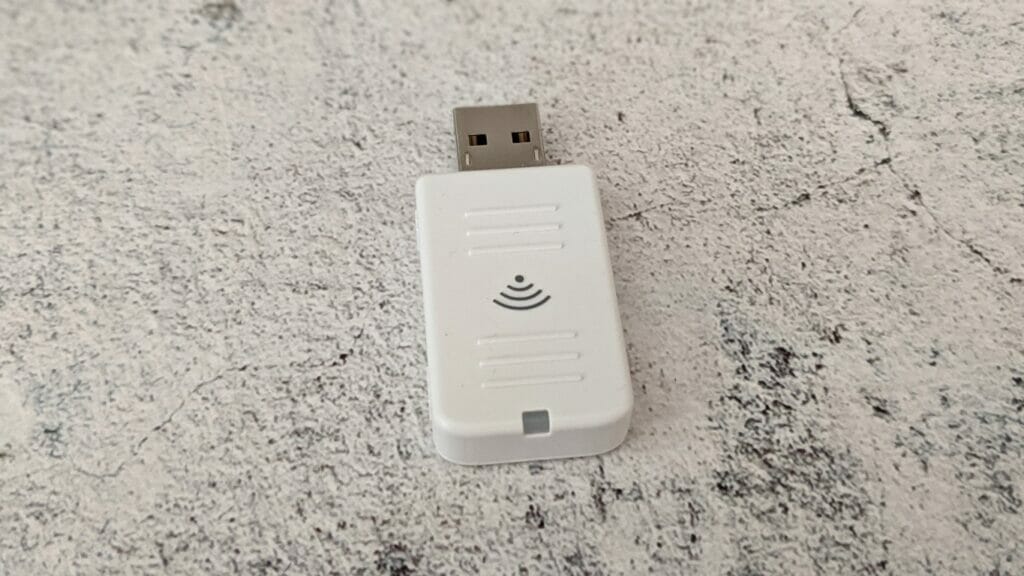
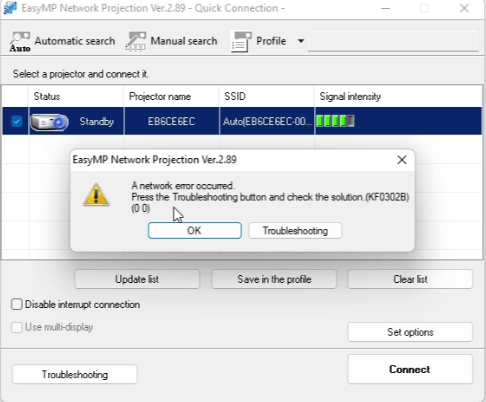
The error message displayed from EasyMP is:
A network error occurred. Press the Troubleshooting button and check the solution (KF0302B).
THE SOLUTION
After testing various options and even contacting Epson support there was no permanent solution. I tried the following:
- Changing wireless network adapter speeds
- Installing different versions of EasyMP
- using different laptops with Windows 11
- Changing the Epson adaptor from ELPAP07 to ELPAP10
Nothing worked! I then decided to maybe try an external USB wireless adaptor for my laptop and it worked! That’s when I decided to try other USB adaptors and worked out a pattern. Here’s the list of adaptors I used:
- Comfast WU710N V2
- Simplecom NW511AC
- Generic USB Wifi N
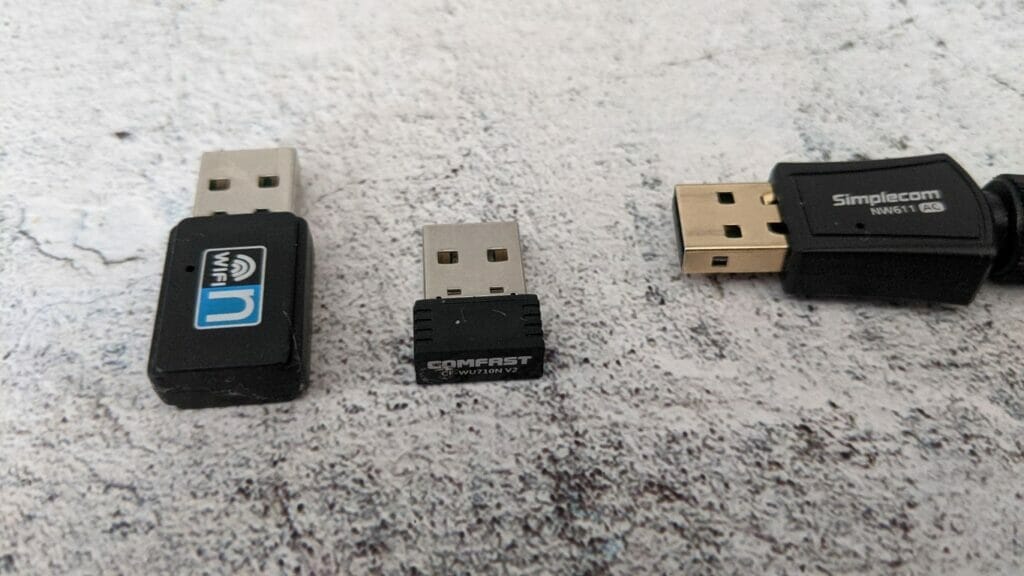
The ones that worked with EasyMP v2.89 and the Epson ELPAP07 were the adaptors that supported 802.11N. The laptops had a built-in 802.11AC wireless adaptor and the Simplecom NW511AC also didn’t work. I came to the conclusion there was a compatibility issue with the later models of the adaptors using 802.11AC.
Yes, I did try changing the protocol to these non-working adaptors to 802.11 b g and n and it still didn’t work.
Here’s a video showing the problem, the tests I conducted and the solution:
If you find a better solution, please let me know and reach out to me.




