

It’s been almost a year since we purchased the Renault Koleos car and I recently noticed a beeping sound with the message “Keycard battery low” on the dashboard.
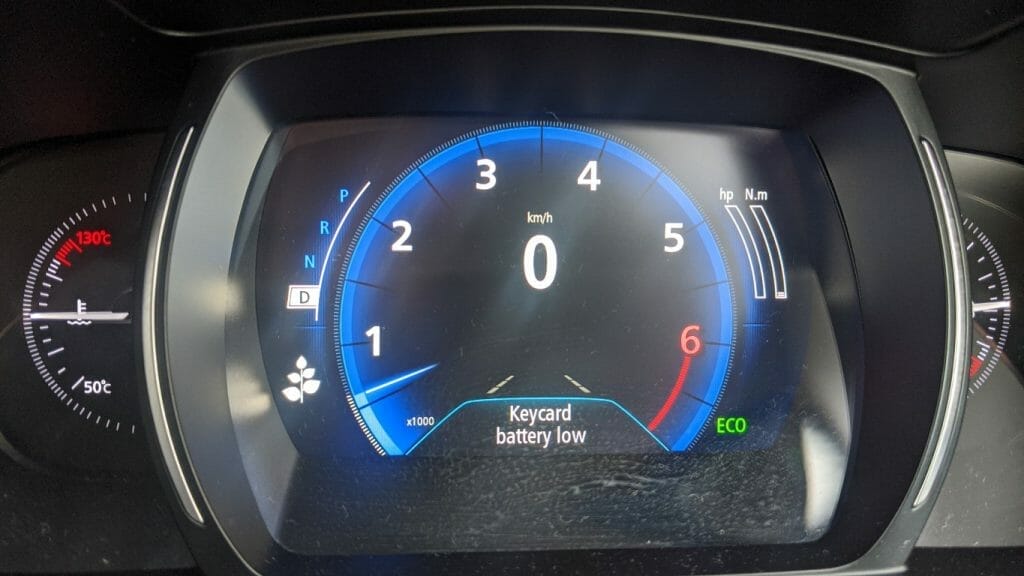
If you see this message, it basically means you need to change the battery on the remote keycard. This process is very easy to do and all you need is a replacement battery. Save yourself some money as you don’t need to take it to the dealer or to a mechanic. The replacement battery should be a 3V coin model CR2032 and you can buy it from here: Battery Replacement or on eBay here
I recommend to buy a reputable brand like Panasonic since you want the battery to last longer. Also note, that if you’re unable to start the car because the battery in the remote is too low, you can place the keycard closer to the start button and you should be able to start the car again. Although, the best thing to do is to change the battery as soon as you notice the message.
The steps on how to change the Renault Koleos remote keycard is listed below.
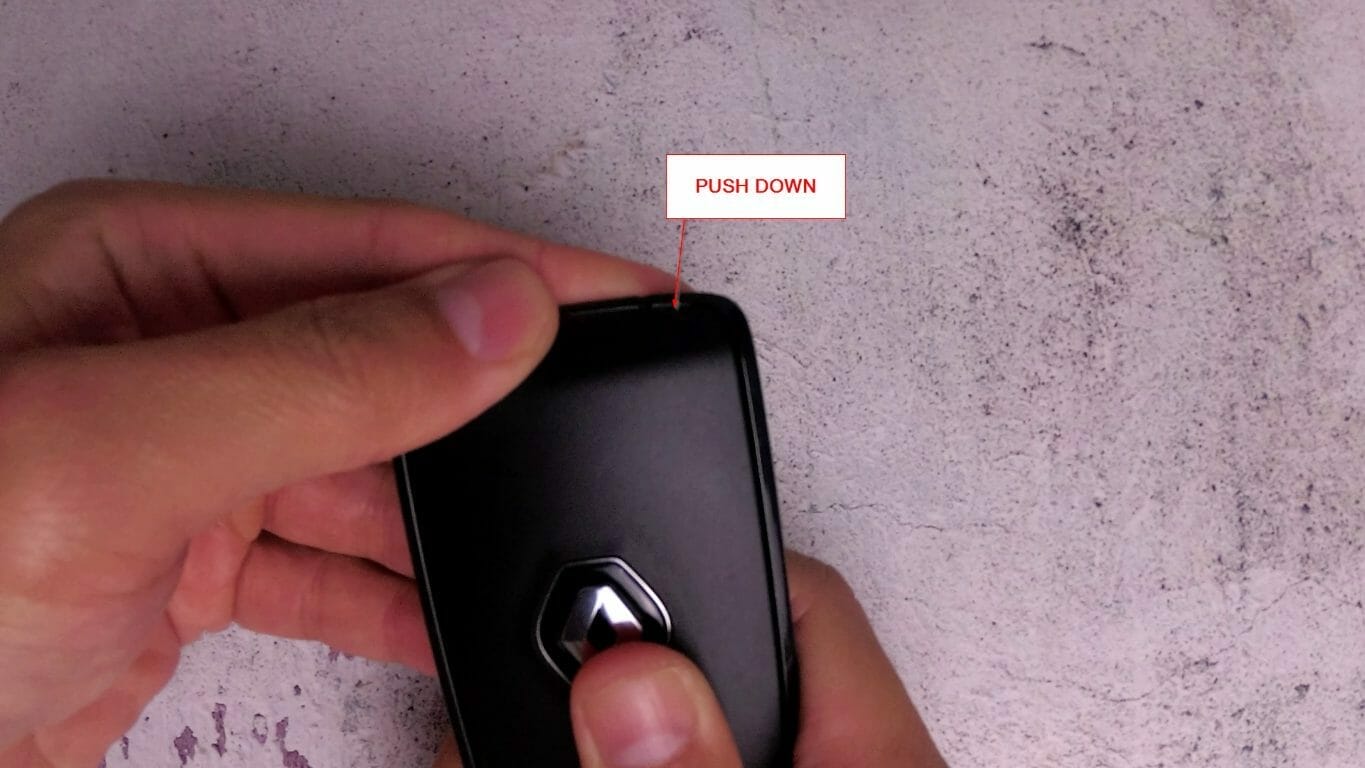
- Open the rear cover by pushing down
- Remove the black battery cover
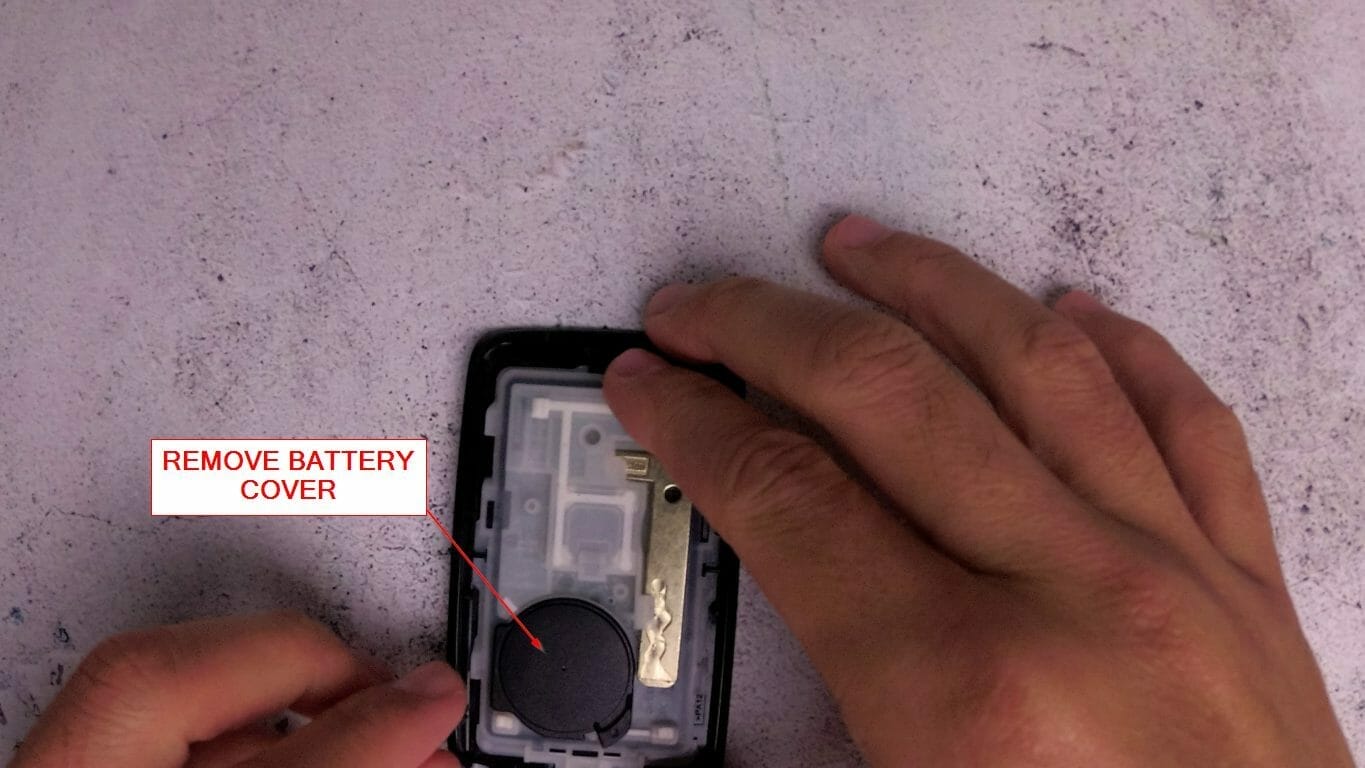
- Push against the small black battery latch

- Use a screwdriver to lift the battery out
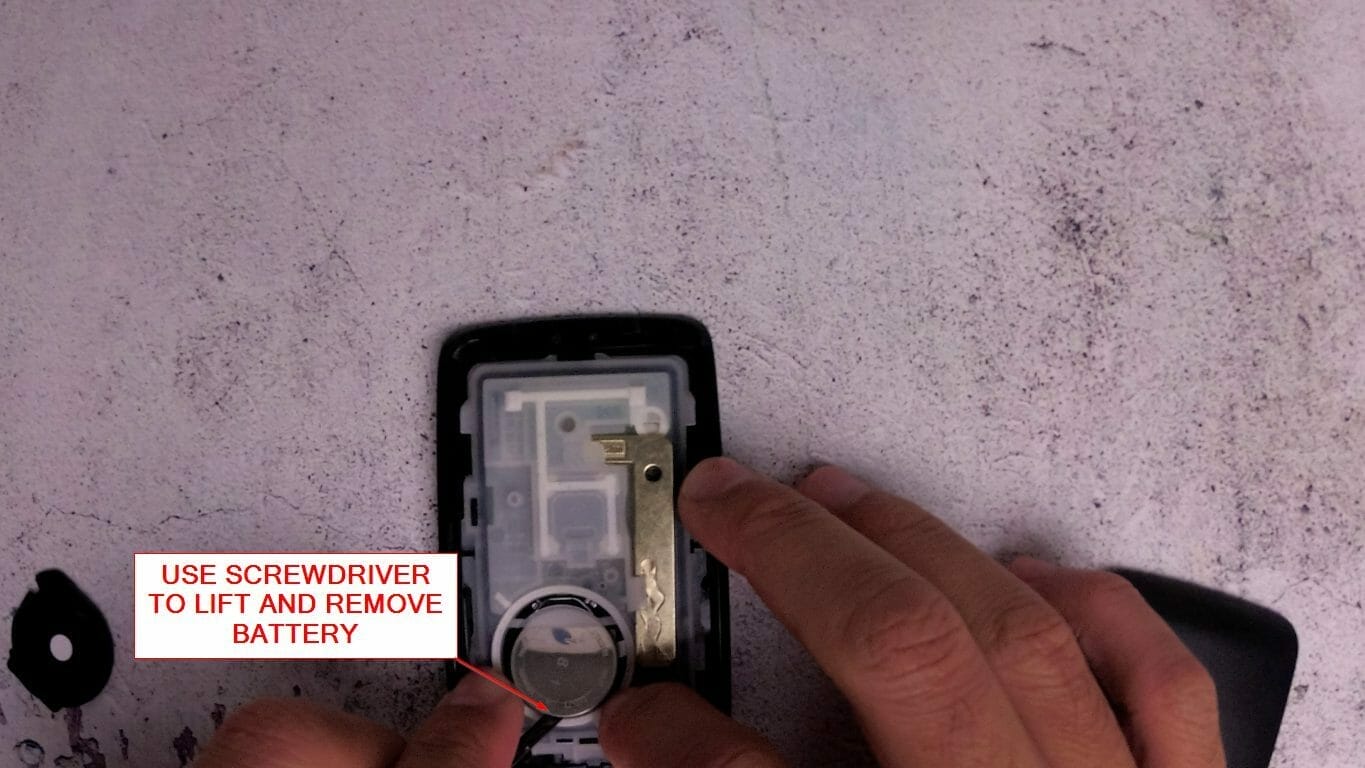
- Replace the battery
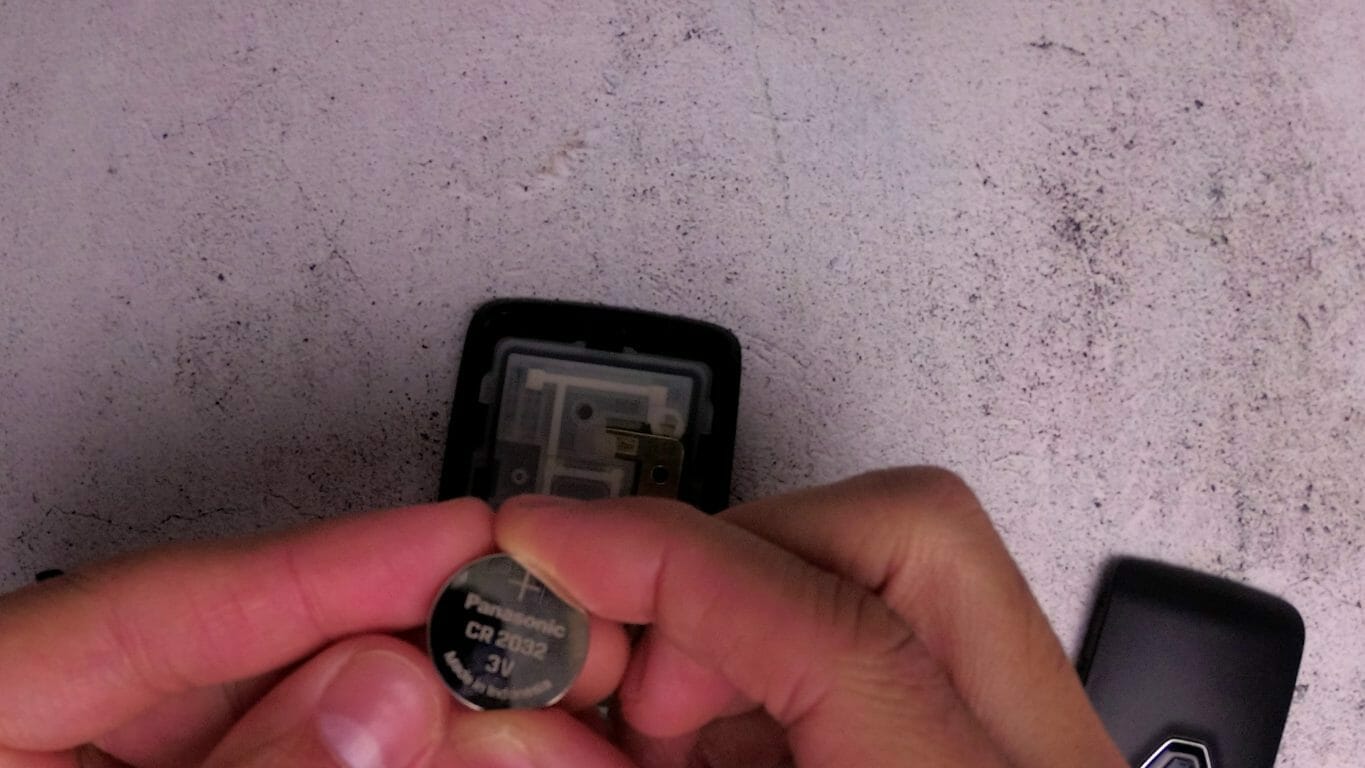
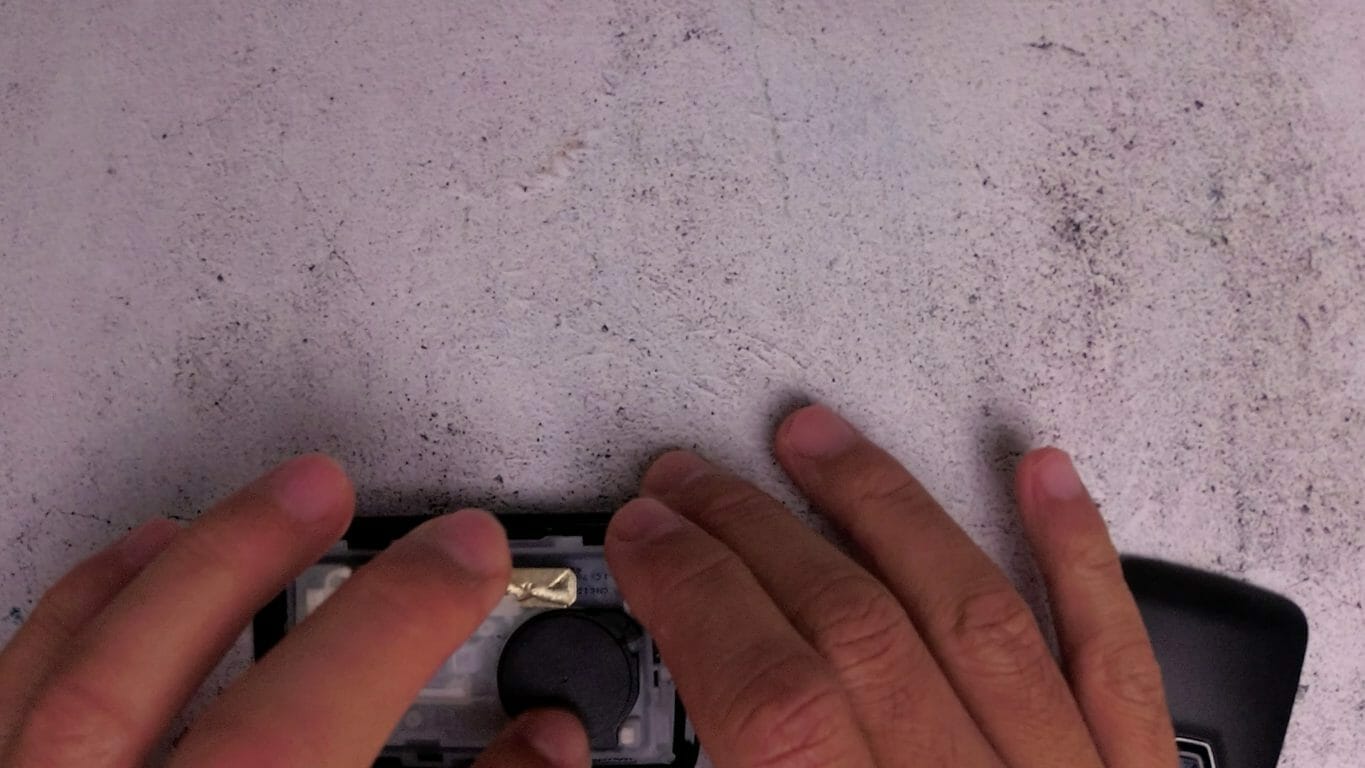
- Slide the battery into the small plastic sleeve and push down so that the black battery latch covers the side of the battery

- Reinsert the black battery cover
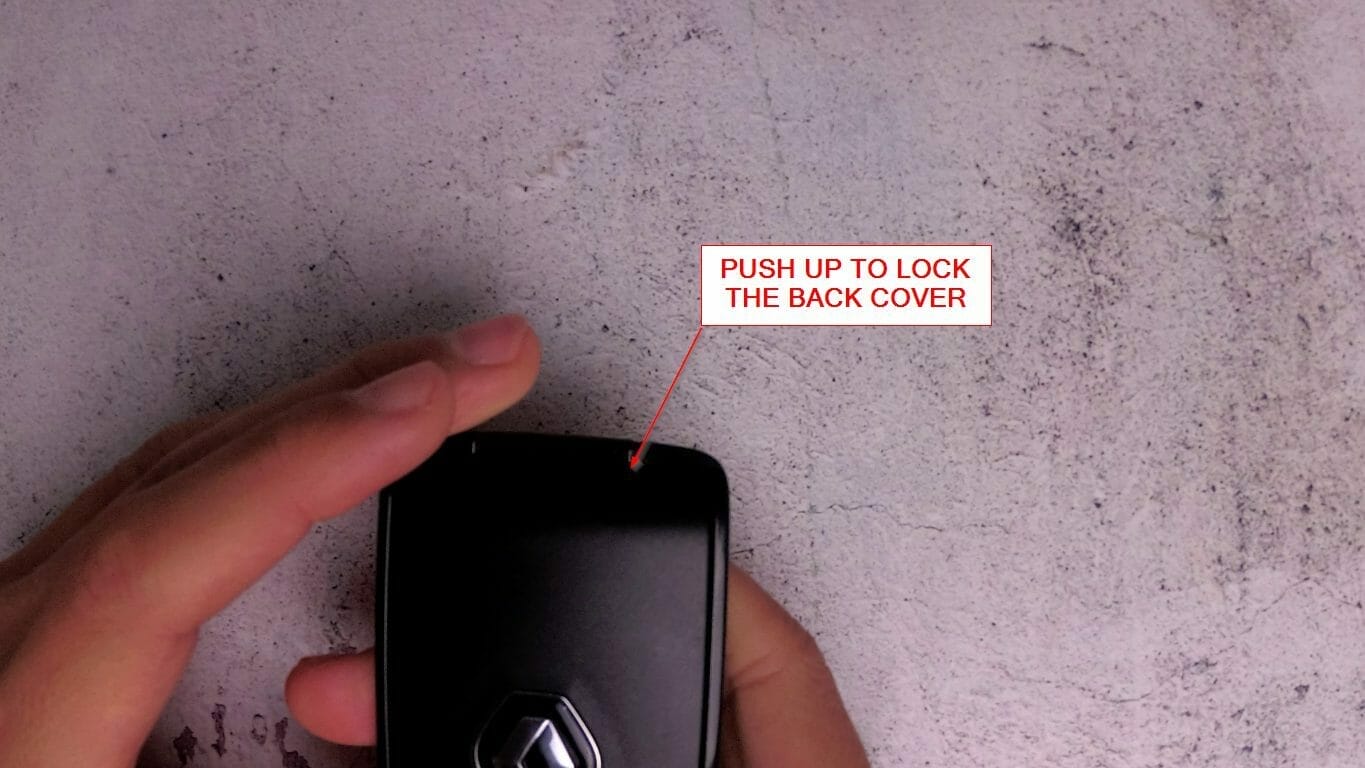
- Reinsert the back cover and slide it up to lock into place
- Test the keycard to make sure the car opens the door and starts the car
Here’s a video demonstrating how to do this:




