

If you’re a NSW resident who has the latest Service NSW app can now add their COVID-19 digital certificate so that when they check-in at a business or location, it will also display the proof of COVID-19 immunisation certificate. Here are some quick instructions on how to do this. Keep in mind that the Service NSW is crashing or is in maintenance mode so you may not be able to do this right now but you just need to keep trying. If it’s not urgent, then do this later on or on another day.
Also, you may want to read these other articles:
- HOW TO DOWNLOAD YOUR COVID-19 DIGITAL CERTIFICATE
- HOW I FIXED THE ISSUE WITH UPLOADING THE COVID DIGITAL CERTIFICATE TO QANTAS VACCINE REWARDS
REQUIREMENTS
- The Latest version Express Plus Medicare App
- The latest version of Service NSW
- A myGov account that is linked to Medicare
- A stable Internet or Mobile Data connection. You need access to the Internet to do this.
INSTRUCTIONS (MOBILE)
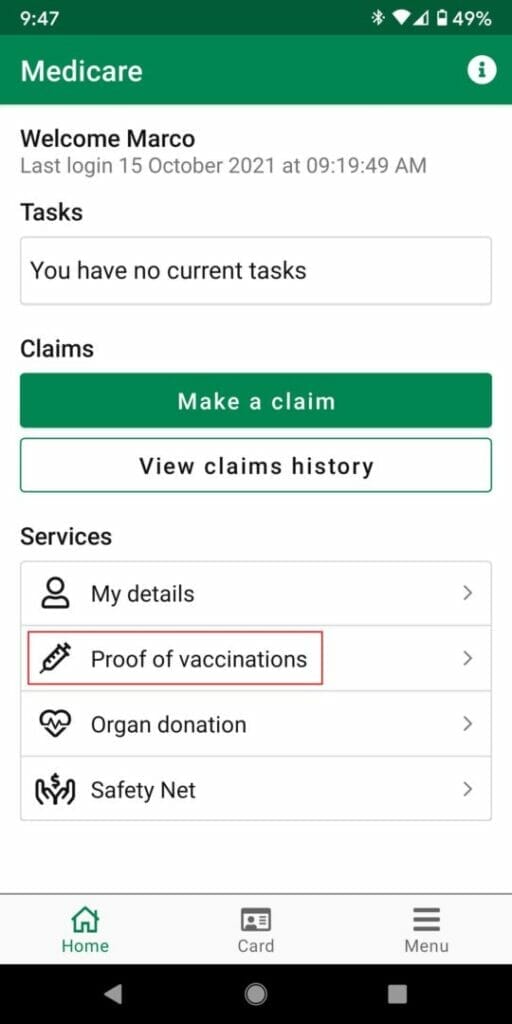
- Login to your Medicare Express App

- Tap on Proof of Vaccinations
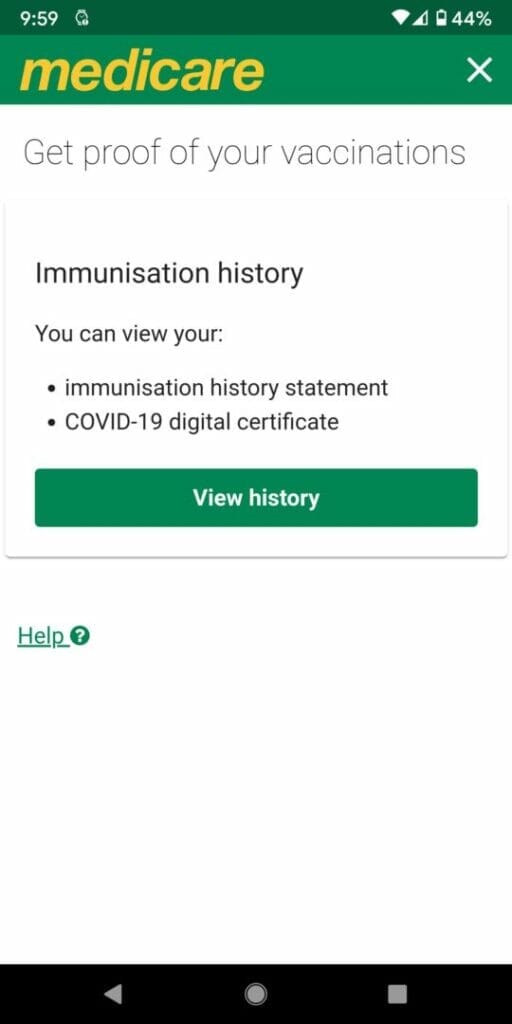
- Tap on view history
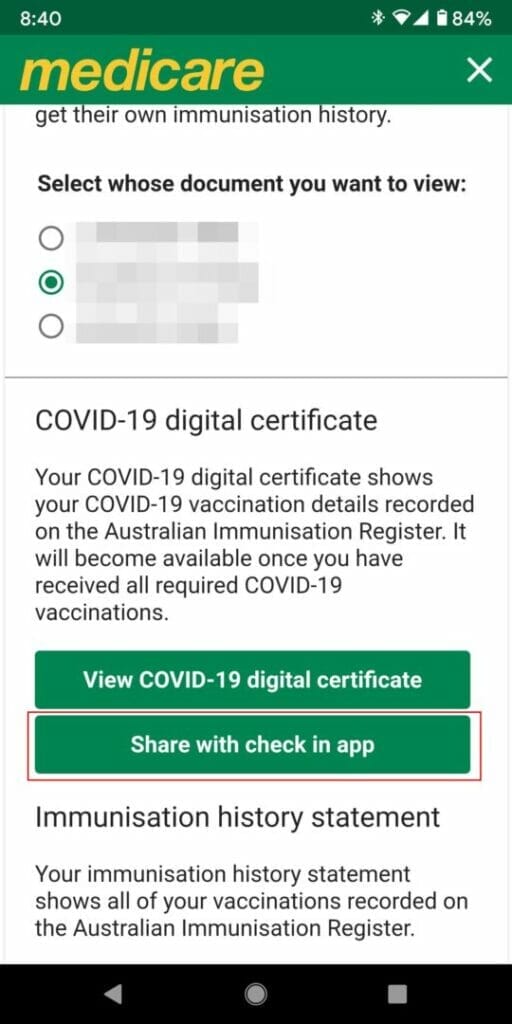
- Select the person if you have multiple people listed and scroll down to the bottom
- You will see a button Share with check in app and tap on that button
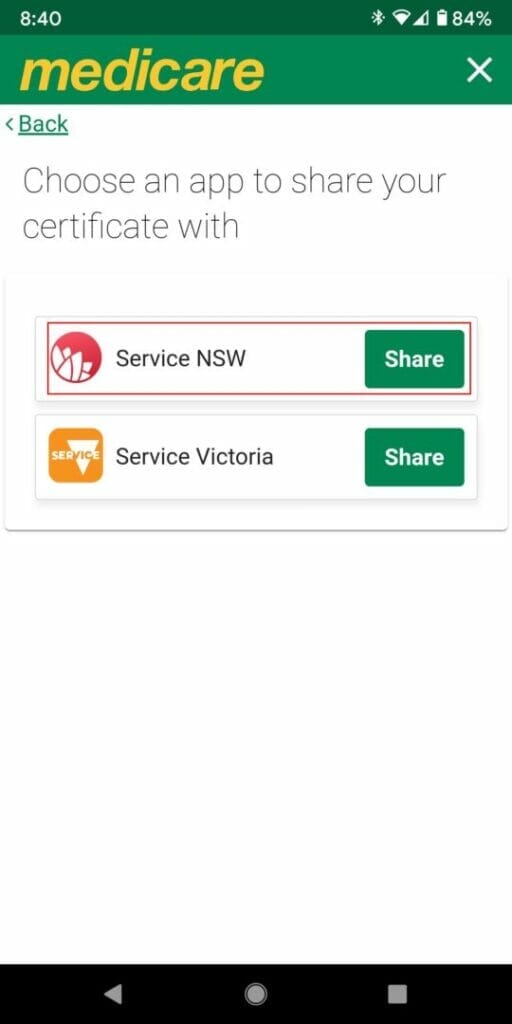
- There is one for Service NSW and one for Service Victoria. Select Service NSW if you’re based in NSW.
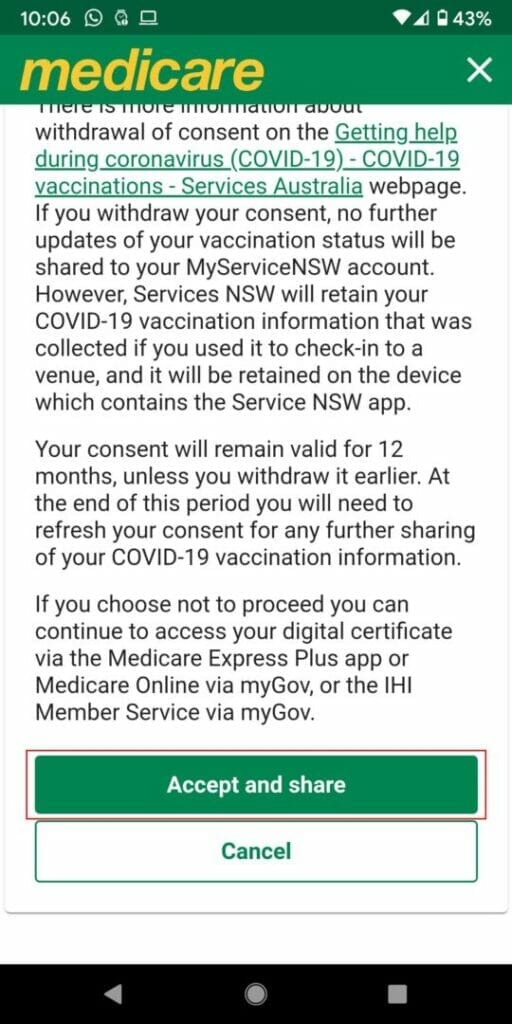
- Read the terms and conditions if you have time or just scroll down and tap on Accept and Share (if you click on cancel you won’t be able to go any further)
- You will receive an alert message “You are about to leave the Express Plus Medicare App” and press the orange OK button

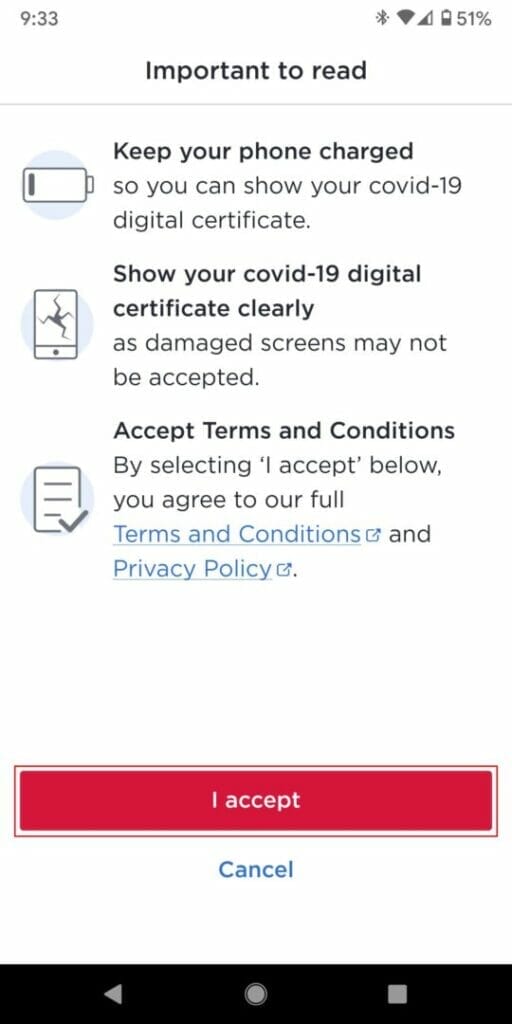
- It will then add the digital certificate to your Service NSW account. You may need to log in to the app if prompted. You will need to tap on I accept when prompted.
The Service NSW app will then prepare and setup the COVID-19 digital certificate.
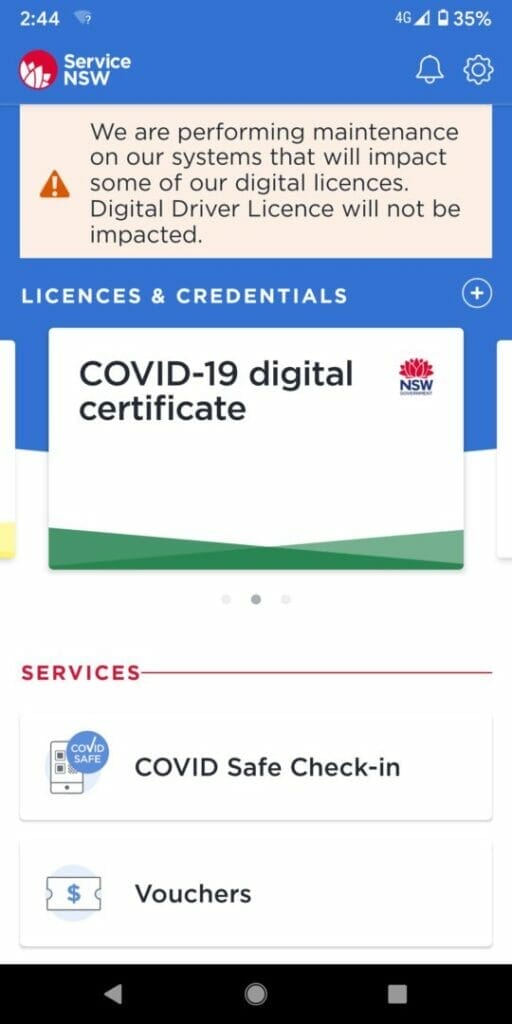
- You will then see your COVID-19 digital certificate in the Licenses and Credentials section
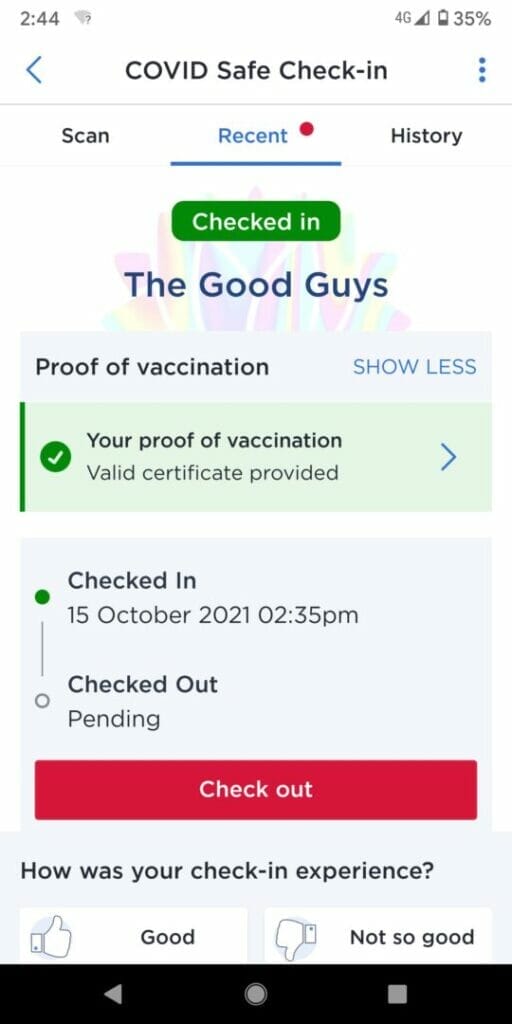
- When you check-in, it will automatically display whether you have the digital certificate.
ERRORS
The Service NSW may be busy and you may receive the following error messages:
- Already added – This COVID-19 digital certificate has already been added to this account.

- Unable to load your COVID-19 digital certificate at this time. Tap to try again.

- If you want to unlink your digital certificate just follow the above steps and when you reach the option to share the certificate with, select Unlink Certificate

Hope this help and don’t give up if you run into any problems.
Also, note that you can also print out the digital certificate and show this when you check in or display the certificate using the Express Plus Medicare app (you may have also added this to your Google Pay using this method:
You can also leave a comment and I’ll try to help. Good luck and keep safe.


![Generated thumbnail for Plan a Vaucluse Coastal Day Out [5 Easy Stops]](https://cdn.marcotran.com.au/wp-content/uploads/tse-generated-thumbnails/2026/09/tse-thumbnail-8c1-final-20260703-18617-plan-a-vaucluse-coastal-day-out-5-easy-stops-720x480.jpg?strip=all)

