

The LG Digital Signage screens have an operating system called WebOS (which is pretty much a Linux-based OS) and like any digital device, there are software firmware upgrades you can install to fix issues, upgrade operating system files and even add new features. Unlike other electronic devices, LG doesn’t have a public website where you can download the latest firmware but you need to have a developer account on the LG webOS Signage Developer website: https://webossignage.developer.lge.com/
Once you log in, there is a search function to search for the model of the LG digital signage screen and the link to download the firmware.
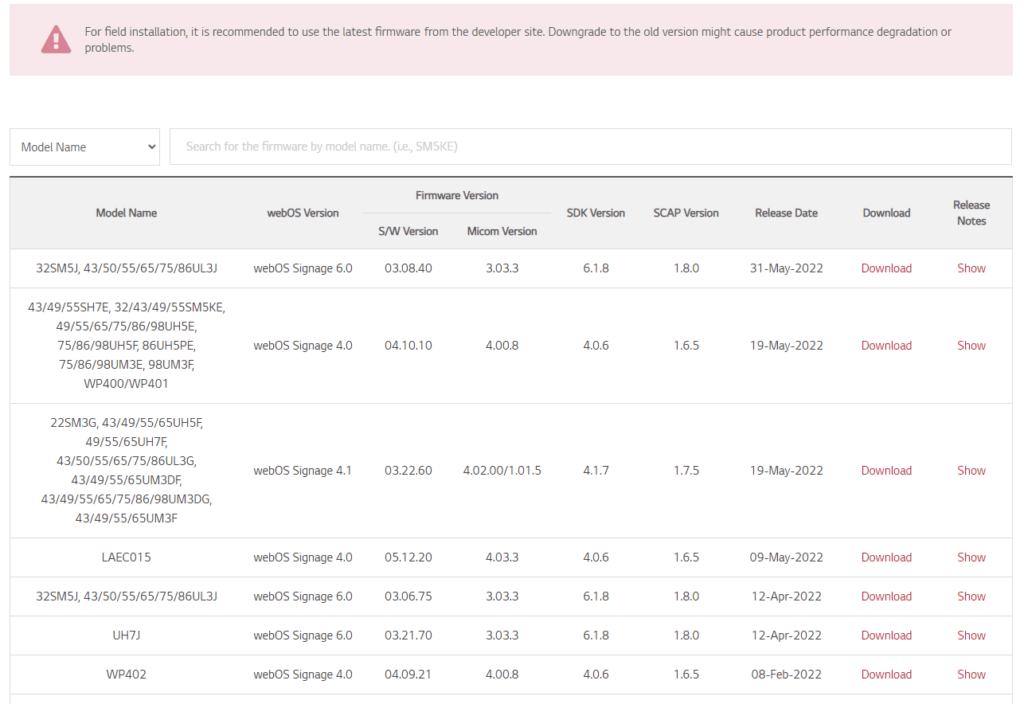
Once the firmware is downloaded there are different methods to upgrade the firmware. I have listed the two methods I use below.
USB METHOD
With the USB method, the firmware is copied onto a USB drive into a folder called LG_Monitor folder and plug the USB drive into the USB port. All you need to do is follow the prompts and here’s a complete video on how to do this:
WEB DASHBOARD
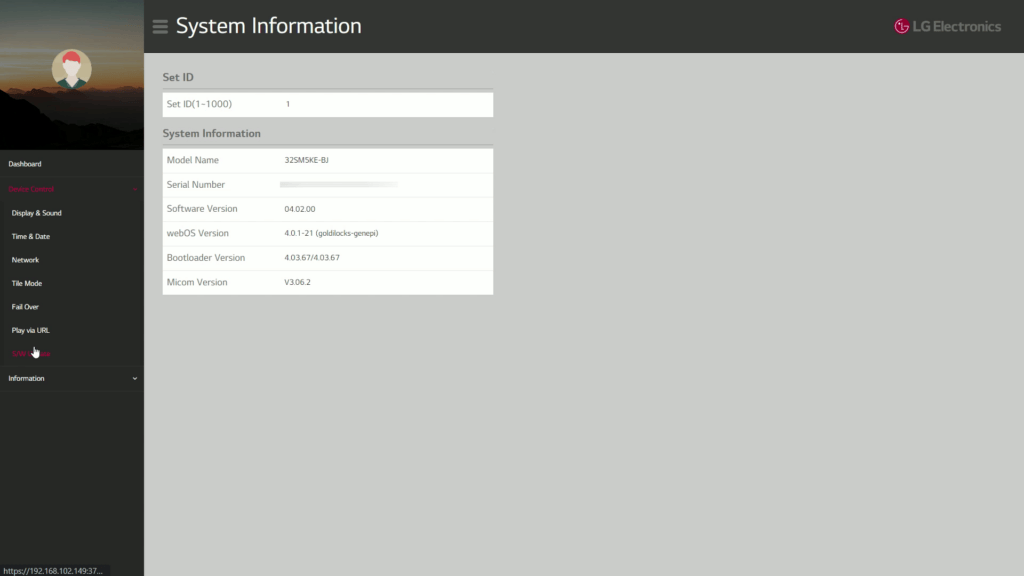
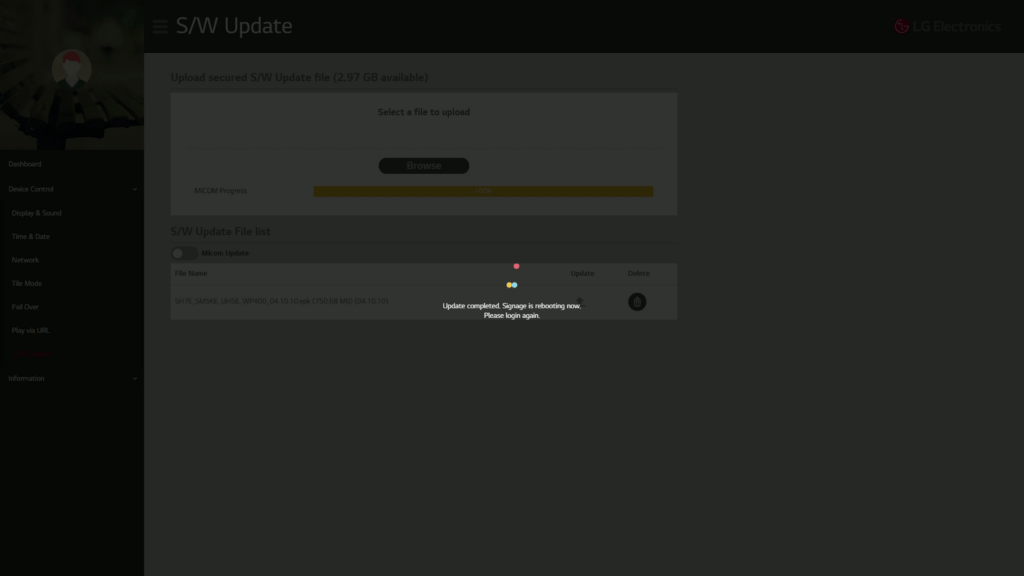
The second method is to use the web dashboard to upload the firmware.
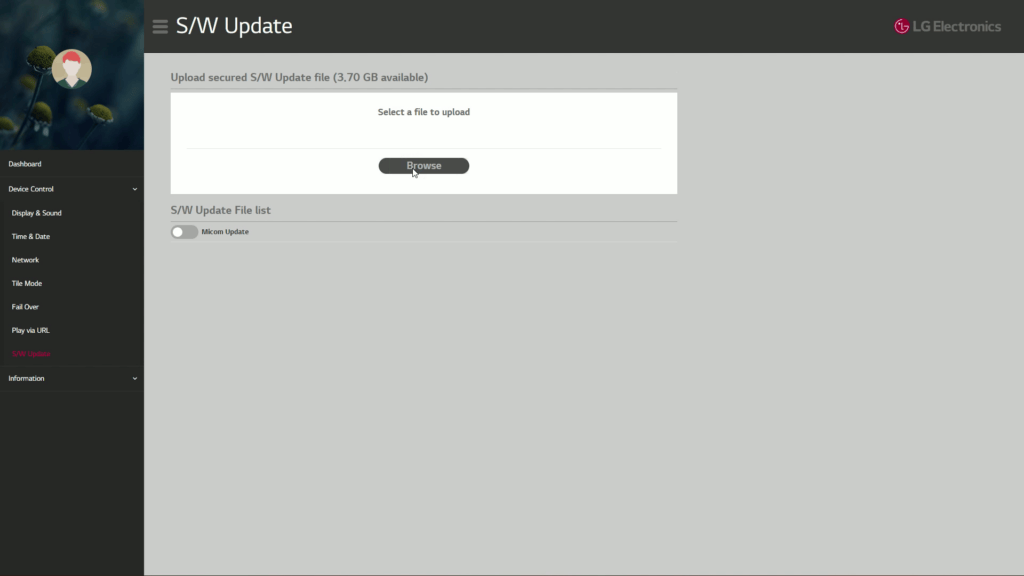
- You need to click on the dashboard Device Control – S/W Update
- Click browse to upload the file
- Click on update and that’s it
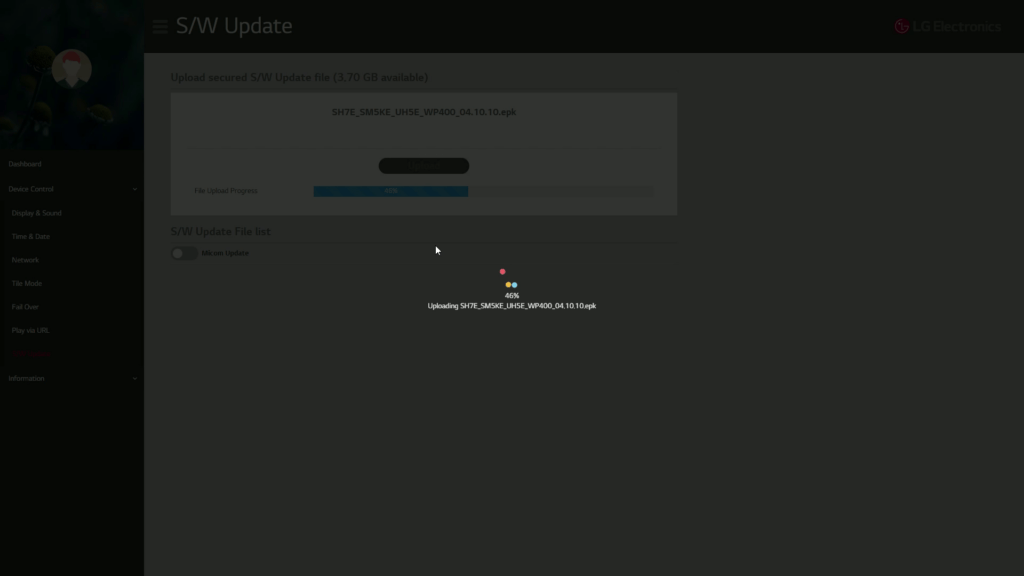
- The screen will automatically reboot once the firmware upgrade is completed
Here’s a video showing you how to do this:
There are other more complicated methods you can use but I’ll leave that for another time.




