This week I’ve been testing the Microsoft Clarity tool and I’m quite impressed how powerful this tool is, especially since it’s FREE. Microsoft Clarity is a behavioural analytics tool that captures website information such as heatmaps and session information. It even records what the user does on the website so that you can further understand if there are any problems with your website or SaaS tool.
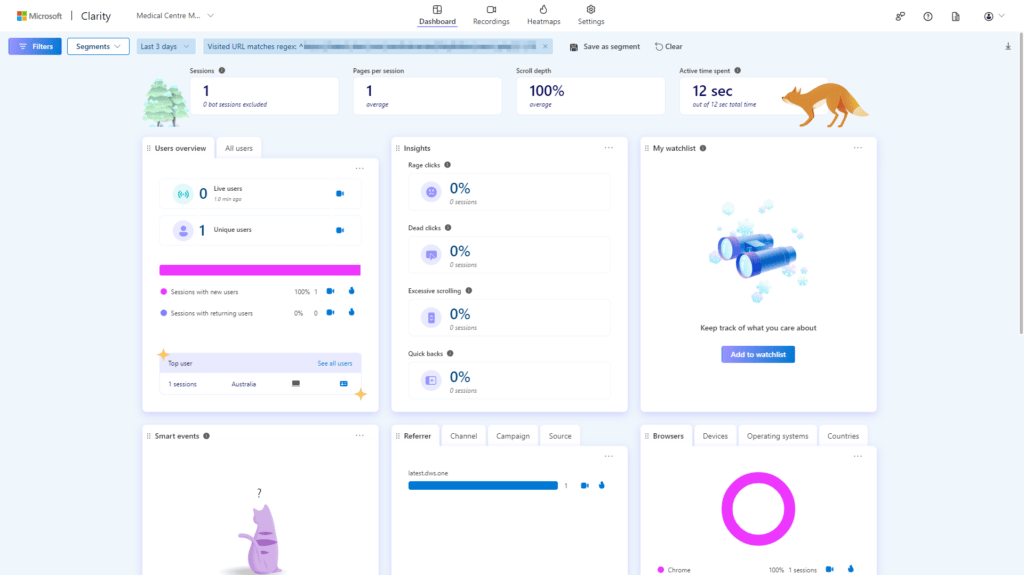
This is a screenshot of the dashboard for a particular project:
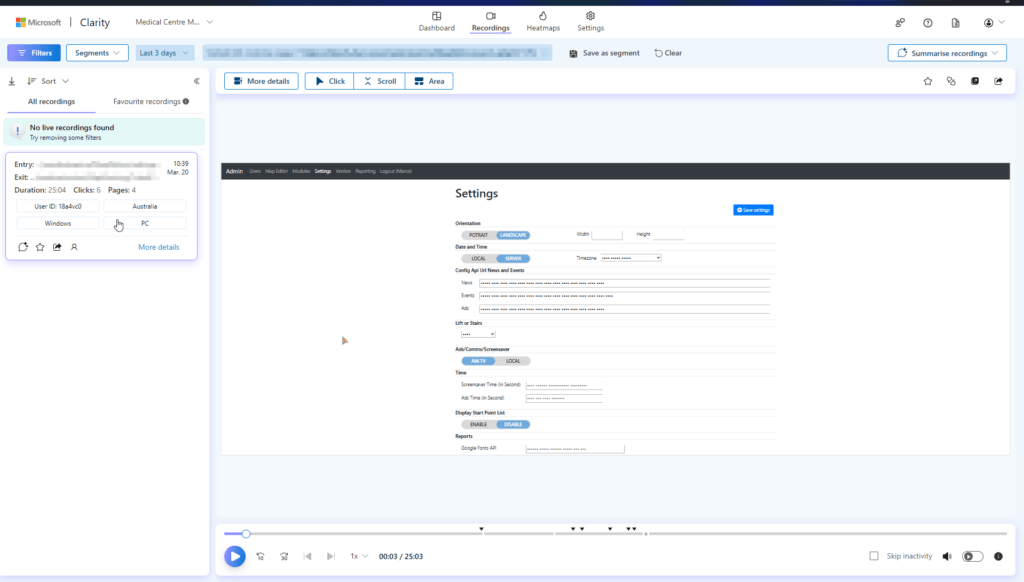
The recording tab shows you the live session and also the recorded activities. You can also replay the entire visitor session as well.
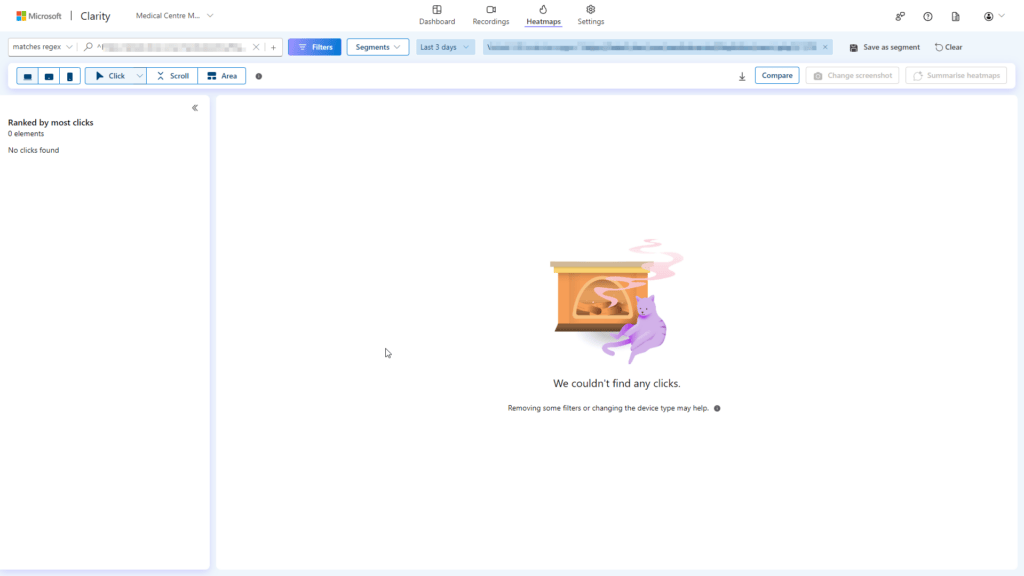
The heatmap tab didn’t show much information but that’s because the SaaS tool (digitalwayfindingsolutions.com.au) doesn’t have pages to click on:
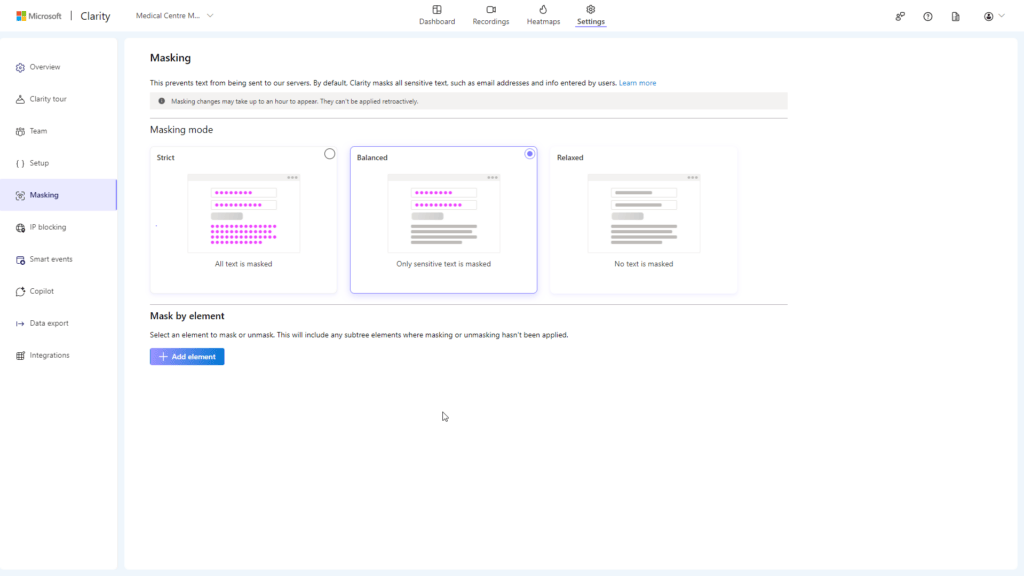
If you have concerns about the tool capturing user information, rest assured that it includes a feature to mask fields. You have the option to mask all text or just sensitive information.
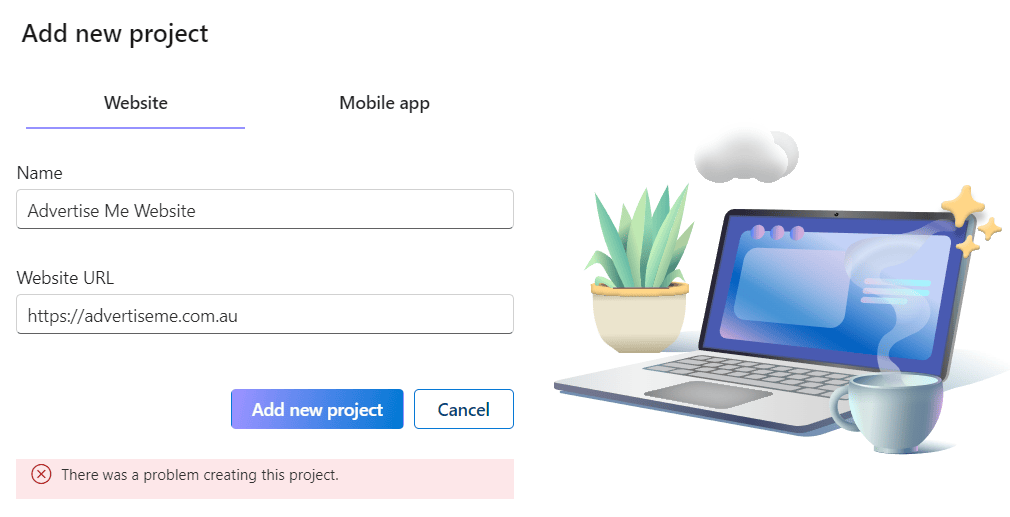
I will write a thorough review of this tool once I have had the chance to test it more extensively. Unfortunately, I am currently unable to do so at the moment as Microsoft needs to fix an issue with creating new projects. I only have one project in my account and whenever I try to add a new project, I receive an error message that says ‘THERE WAS A PROBLEM CREATING THIS PROJECT’ like the below screenshot:
Here’s a video of the problem:
I hope Microsoft fixes this problem as soon as possible so that I can continue testing.