

A few weeks ago, our business PayPal account was hacked and there were 3 x $90 (total $270) unauthorised transactions. In addition, the hacker was able to add their mobile number to the account as I received this email message on the 21st May 2024:
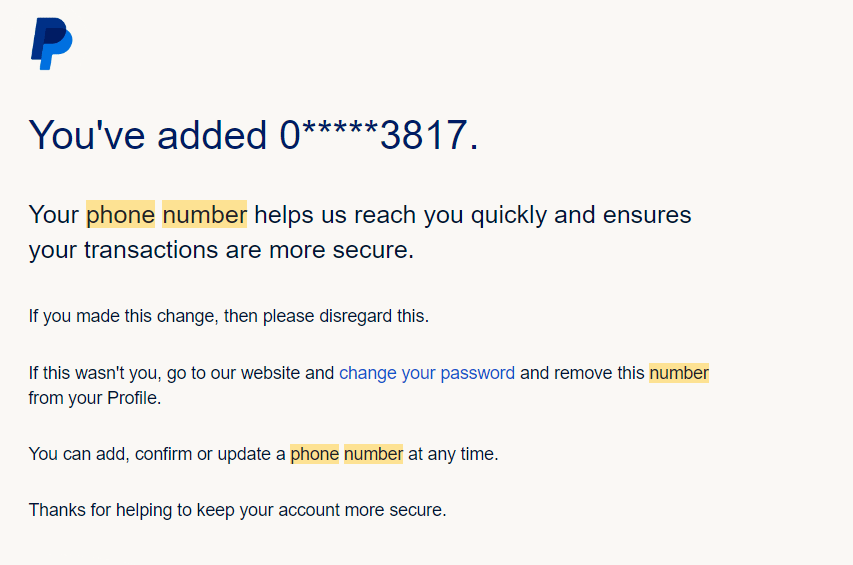
To check whether your account has any additional mobile numbers besides your own follow these instructions:
Go to Account Settings
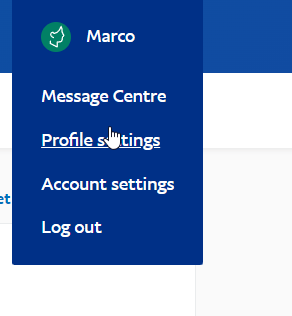
Then click on account settings – Primary authorised user information
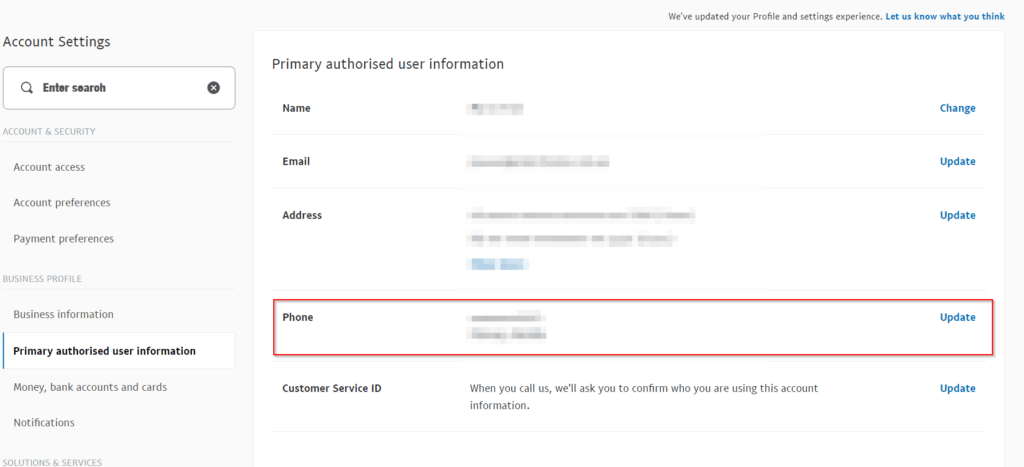
Check to make sure there is only your mobile number and if there is another one listed you don’t recognise then delete it immediately.
In my case, it was a mobile number that I didn’t recognise so I immediately logged into the account to check and removed it. I also decided to change the password and enable Multi Factor Authentication. I believed by doing these two steps I eliminated the hacker from accessing the account.
To enable MFA (2 step verification) follow the below steps. I ended up using Google Authenticator for the security codes which makes it technically more safe unless your mobile phone gets hacked as well.
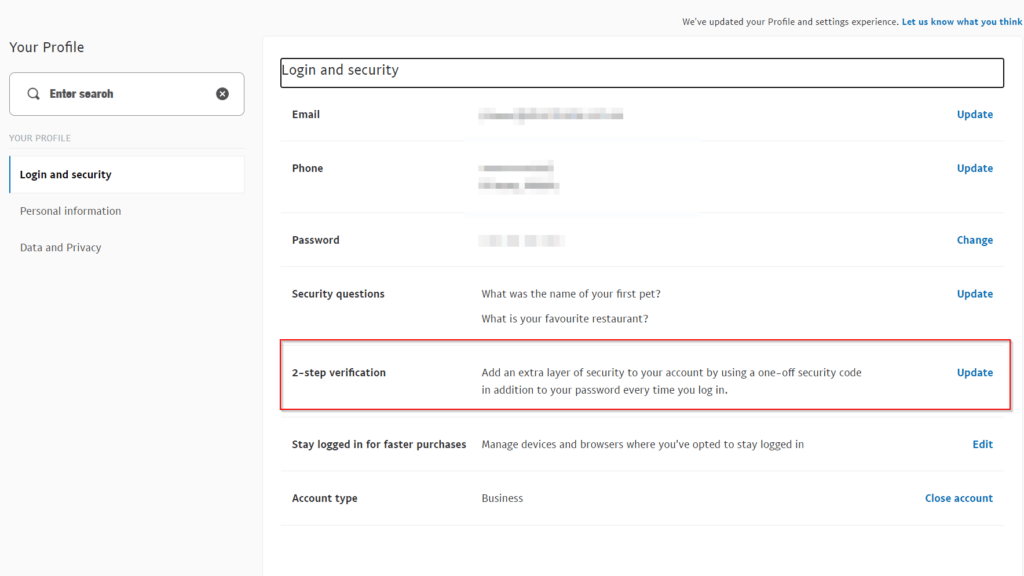
However, I’m not sure whether they were still logged in or not and it was something I should have checked, but the hacker managed to add their own bank account (CitiBank) to the account and attempted to transfer 3x $90 transactions to the account. This hacker may have been local since they had a local number and back account. As soon as I noticed this I contacted PayPal support and marked the transaction as unauthorised. I also removed the bank account that was listed:
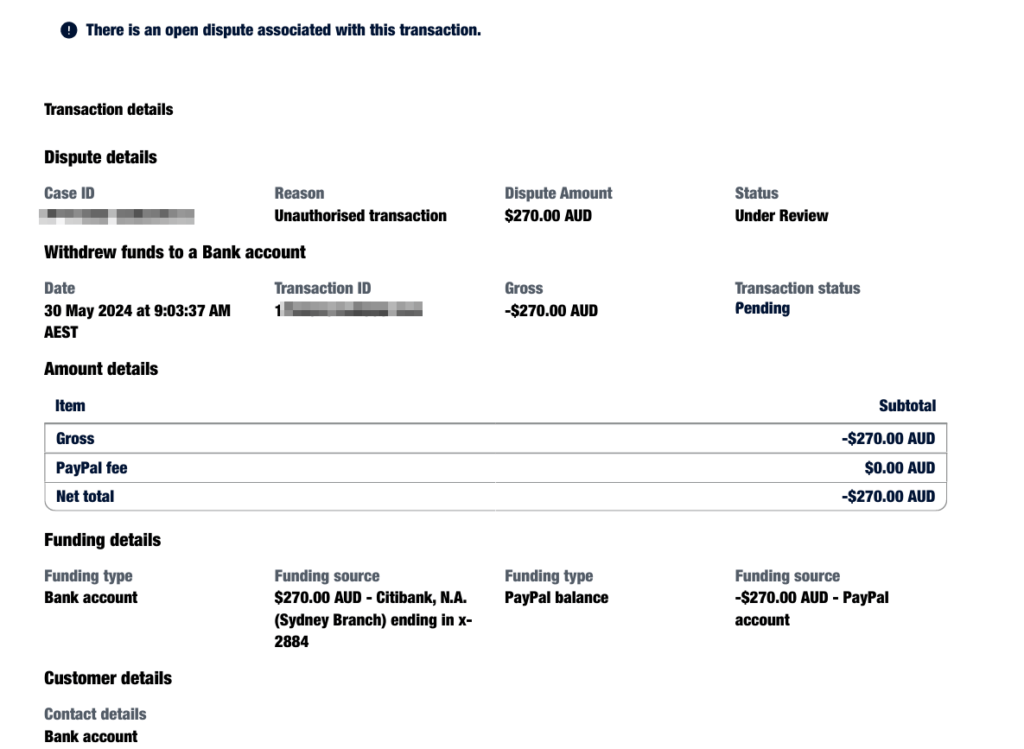
Since the bank account was still pending and I disputed the transaction straight away, we managed to get the money back, so I urge you all to increase the security of your PayPal account by enabling 2-factor authentication and also to change your password. Hopefully, this doesn’t happen to you and if it does, please make sure you contact PayPal support straight away, especially if you receive any suspicious notifications.




