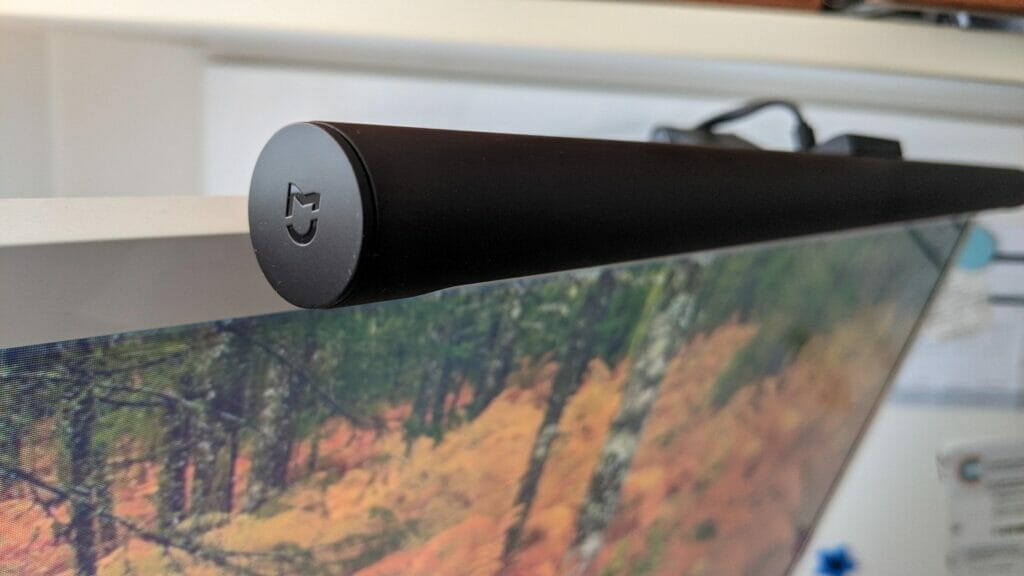
I’ve been a Xiaomi fan for years and pretty much have quite a few Xiaomi products. I recently purchased the Xiaomi Mijia lightbar (MJGJD01YL) since it was on sale. The Xiaomi lightbar has a few more features compared to the Baseus lightbar I was previously using: REVIEWING AN UNBOXING THE BASEUS LIGHTING SCREEN HANGING LIGHT YOUTH
You can buy the Xiaomi Mijia lightbar from here: https://amzn.to/3E6lmUl
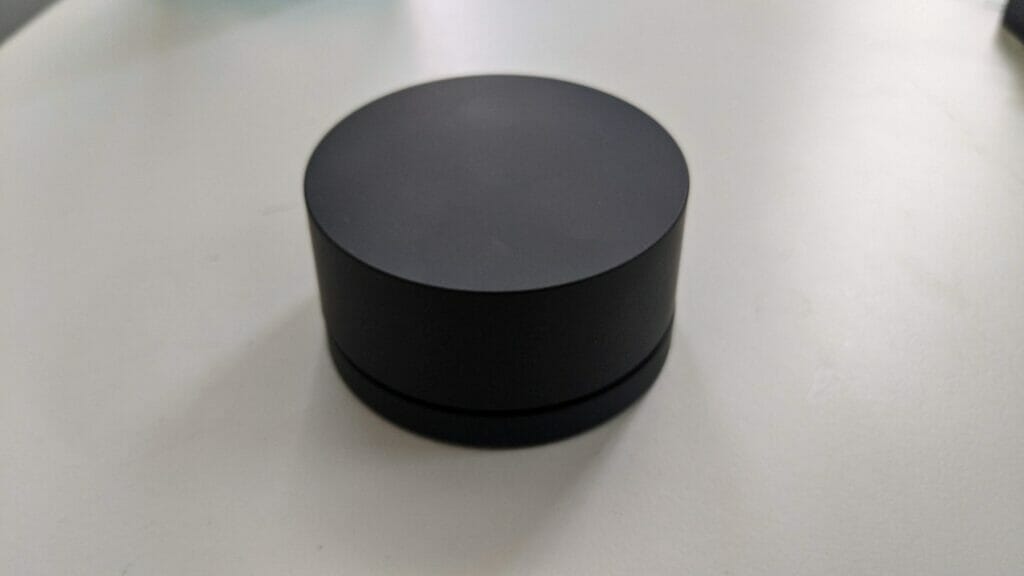
The Xiaomi lightbar comes with a remote control so you don’t have to actually reach out to change the brightness, the colour mode, or to turn the lightbar on and off. You obviously pay more to have this but the quality and design of the Xiaomi lightbar are better than most of the other branded lightbars.
Here’s a picture of the remote control – it is basically a dial that you can spin to change the brightness and colour modes. If you press down on it, you can switch the lightbar on and off.
Here’s a video of the unboxing:
Initially, I struggled with changing the colour mode on the Xiaomi lightbar but after you work out exactly what to do it was easy. You simply need to just press down on the remote control (make sure that it’s on a flat surface) and then turn the dial whilst pressed down. Once you turn the dial the colours will change. Here’s the video:
When compared to the Baseus, the Xiaomi Mijia lightbar has more features but it obviously comes with a price difference – about twice the cost of the Baseus. The Xiaomi has 8 colour modes in comparison to 3 for the Baseus. The Xiaomi automatically turns on when there is connected to the USB port whilst for the Baseus you need to turn it on from the touch panel.
Here’s a video showing the comparison between the two:
If you’re interested in the Baseus lightbar you can buy it from here: https://bit.ly/37C0uF2