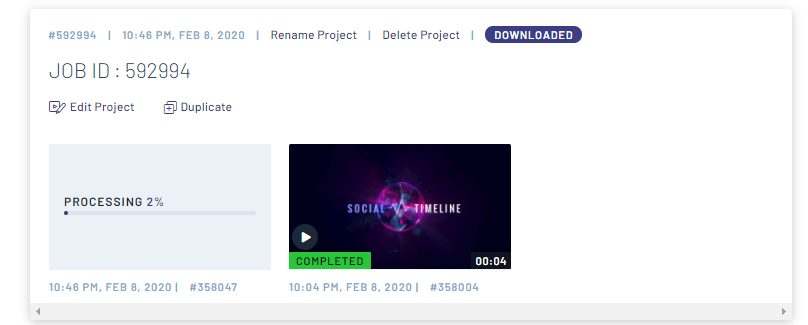
In the previous post Creating Logo Designs, I shsared with you the different tools that I use for creating logos designs. Now in this post, I’ll be sharing a different tool that will help you further market your business by creating a video intro. The tool that I used is called inVideo and it’s my go to tool I have used to create most of the videos for my businesses – example: Creating ePosters Inveractive digital signage video.
Now, here’s the video I created for the Social Timeline and which used the business logo I recently created. It literally took about 2-5 minutes to create this video since I used an existing template:
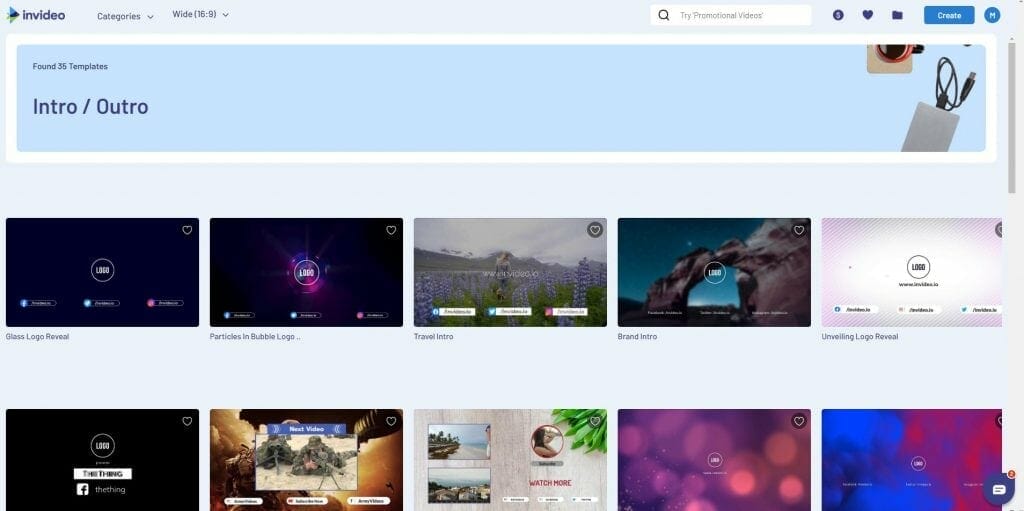
inVideo has a number of templates (currently 35) for Logo Revealers:

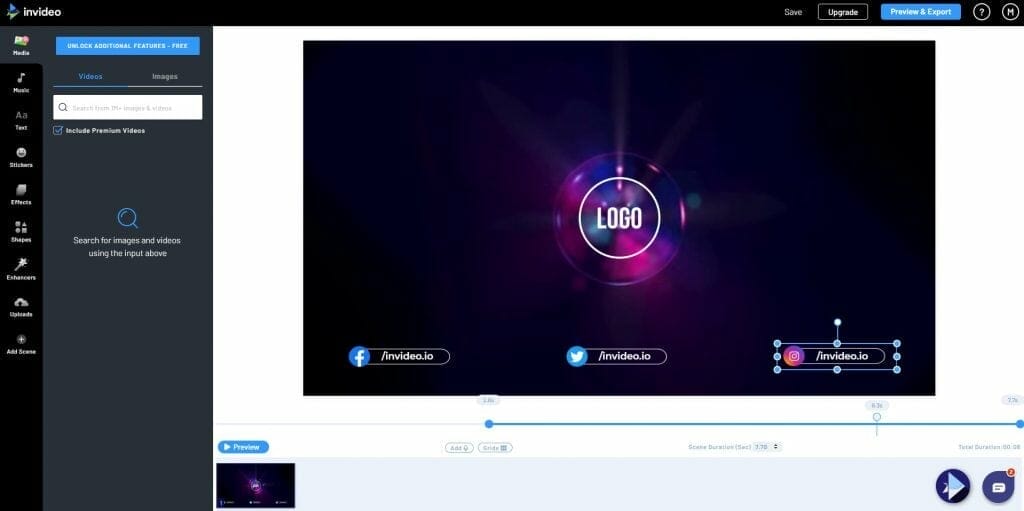
You basically select a template from the list, then add your logo and make the necessary changes. I selected one that matched my logo:
You then select the elements you want to change or remove:
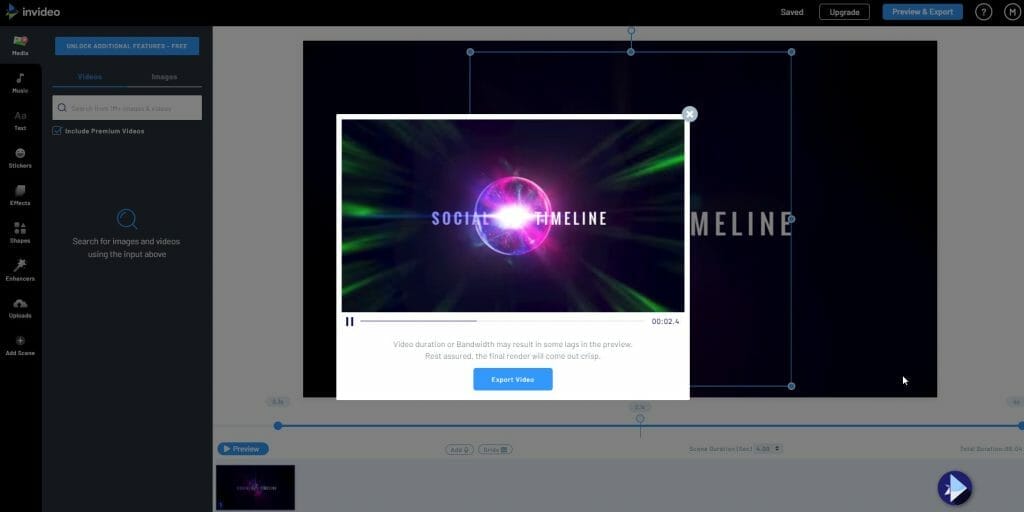
Once you’re done you simply preview the video and export it:

Once you export it let the system process the video and when completed you will have the option to download the file. Yes, it’s that easy.