

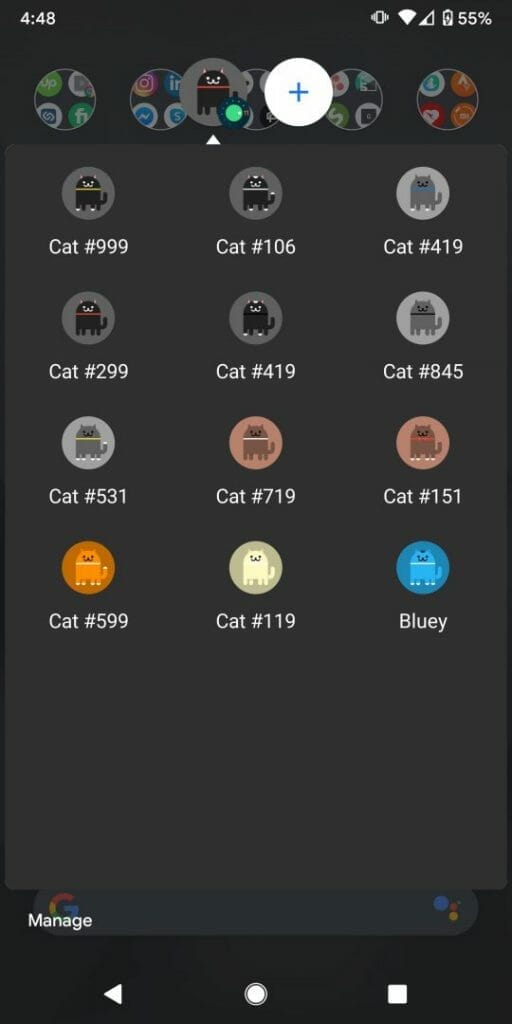
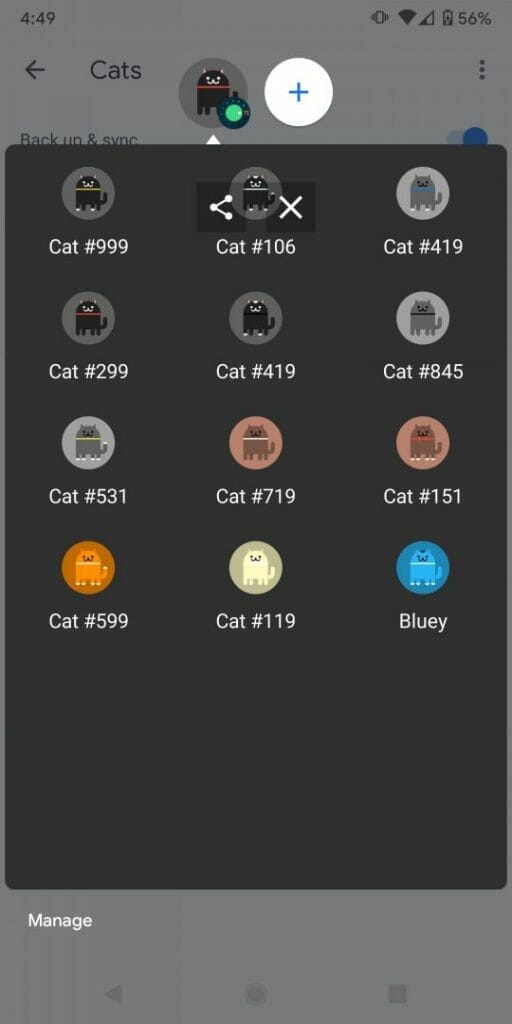
Are you a cat lover? Do you have an Android phone and Android version 11? Then you will love the new Android 11 Easter Egg (the Neko Cat game). When activating the Easter egg, your phone will have the “cat controls” where you can feed and play (just give a toy) with virtual cats. I’m not sure how many cats are available but based on the number in the name of each cat, I’m guessing there are 1000 cats. Each with unique colours and collars. Here’s my current list:
HOW TO ENABLE THE ANDROID 11 EASTER EGG
To enable the Easter egg on Android 11 follow these steps:
- Go to the settings
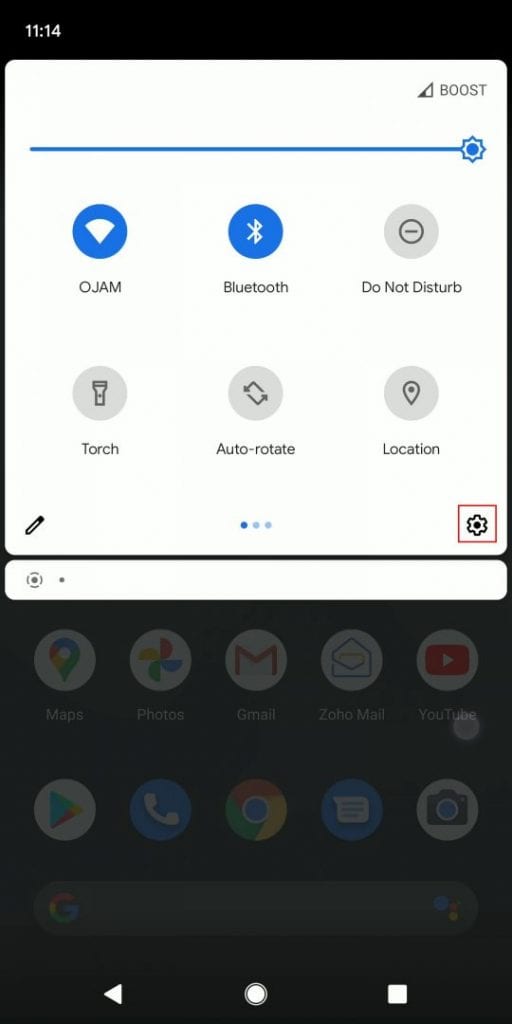
- Scroll down to the bottom and select About phone
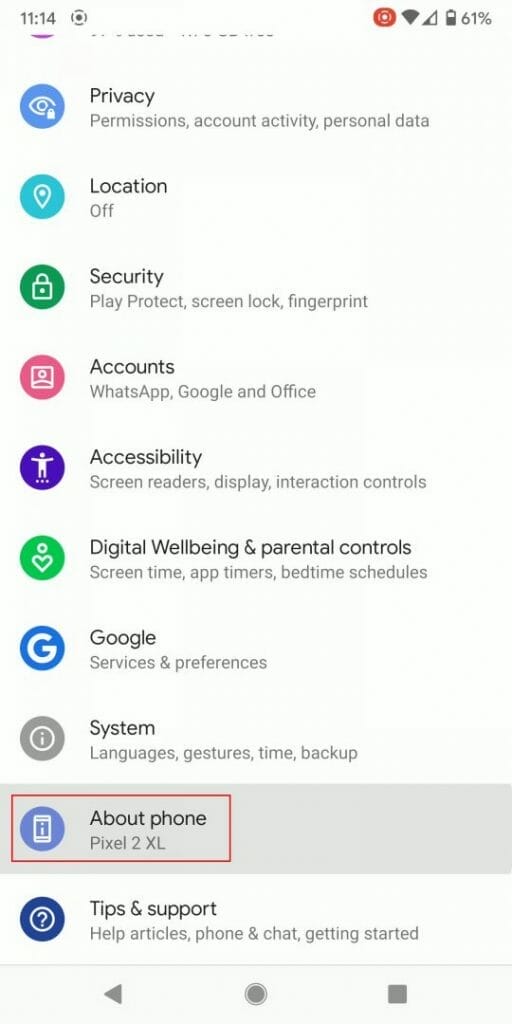
- Select Android version
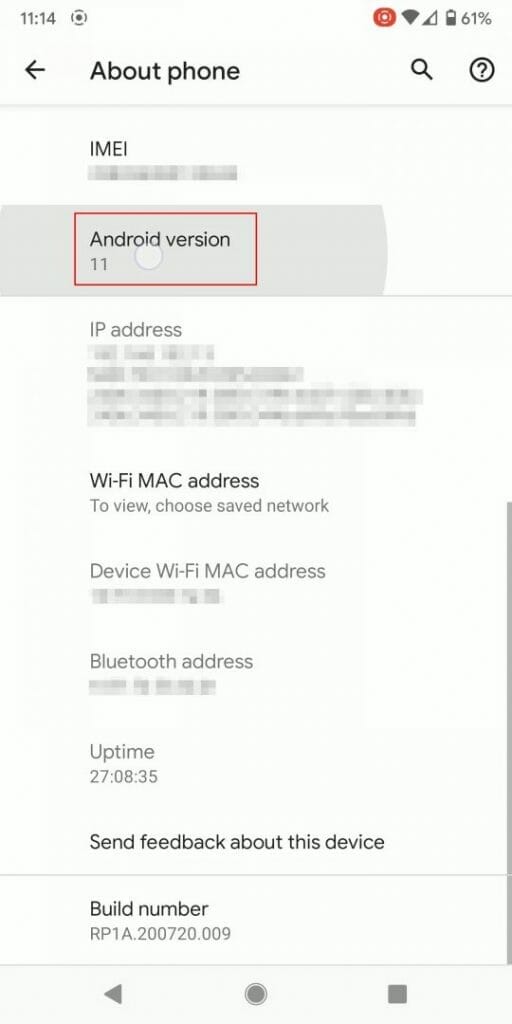
- Keep tapping very quickly on Android version
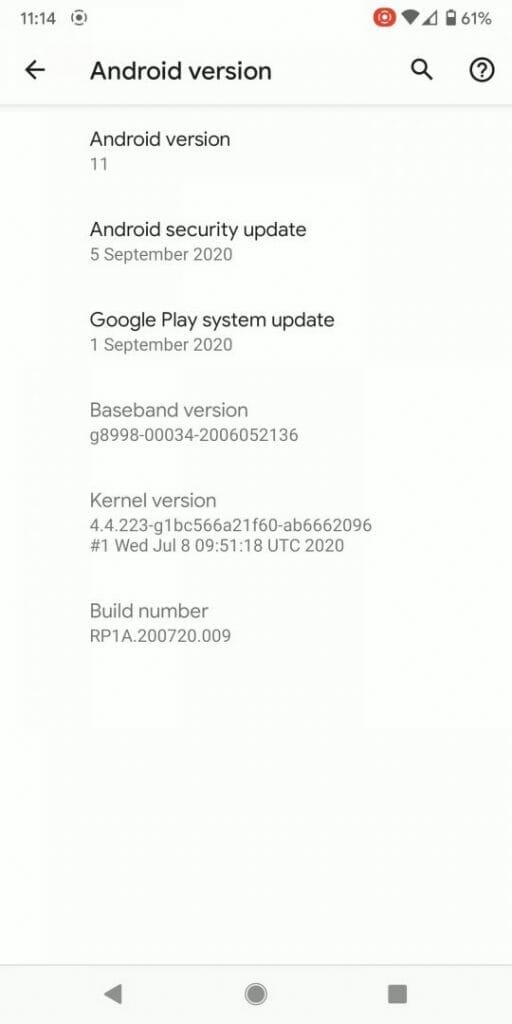
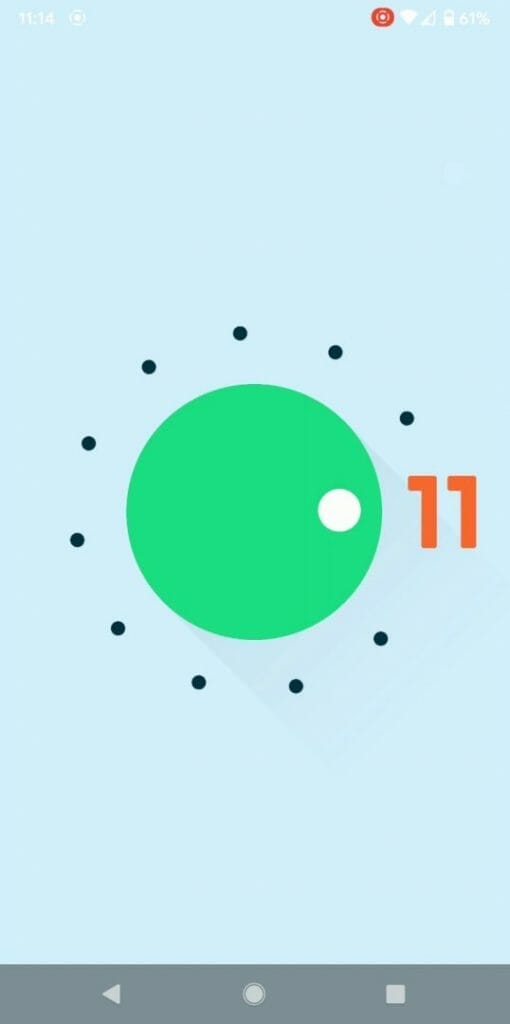
- Turn the dial past 10 a few times until you see 11 and a cat icon at the bottom. This will enable the Neko cat game cat controls
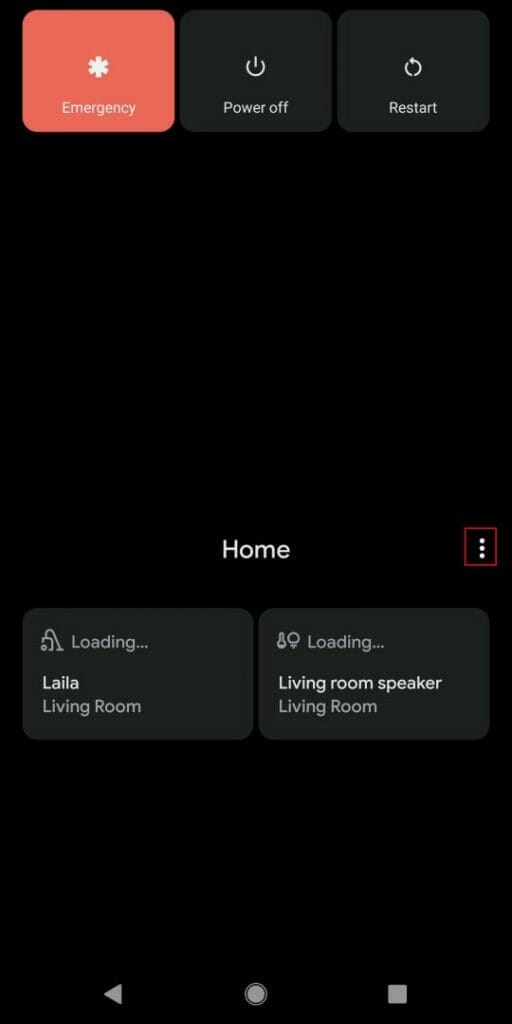
- Hold onto the power button to display the Home controls. Select the 3 button menu option.
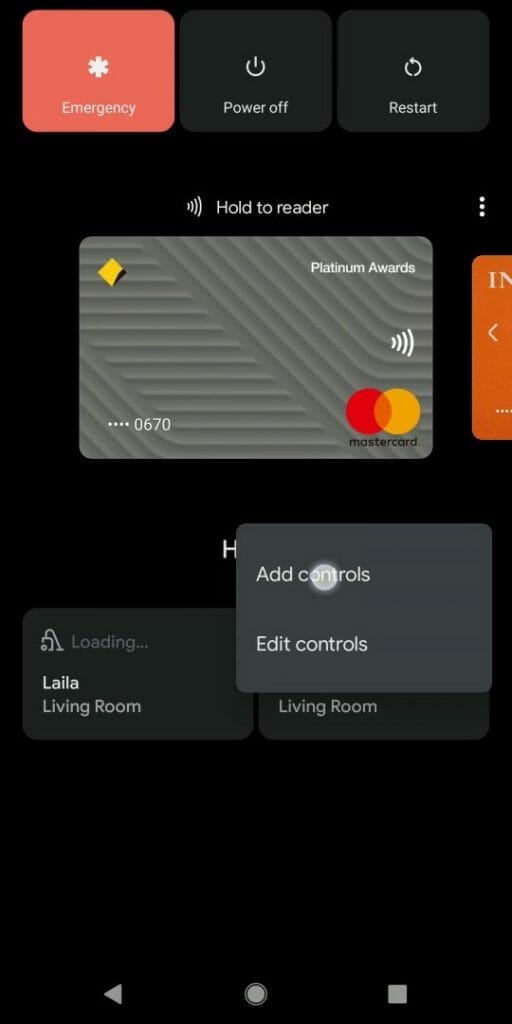
- Select Add controls
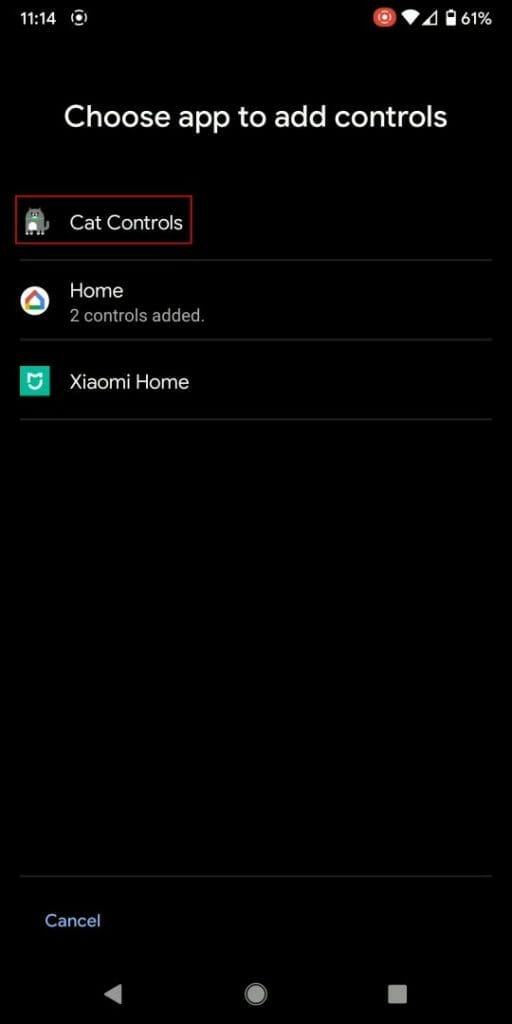
- Select Cat controls
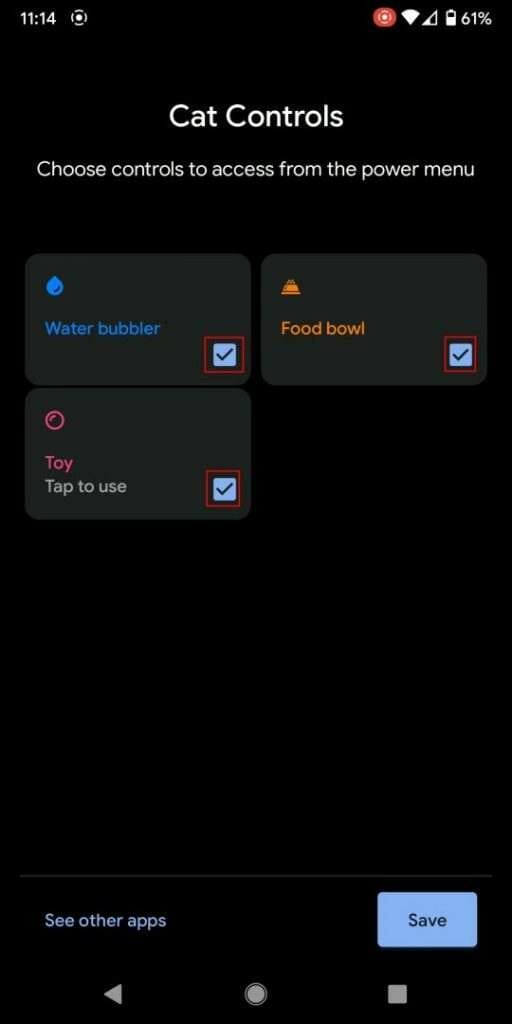
- Select all three options, Water Bubbler, Food Bowl and Toy and press save. This will display these 3 options on the control menu.
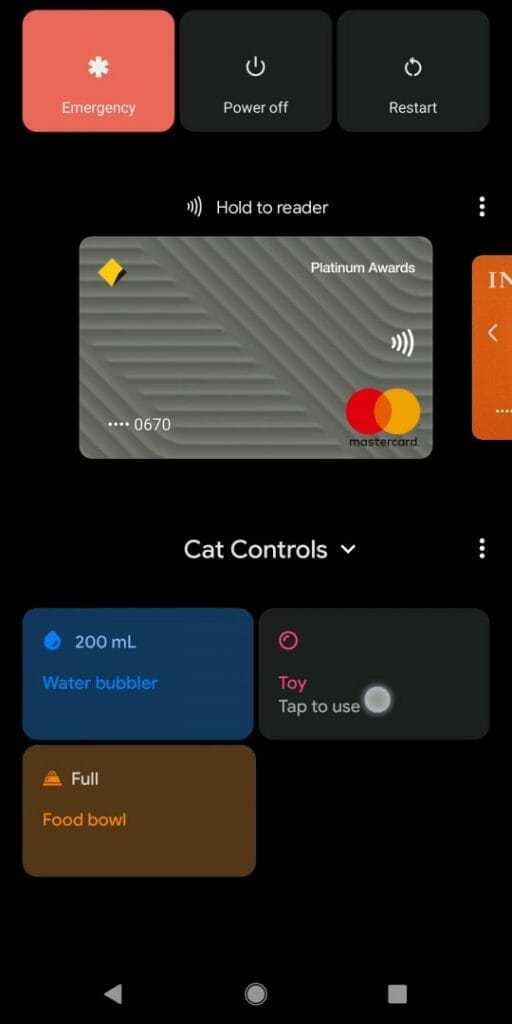
- You can now select how much water for the Water bubbler, fill the Food bowl and use a Toy to attract a cat.
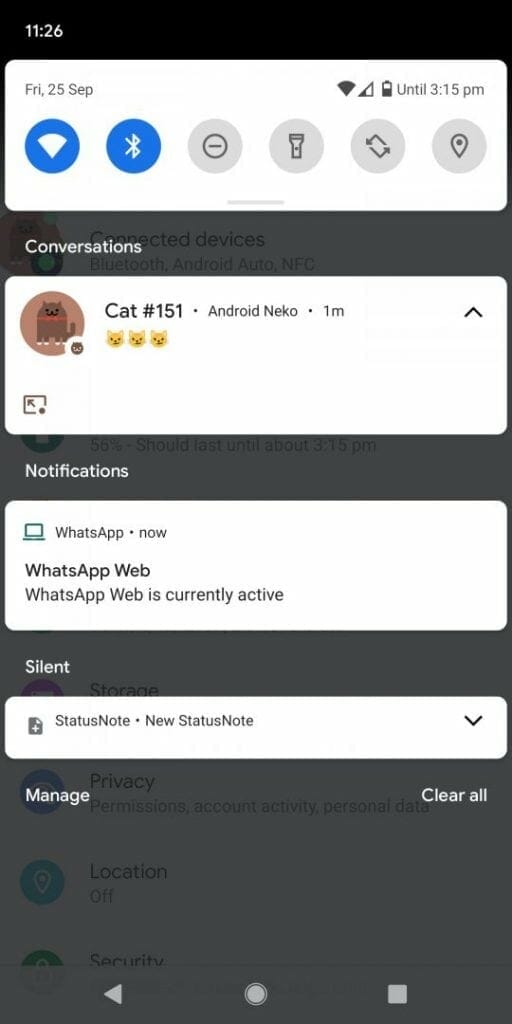
- You then wait until you get a notification bubble from the Neko cat game
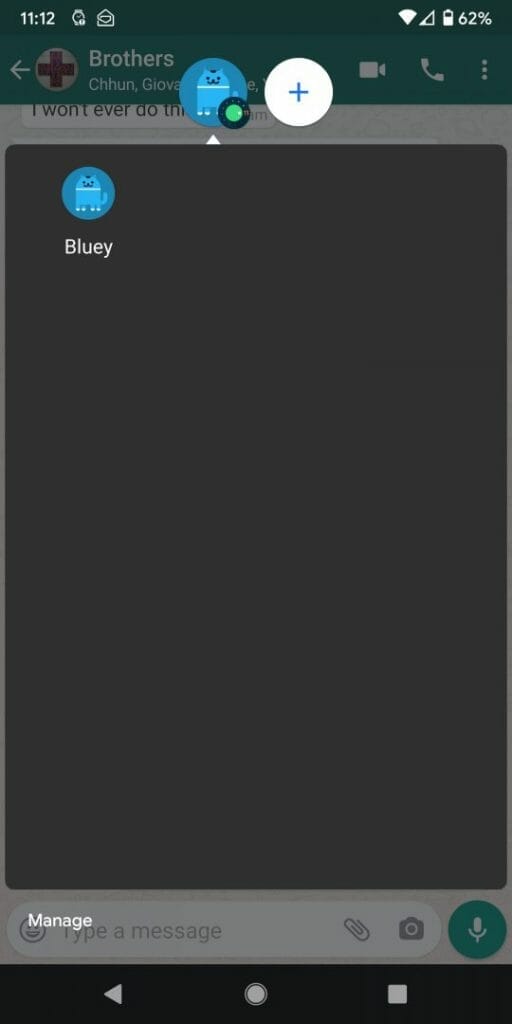
- When you tap on the Cat notification you will see the list of cats you own. From the list, you can rename each cat by tapping the cat.
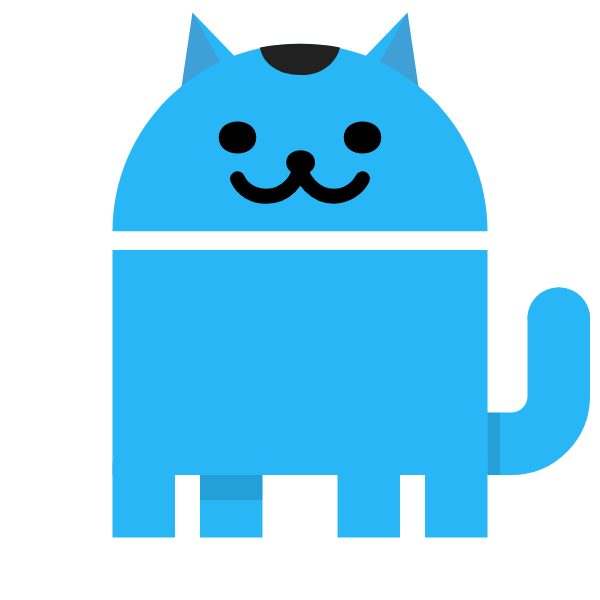
- You can also share the image of the cat via social media by tap holding onto the cat until you see the share icon
You will need to constantly feed, play with the cats and others will popup.
Here’s a video on how to enable the Android 11 Easter egg (Neko cat game). I also used the new screen recorder feature in Android 11 to capture the video:




