

At Advertise Me, a digital solutions company based in Sydney Australia, we have been using LG digital signage screens since 2014. The LG digital signage screens use the WebOS operating system and I’ve previously published several articles about this in the past.
USING THE LG SUPERSIGN CONTROL SOFTWARE
HOW TO UPGRADE THE WEBOS FIRMWARE ON LG DIGITAL SIGNAGE SCREENS
USING THE LG WEBOS DIGITAL SIGNAGE EMULATOR
HOW TO TEST A REMOTE CONTROL TV IS WORKING
DIGITAL SIGNAGE LG WEBOS SOFTWARE AND EMULATOR
You can read some of them here:
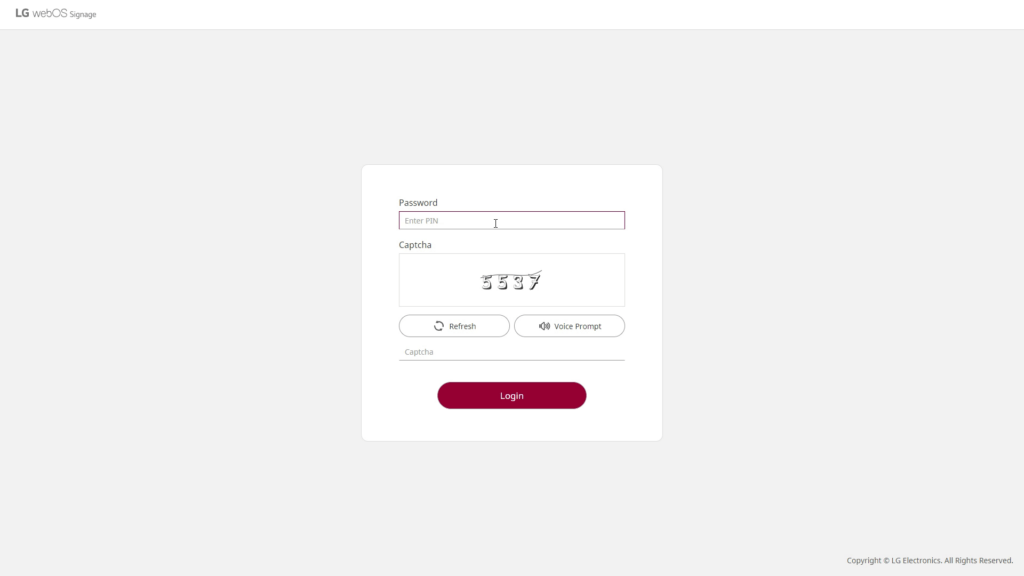
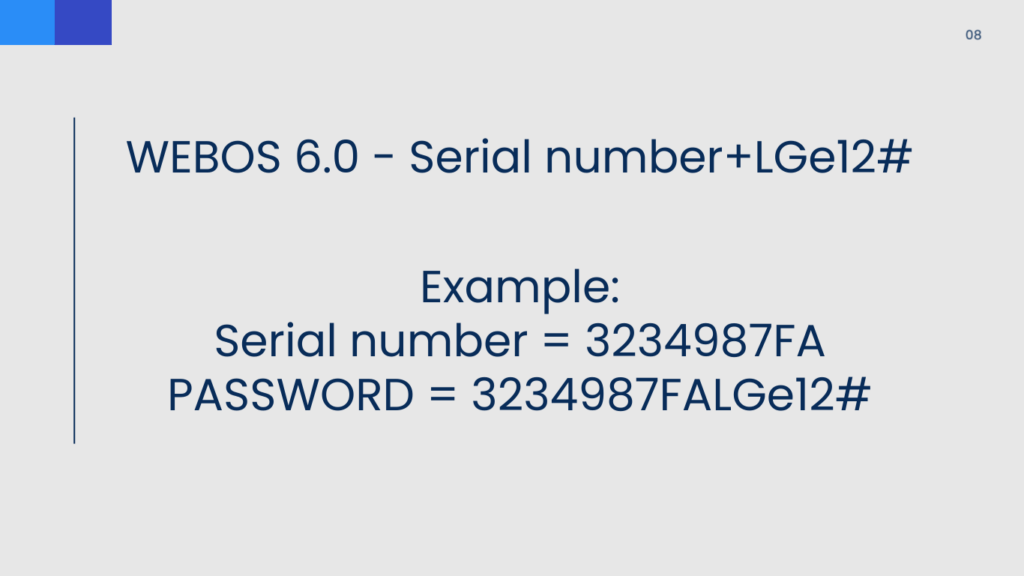
In this post, I just wanted to highlight the default WebOS passwords:
- Serial Number + LGe12# (eg 12345LGe12#)
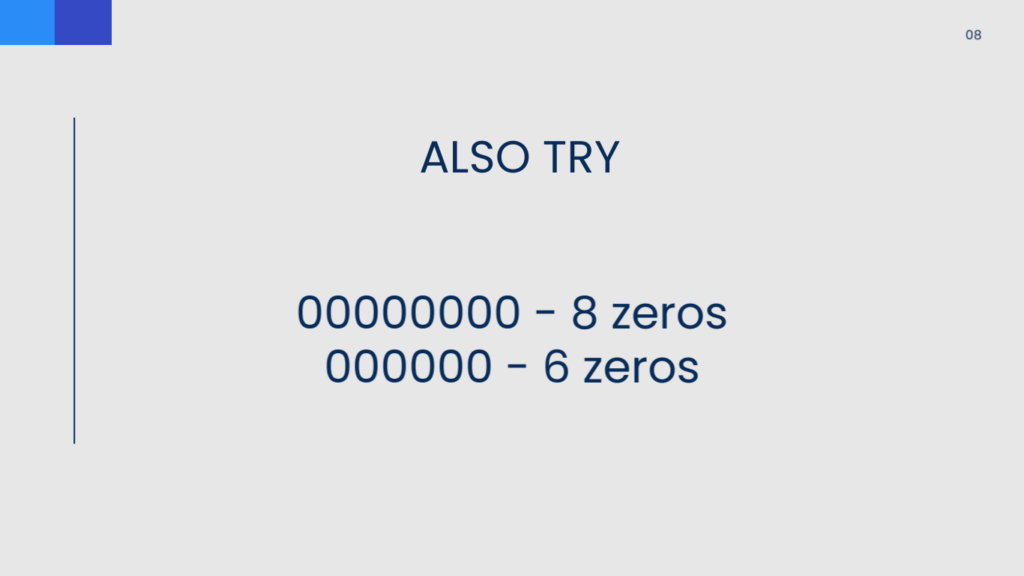
- 00000000 (8 zeros)
- 000000 (6 zeros)
Also, to access the dashboard, you need to use the local IP address and then use port 3777 or 3737.
Now, if you can’t get in at all using the above password, you could always try to reset the screen by performing a factory reset. To do this, you will need to use the OSD menu and select Admin – Factory reset.
Here’s a video:




